Facebook Analytics Tools Every Marketer Should Use
Ever wondered why some brands go viral on Facebook while others struggle to get a handful of content? The secret is not just creative content, it is data. We mean to say, if the grass is not greener on your side, you need Facebook analytics tools.
These Facebook analytics tools help marketers stop guessing. They show what really works. We’ve listed some of the best Facebook analytics tools. These will help you, as a Facebook marketer, enhance your toolkit.
Why Facebook Analytics Matters for Your Marketing Strategy?
Facebook Analytics unlocks new audiences, selling points, and overall social media network insights. To grow on Facebook, understand what your followers like. Know when they are most active. Also, think about how your content can boost engagement. The right Facebook analytics can reveal –
- Peak engagement times get your audience.
- Top performing content types
- Demographic insights about your audience
- Conversion tracking and ROI metrics
- Competitors performance comparison
Top Facebook Analytics Tools Every Marketer Should Use
Here are some top Facebook analytics tools every marketer should use.
1. Facebook
Start with Meta’s native analytics platforms for free Facebook Analytics solutions. Facebook Page Insights offers comprehensive data directly from the source. This makes it one of the most reliable tools for basic analytics.
Cost: Free
Key Features:
- Audience demographics and growth tracking
- Post performance metrics and engagement rates
- Page views and follower insights
- Story performance analytics
- Cross-platform Instagram analytics
Best for: Small businesses and industries that need basic metrics for operations. This helps avoid extra costs. One strength of this platform is its real-time analytics. It also gets updates with new features regularly. The platform has some limits. It lacks advanced analytics and can’t compare data across different platforms.
2. Tagembed
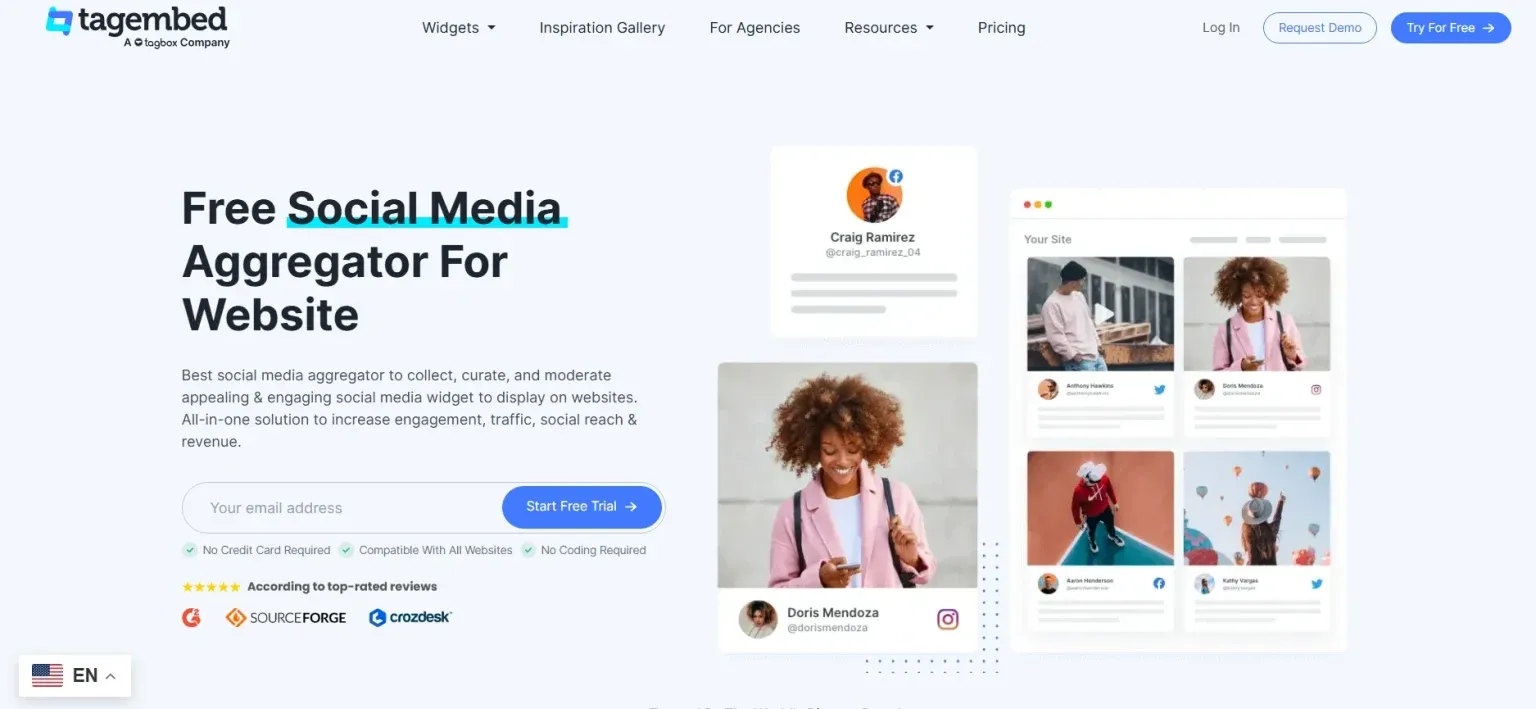
Tagembed is one of the top Facebook analytics tools. It blends aggregation features with analytics. This platform offers more than just analytics. It lets users gather Facebook content and show it on their website. Tagembed offers analytics. This feature shows users what’s effective in their Facebook widget. Here are some key features of Tagembed analytics :
Costs: Starts $18/month
- Total Visitors – Number of unique visitors on your widget.
- Number of Clicks – Number of clicks your Facebook widget got
- Click-Through Rates – See how your Facebook widget performs by comparing clicks to impressions.
- AI Recommendations: Analyze your content and understand how your audience perceives it on your website.
Best For: Businesses looking to leverage user-generated content.
Tagembed stands out because it transforms analytics into real content strategies. The platform lets you find top posts. You can then use these across various marketing channels.
Show your Facebook posts, reels, and videos on your website to engage visitors.
3. Iconosquare

Iconosquare provides strong Facebook Analytics Tools and for free options for a Facbook Feed. It has become a leader in social media analytics. The platform provides detailed insights that go far beyond basic metrics.
Cost: Starts at $49/month
Key Features:
- Advanced competitor analysis
- Automated reporting and scheduling
- Hashtag tracking
- Influencer identification tools
- Team collaboration features
- Multi-account management
Best For: Agencies and larger businesses managing multiple Facebook accounts.
The platform focuses on comparative analysis features. These tools help users compare their performance with competitors and industry standards.
4. Agorapulse
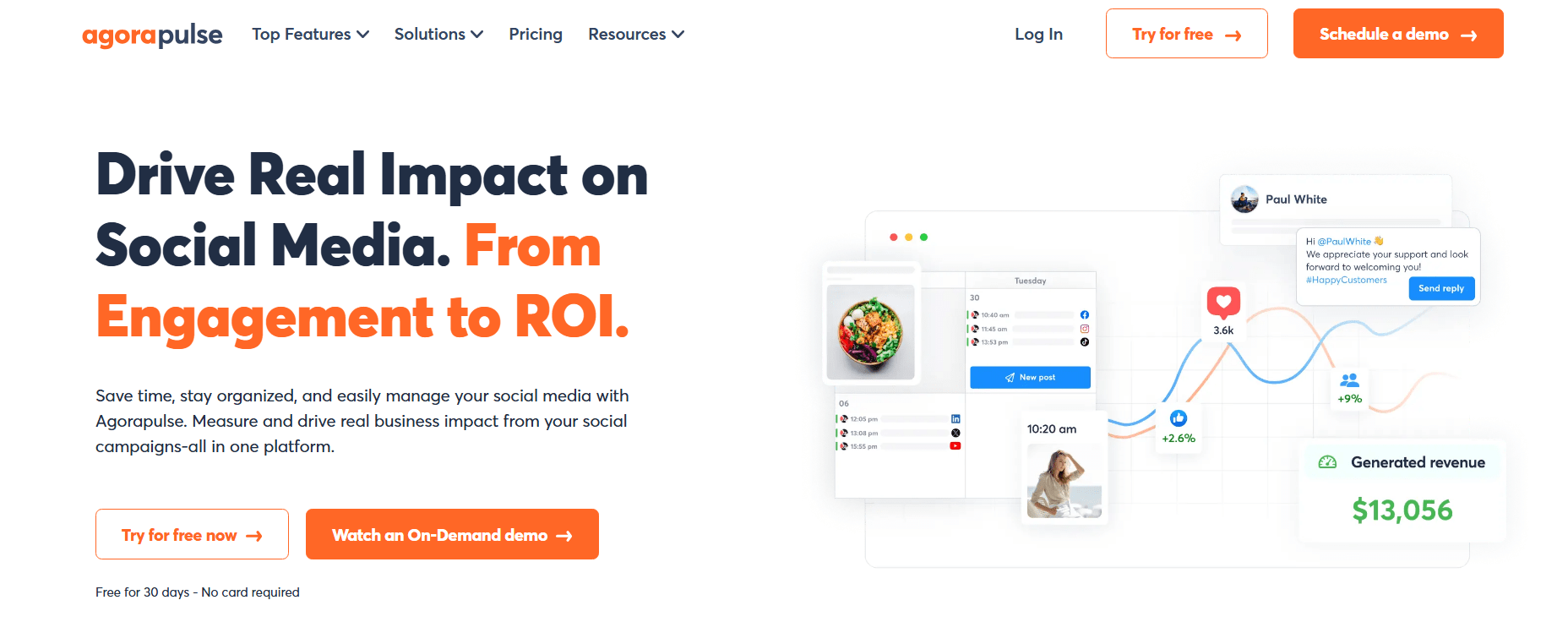
Agorapluse manages social media and offers strong analytics. This makes it a complete tool for Facebook analytics.
Cost: The lowest price is $79 per month
Key Features:
- Unified social inbox management
- Detailed ROI reporting
- Team performance tracking
- Social Listening Capabilities
- Content scheduling with analytics
- Crisis management tools
Best For: Teams that need both management and analytics capabilities in one platform. The tools provide clear insights. These insights help shape content strategy and posting schedules.
5. Sprout Social
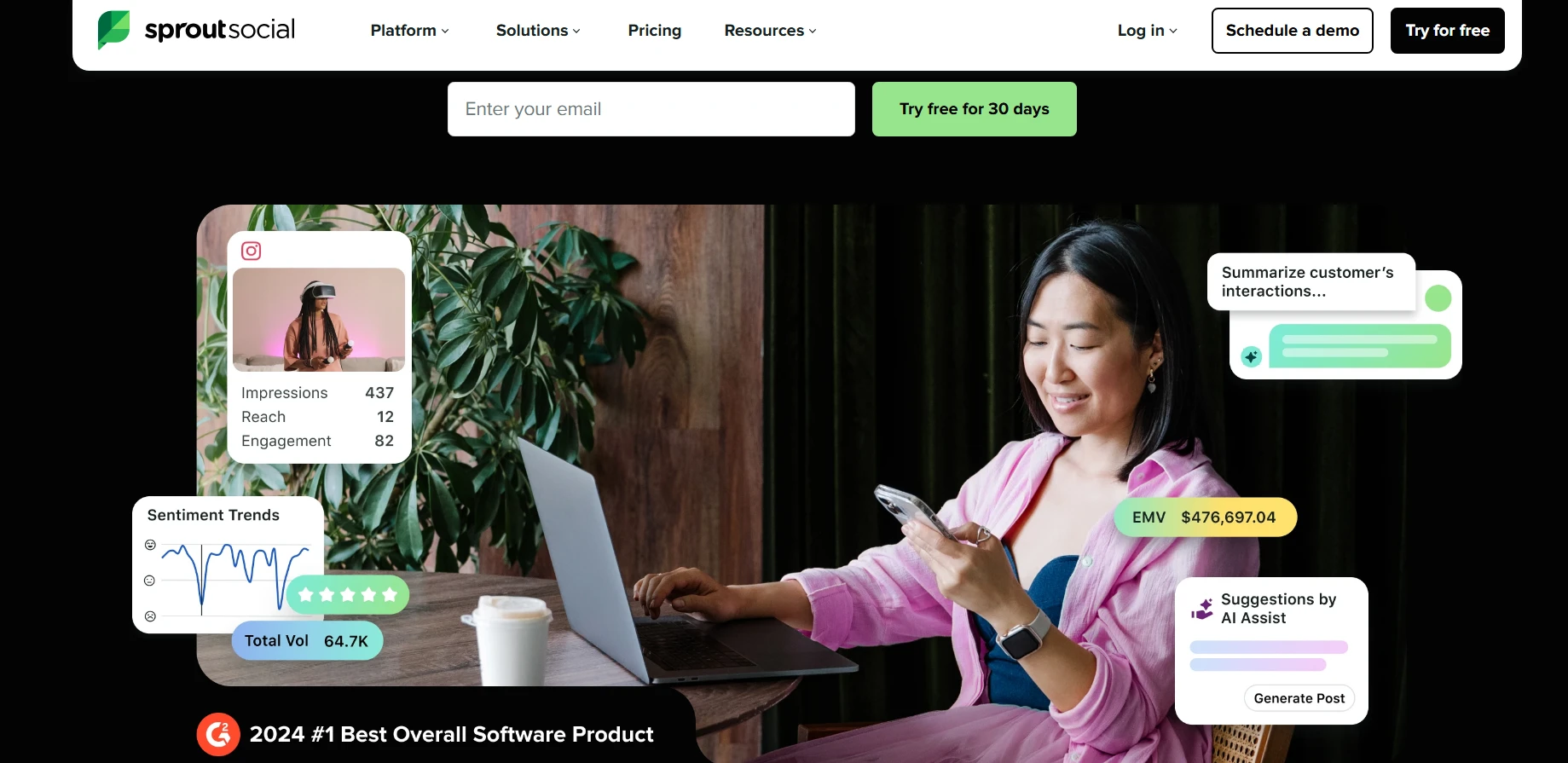
Sprout Social stands out for its analytics features. It’s seen as one of the top Facebook analytics tools for big organizations.
Cost: Starts at $249/month
Key Features:
- Advanced audience segmentation
- Cross-platform analytics comparison
- Custom report generation
- Social listening and sentiment analysis
- Team productivity metrics
- Integration with major CRM platforms
Best For: Large organizations with complex social media needs and substantial budgets.
The platform uses machine learning to predict how well content will perform. It also suggests and optimizes Facebook posting ideas automatically.
6. Brandwatch
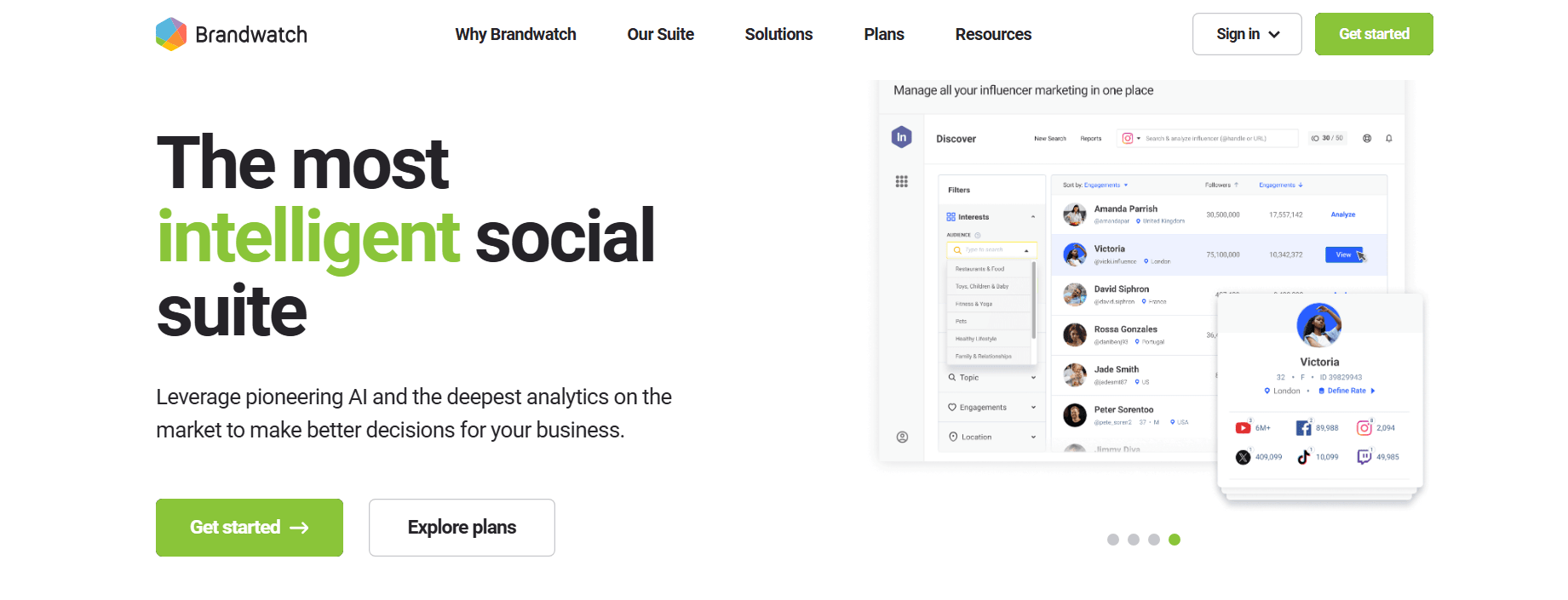
Brandwatch specializes in consumer intelligence and social listening. It offers valuable insights into audience sentiment and how people view brands.
Cost: Custom pricing (typically $800+/month)
Key Features:
- Advanced social listening capabilities
- Sentiment analysis and trend identification
- Crisis monitoring and alerting
- Influencer identification and tracking
- Custom dashboard creation
- Facebook API access for advanced users
Best For: Brands focused on reputation management and consumer sentiment analysis.
This tool helps you grasp the bigger picture of your brand and industry conversation.
7. Quintly

Quintly offers detailed, data-driven insights on social media performance across various platforms.
Cost: Starts at $300/month
Key Features:
- Comprehensive competitive benchmarking
- Custom KPI tracking
- Automated report generation
- Data export capabilities
- Multi-language support
- White-label reporting options
Best For: Data analysts and agencies requiring detailed competitive intelligence.
The platform excels at handling large data sets. It presents this information in easy-to-understand formats.
8. Buffer
Buffer provides easy-to-use Facebook Analytics. It has free options and budget-friendly paid plans, so businesses of any size can access it.
Cost: Free plan available, paid plans start at $15/month
Key Features:
- Simple, clean interface
- Basic performance metrics
- Post-scheduling with analytics
- Team collaboration tools
- Multi-platform management
- Mobile app availability
Best For: Small businesses and solopreneurs who need simple, effective analytics.
Buffer may not have all the features of enterprise tools. But it shows key metrics clearly and simply.
Facebook has made some recent changes to the platform. Read this to know Facebook updates in 2025.
Choosing The Right Facebook Analytics Tool For Every Marketer
Selecting the best Facebook analytics tools depends on several factors:
- Budget Considerations: Begin with free tools like Facebook Page Insights. Then, adjust based on your needs and budget.
- Business Size: Small businesses can use Buffer or Brandwatch. Larger companies might need Sprout Social or Tagembed.
- Feature Requirements: Decide if you require only the core metrics or wish to have additional features like competitive analysis and social listening.
- Team Size: The collaboration feature and multi-user access require a bigger pocket subscription. If you are planning to share the tool among multiple team members, go through the offers.
- Integration Needs: Check that the tool you select is compatible with your existing marketing stack.
Maximizing The Facebook Analytics Strategy
No matter what Facebook analytics tools you use, here are some key strategies you can implement.
1) Set Clear KPIs
Start with the definition of measurable objectives that directly relate to your business goals. Typical Facebook KPIs are: reach, engagement rate, click-through rate, conversion rate, cost per acquisition, and return on ad spend, increase facebook likes. The presence of a clear target gives you the opportunity to concentrate more and achieve higher results. Read to know more tips to promote business on Facebook.
2) Regular Monitoring
Plan a calendar for the consistent checking of analytics. The regular examination of data once every two weeks or weekly gives you the opportunity to spot the Facebook trends early, find out what is suitable, and make your changes promptly. You are also able to set up automated alerts for any significant changes in the performance metrics.
3) Audience Segmentation
Compare your organic and inorganic content. This will help you optimize your Facebook marketing strategy. Track the customer journey from awareness to conversion. Test which type of content works best for different Facebook marketing touch points.
The Final Word
The right Facebook analytics tool can change your business strategy. It moves you from guesswork to a data-driven approach. Choose either free Facebook analytics tools or options like Tagembed and Sproutsocial. Your main goal is to match these tools with your business objectives. We have listed all the best Facebook analytics tools you can use for your business.
Embed social feed from Facebook, YouTube, Instagram, Twitter on your website, like a PRO
Invalid Email Address Multiple Themes
