Google Review Calculator Tools: How to Calculate Your Rating in 2026
Consumers trust Google reviews more than most brand promises, making a Google review calculator an important asset. A star rating shows up before your website does, so it quietly controls which business gets the click. In 2026, this single little number affects sales, trust, and local visibility more than ever. One small dip can slow traffic, reduce store visits, and push customers to your closest competitor.
Businesses know this pressure. A rating swings like a mood when you have fewer reviews, and the recovery often feels unpredictable. Many brands find themselves wondering how many new reviews they need to climb back to a safer rating. A Google Review Calculator clears that doubt by showing the exact number needed to reach a target star score. It removes the guesswork and gives a clear path to repair or grow your rating.
Easily add real customer reviews and build instant trust with visitors!


What Is a Google Review Calculator?
A Google Review Calculator is an online tool that shows how many new reviews you need to reach a target star rating. It uses your current rating and total reviews, applies accurate weighted-average math, and removes guesswork so you can plan review goals confidently.

How Does a Google Review Calculator Work?
A typical Google Review Calculator asks for three basic inputs. First is the current star rating. Second is the total number of reviews. Third is the target star rating you want to reach.
Behind the scenes, the calculator uses weighted average formulas.
- Each new 5-star review increases the total weight.
- The higher your total reviews, the harder it becomes to shift the rating.
This is why a business with 300 reviews barely moves from 4.2, while a small store with 10 reviews jumps quickly. The calculator handles this math while you focus on planning.
Manual calculations usually fall apart because the numbers don’t behave like simple averages. One bad review might drop a new business fast, but barely affects a large profile. The calculator accounts for this difference easily.
Why Businesses Need a Google Rating Calculator?
A Google rating calculator solves a problem most companies don’t talk about in public.

1. Fix Rating Drops Before They Hurt
One long, angry review can drag the average down faster than expected. Instead of waiting cluelessly for your rating to grow, the calculator tells you exactly how many positive reviews you need to recover.
2. Predict Recovery After Negative Reviews
With a Google review calculator, teams can predict how many 5-star reviews are required to bounce back before the drop becomes visible on search. This helps brands repair their rating in a planned, steady way.
3. Smarter Planning for Review Campaigns
Marketing teams use rating calculators to plan review acquisition campaigns that feel natural, not forced. You know the count, the timeline, and the effort needed.
4. Keep Ratings Stable Long Term
The higher your total reviews, the safer your rating stays. A calculator helps maintain this stability by showing how much positive volume you need to stay steady through seasonal dips, busy months, or sudden traffic spikes.
5. Clarity That Helps With Decisions
A Google review score calculator helps you get a clear number to work with, which speeds up decisions for marketing and customer experience teams. It supports long-term review management with real data, not assumptions.
6. Protect Trust, CTR, and Conversions
Google review calculator helps protect your position when competition gets tough. Consistent forecasting and planning help safeguard trust, higher click-through rate, and conversions.
Top 5 Google Review Calculator Tools
Here are a few great Google Review calculators that you should consider using:
1) Taggbox
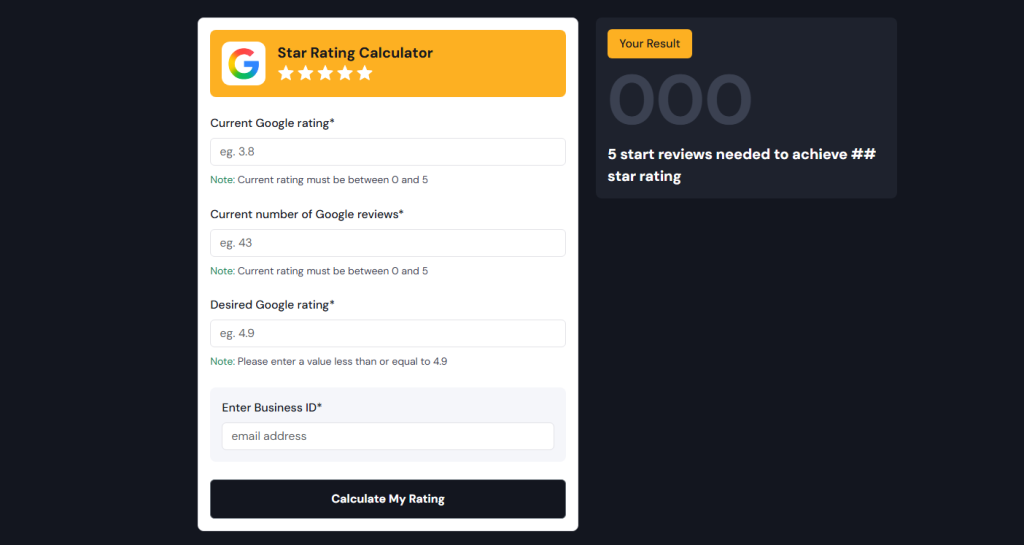
Taggbox offers a free, easy-to-use calculator. Enter your current average, total reviews, and desired rating, it instantly tells you how many new positive reviews are needed.
2) Birdeye
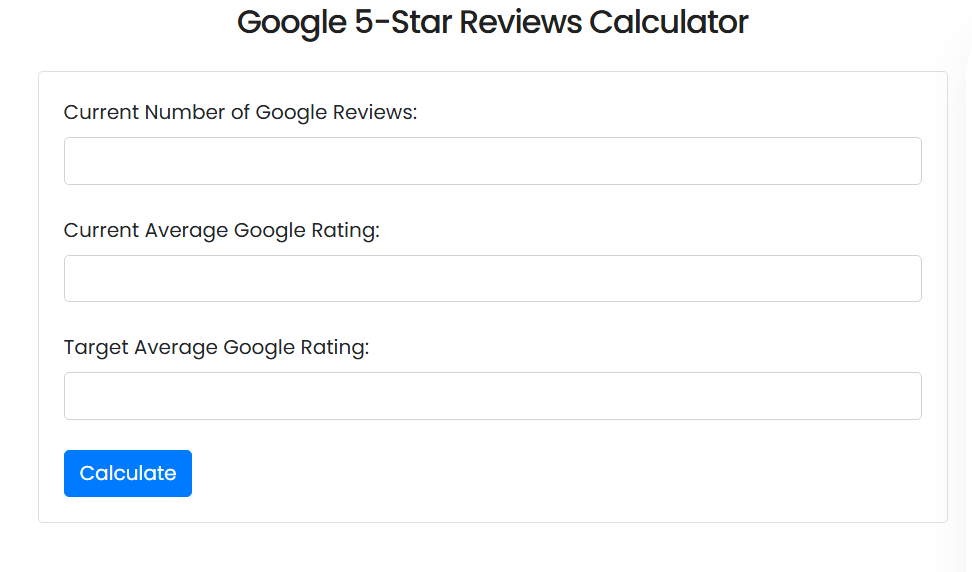
Birdeye Review Calculator explains how Google averages ratings and helps plan the number of additional reviews to hit your goal.
3) Whitespark
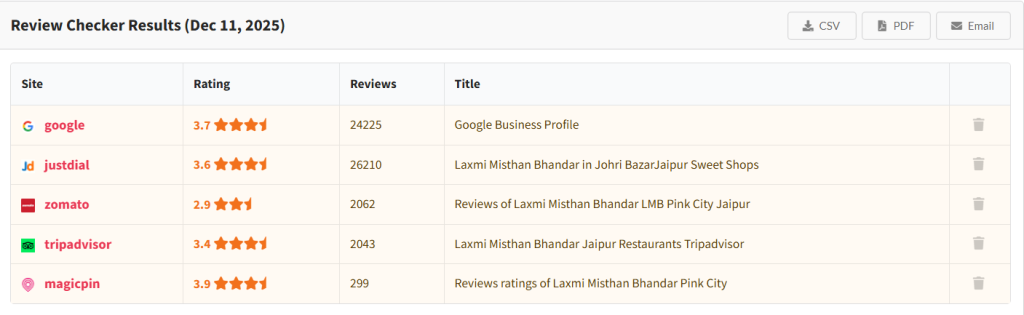
Whitespark Review Checker goes a step further. It audits your reviews and compares them with competitors, giving insight into how your rating stacks up in your local market.
4) Repgro
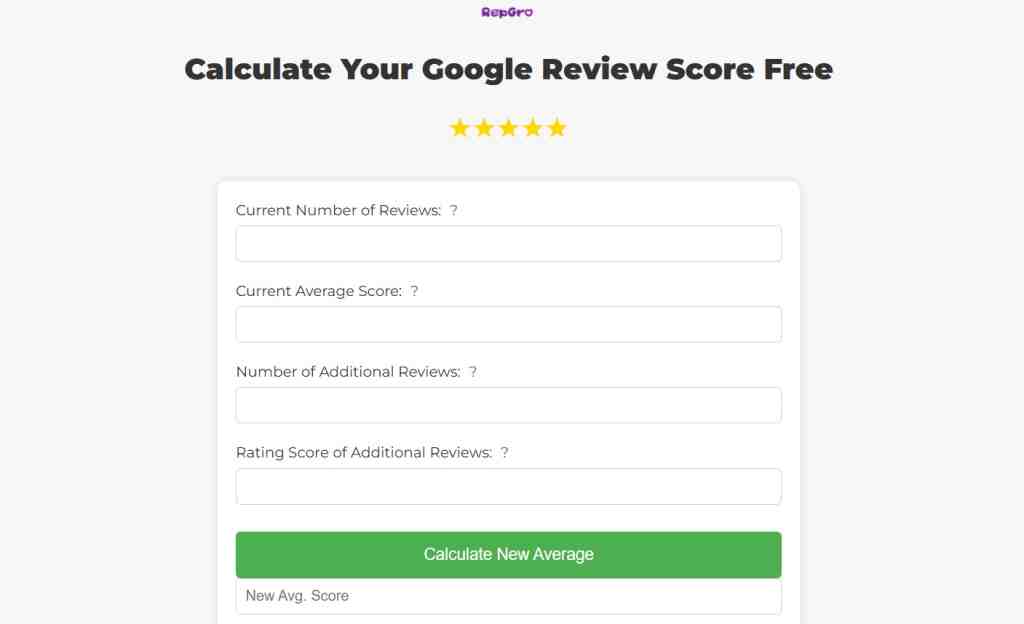
Repgro Google Reviews Calculator lets you simulate different scenarios, showing how various numbers of new reviews affect your average.
5) ReviewGrower

ReviewGrower Rating Calculator is perfect if your goal is a top-tier rating. It estimates the volume of 5-star reviews needed to offset lower-rated feedback.
Using these tools helps businesses set realistic review goals, improve their online reputation, and strengthen trust with customers. All of these tools essentially reverse‑engineer the math behind review averages. You input your current average rating, total number of reviews, and a target rating. The calculator then tells you how many additional positive (usually 5‑star) reviews you need to hit your goal.
Why Google Reviews Matter?
83% of all online reviews are on Google Reviews
Impact: If you ignore your profile on Google, you’re missing the majority of review traffic.
88% of customers trust Google reviews as much as personal recommendations.
Impact: A high star rating on Google can carry comparable weight to word-of-mouth among your audience.
83% of customers read Google reviews before buying.
Impact: Your Google review average should be treated like prime real estate in your funnel.
Only 13% of customers engage with businesses rated 1-2 stars.
Impact: A low rating can almost shut down engagement entirely, but recover fast.
An increase of just 0.5 stars can boost local business revenue by ~20%.
Impact: Even modest improvements in rating translate to serious income gains.
59% of customers trust a business’s average star rating only when there are more than 20 reviews.
How To Increase Your Google Reviews (Safely & Ethically)
Growing Google reviews works best when it feels natural, not pushed. Here’s how to build them steadily and within Google’s rules:
- Ask customers at the right moment, ideally when the experience is still fresh.
- Use automated review requests to keep the flow consistent without annoying users.
- Place QR codes near checkout counters or service desks for quick access.
- Share direct review links through email or SMS for easier completion.
- Avoid anything that looks like incentives or pressure, since this can violate Google’s policies.
- Keep the approach slow, honest, and consistent to build long-term trust in your rating.
Methods To Manage Your Review Strategy
A few tools can strengthen your review presence and help you showcase social proof more effectively.
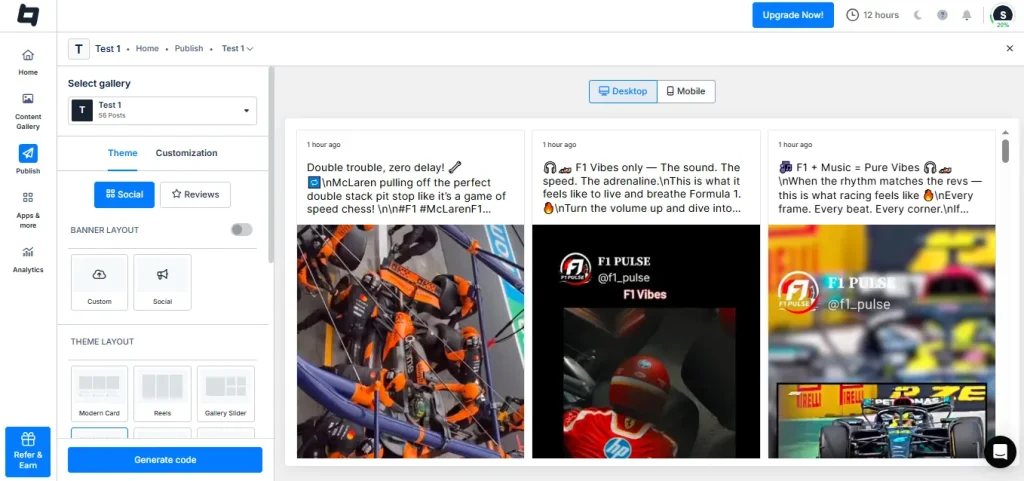
- A Google Review Widget, like the one from Tagembed, lets you embed real customer reviews directly on your website to build trust instantly.
- A Google Reviews Badge highlights your rating publicly and boosts visitor confidence before they even scroll.

- Review monitoring tools help you track new feedback in real time and respond faster.
- These tools work well alongside review calculators to give a complete, predictable review management system.
If you want to display and manage your reviews easily, try Tagembed for embedding widgets, badges, and smooth review monitoring.
Final Thoughts
Every business should use a Google Review Calculator in 2025. The digital market is too competitive to leave ratings to luck. Clear forecasting protects brand reputation and keeps ratings stable when it matters most.
Consistent review management paired with smart tools gives businesses a long-term advantage. With accurate planning, companies reduce rating risks and build a stronger presence online.
Frequently Asked Questions
Large profiles move slowly because each review has a smaller impact on the average.
It depends on the total volume. A calculator gives a precise number.
Higher review volume creates stability. Each new review carries less weight.
Yes, as long as the method does not force or incentivize reviews unnaturally.
Embed social feed from Facebook, YouTube, Instagram, Twitter on your website, like a PRO
Invalid Email Address Multiple Themes
