7 Leading Facebook Feed Examples For Your Website
The invention of social media platforms brought along golden opportunities for brands and businesses to promote their products and services.
Amongst all the social media platforms, Facebook is considered the oldest and most popular with a massive number of users.
Soon after its inception, marketers and brand owners started utilizing the platform by embedding their Facebook feed on their websites. Now you must be wondering about the type of Facebook feed examples that are appropriate for embedding on your website.
Make your way till the end of the blog. As we have mentioned the various Facebook post examples that can be used by all brands and business owners for increasing their user engagement and brand reach.


Top 7 Examples For Embedding Facebook Feed On Websites
1. Facebook Page Feed
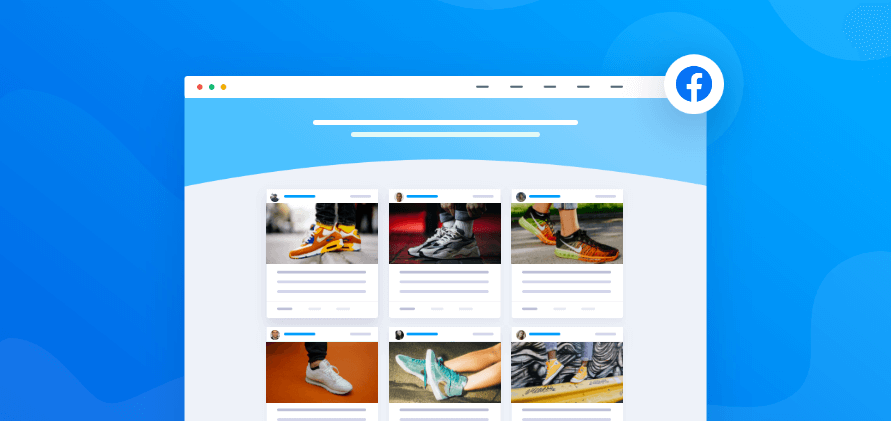
Facebook is an extremely active platform with over 1.84 billion daily active users. With such a large number of users, the quantity of per-day content on the platform also increases significantly.
If you have a good number of followers on Facebook and are maintaining a Facebook business page to increase your brand growth and visibility. Then you can add the Facebook feed examples of your business page on your website to increase the engagement and dwell time of your visitors.
Moreover, if you are maintaining a blog, you can promote it easily on both mediums by adding and sharing links.
2. Facebook Profile Post
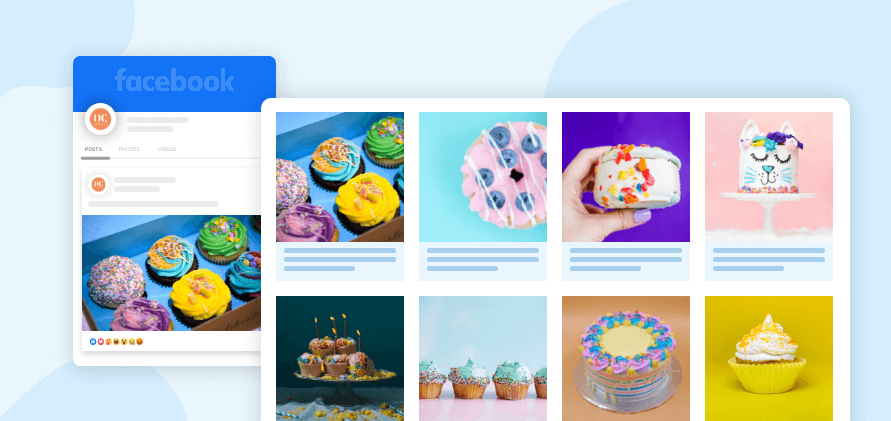
If you are a business owner, we are certain that you be using high-quality content, pictures, visuals, and designs to promote your business on facebook and to grab the attention of your potential customers.
By embedding the posts of your Facebook profile, you not only make your website more vibrant but also compel your website visitors to explore your website more.
People always tend to get attracted to visually appealing elements and your profile post content on your website will surely attract your audience more.
3. Facebook Album Feed
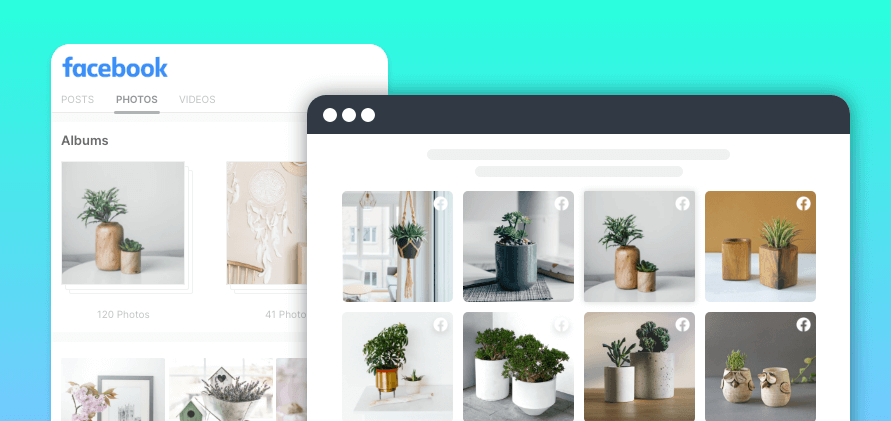
It is pretty amazing if you are already aware of the significance of adding photos to your website. But what if we tell you that embedding Facebook album feed on your website is an even more effective way to engage your audience?
Using these Facebook post examples on your website has many benefits. First of all, it will make your website more categorized and organized and it will instill more curiosity in your visitors to go through your albums.
You can give your album a different yet appealing name. For example – if your brand is creating a new product, you can create an album and name it ‘Perfection in the making’.
Such titles will make your potential customers curious and excited about your upcoming product.
4. Facebook Review Feed

Positive reviews can build solid social proof of your brand. If your customers are enjoying your products and are publishing User-Generated content in the form of photos, videos, reviews, gifs, etc,. Then there is nothing more valuable than their content.
User-Generated Content is the most result-driven, authentic, and genuine form of content, and embedding a Facebook review widget on website can help you gain the trust of your visitors since they would get encouraged to buy your product after reading the experience of other customers.
5. Page Mention Feed
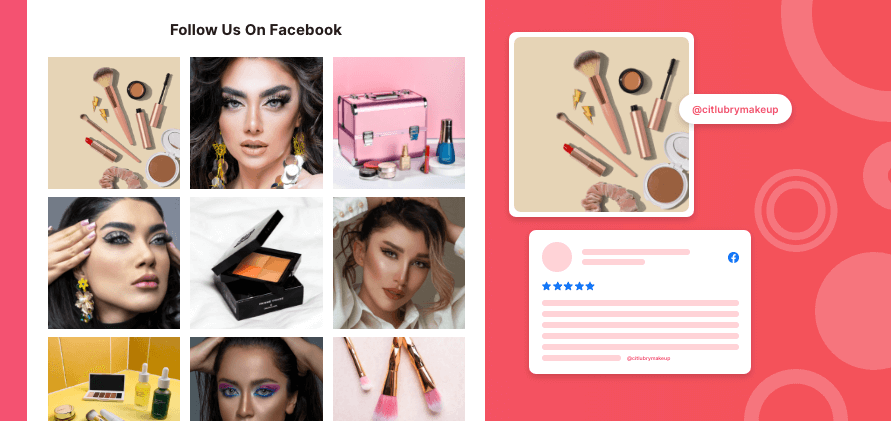
Another great Facebook post example is the mention feed. Here we are talking about the people who mention or tag your brand in their content.
This discloses the popularity of your brand and your level of engagement with your audience on Facebook.
If you have conducted a giveaway or campaign where you motivated others to mention your brand in their content. Then you can further utilize the content and publish it on your website to display your brand reach and popularity on Facebook. Mention feed when displayed on the website will increase your engagement on the website. There is a high chance that your website visitors turn into your Facebook followers.
Amazing Themes To Make Your Facebook Feed More Attractive
After shedding light on the Facebook feed examples, we shall be telling you about how you can display the Facebook post to enhance the look and feel of your website by making the feed more attractive and engaging.
1. Facebook Modern Card

If you are a fan of clean, visually appealing, and easy-to-browse layouts, the “grid-style” Facebook Modern Card feed is for you. In this Facebook feed example, you can showcase photos and videos in a Pinterest-like format, without making it congested. In short, Facebook Modern Card provides your brand website a sleek, organized look, all while showing off different content types.
2. Facebook Square Photo

The Facebook Square Photo feed lets you showcase your Facebook posts in a swipeable and interactive way. This way, you can display Facebook feed on your website side-by-side in a sleek and user-friendly way. Website visitors can easily click or swipe through posts, making it a fun way to explore content on a website. The Facebook Square Photo is a great feed layout for showcasing products, testimonials, or event highlights.
3. Facebook Photo Widget
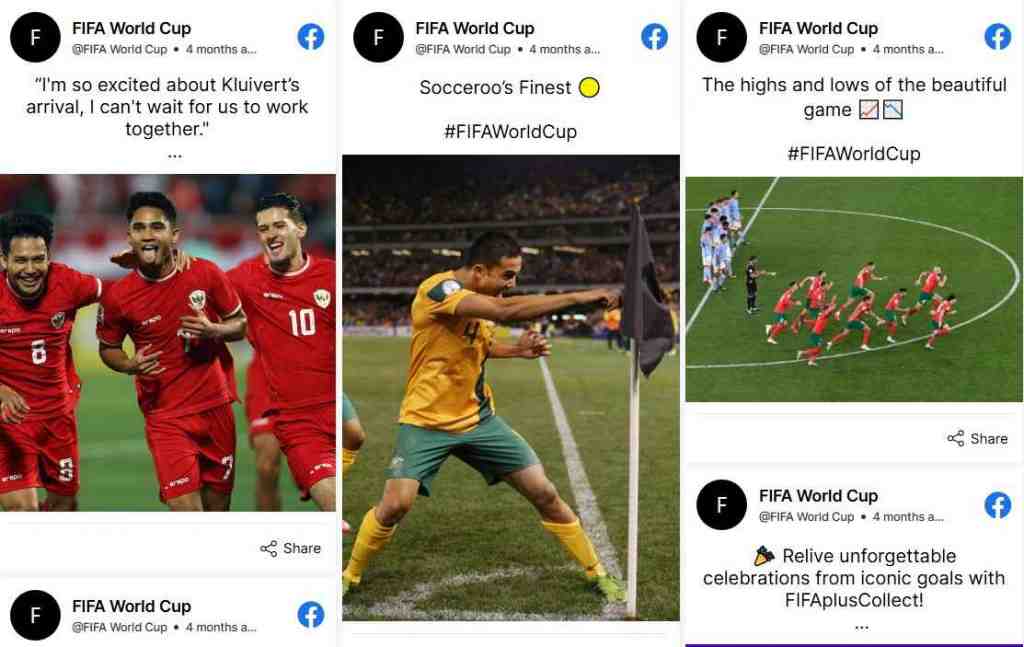
The Facebook Photo Widget focuses on visuals – it pulls your Facebook photo posts into a magnificent gallery right on your brand site. This Facebook widget on websites is ideal for brands where images hold the central place – fashion, food, or travel. Placing your best photos front and center, this widget makes the site more jazzy and engaging while keeping the appearance neat and organized.
4. Facebook Two-Row Auto Slider

The name says it all — The Facebook Two Row Auto Slider feed consists of two rows of content that automatically slides without the user having to scroll. This gives your brand website a dynamic, eye-catching look by keeping the embedded Facebook content fresh and engaging. This Facebook feed example is ideal if you want to showcase a number of updates in one compact place. Consequently, use this layout for your website’s homepage, event pages, etc.
5. Facebook Reel Auto Play Slider

If you want your website to instantly grab the attention of visitors, the Facebook Reel Auto Play Slider is a good option. In this layout, embedded Facebook reels start playing automatically as soon as users land on the section. Showcase quick updates, product teasers, or fun behind-the-scenes moments, making your website feel current and lively.
6. Facebook Single Card
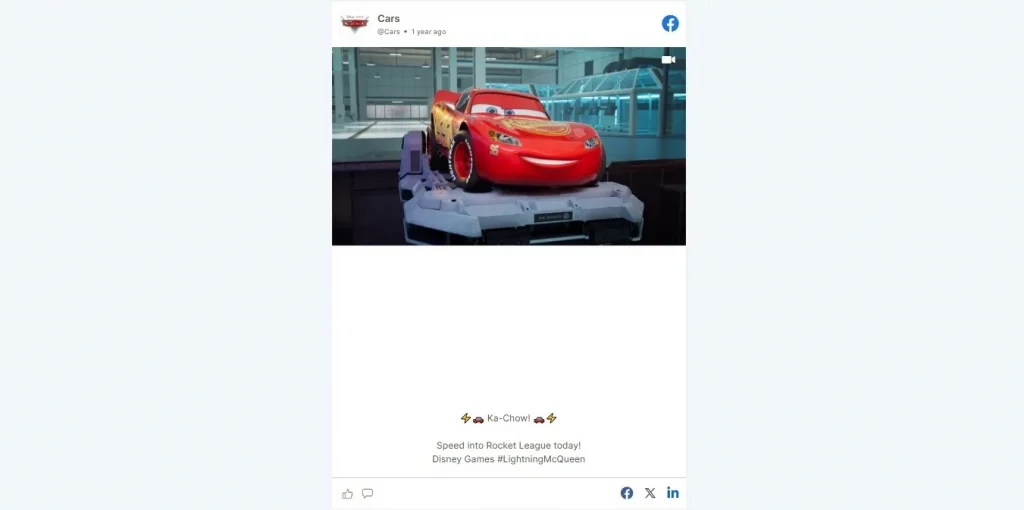
Probably the most subtle yet powerful layout for showcasing your Facebook content on your website. The Facebook Single Card feed is a great way of displaying blog pages or product listings neatly on the side without taking too much space. Moreover, you can showcase real-time updates with the Facebook Single Card, keeping your visitors informed while they explore your website. All in all, a quiet presence, a big impact!
7. Facebook Gallery

The Facebook Gallery feed example lets you display a feed on website in a classy, gallery-style layout. This layout is one of the best Facebook feed examples for providing an easy-to-browse feed to visitors. Therefore, whether you want to display events, customer moments, or product shots, the Facebook Gallery format is a visually rich experience.
8. Facebook News Card
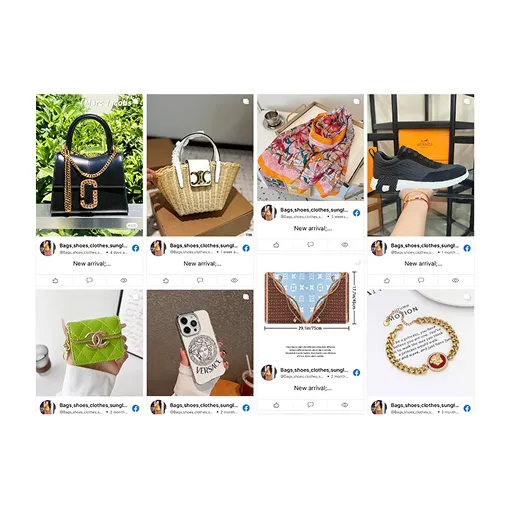
In the Facebook News Card feed style, each post appeared like a news snippet, making it clean, focused, and easy to read. It’s a perfect Facebook feed example if you seek to highlight important updates, announcements, or blog posts from your Facebook. One great thing about the Facebook News Card feed is that it doesn’t overwhelm your website.
9. Facebook Collage Widget
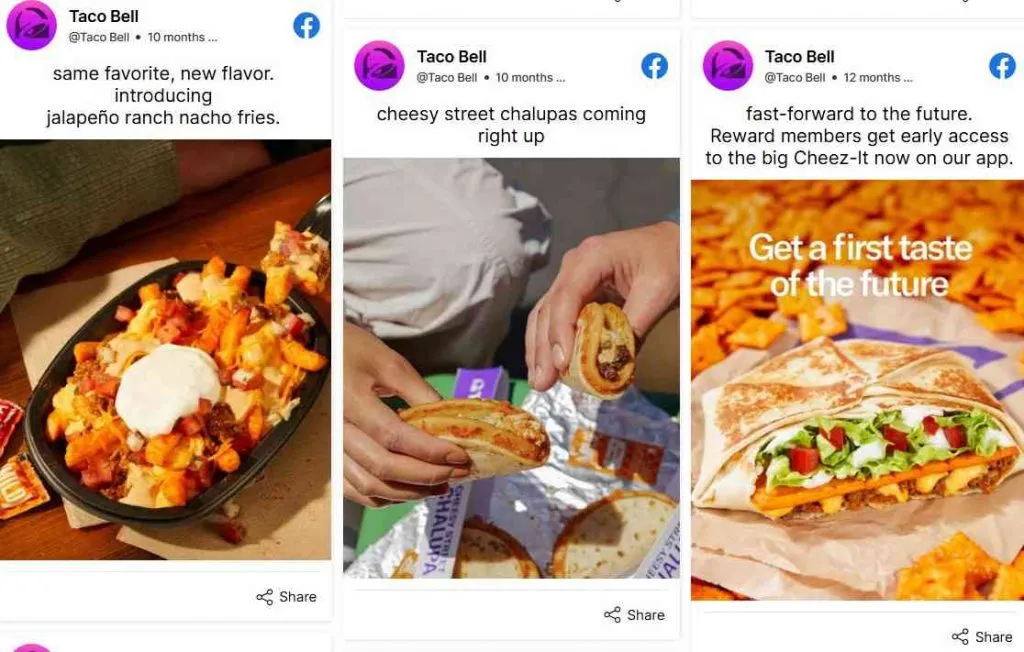
The Facebook Collage Widget is a collage-style layout that allows you to post images, videos, and text posts in a visually appealing grid. It is perfect for showcasing user-generated content, campaign highlights, or brand moments in a lively way. If you are concerned about your website looking cluttered, the Facebook Collage Widget can help you!
10. Facebook Vivid

The Facebook Vivid Feed is an exciting, colorful, and animated feature that infuses a bit of playfulness into a website. It gives a nice vibrancy and smooth transition of gradient effects to help your FB posts really stand out while also keeping users entertained. Moreover, this Facebook feed example can serve as a nice talking point if you want to give your site a personality. A perfect choice for creatives, event pages, or any page that could use the fun factor.
11. Facebook Horizontal Columns
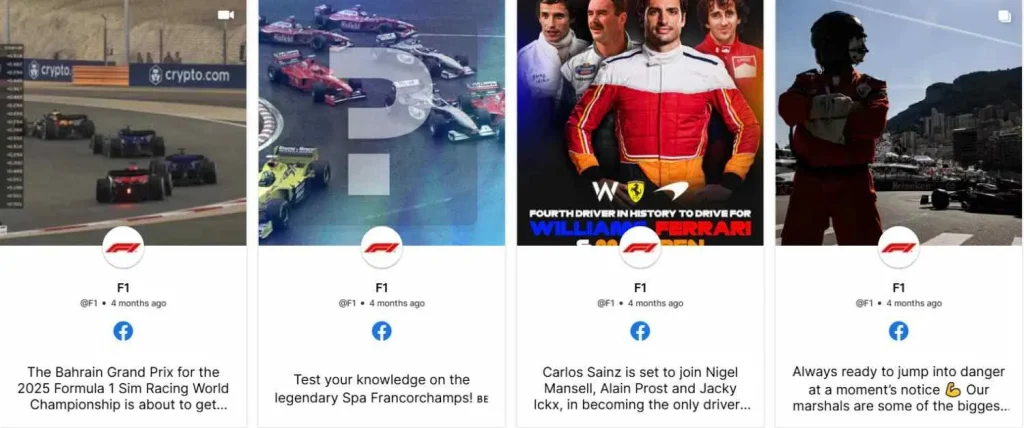
The Facebook Horizontal Columns is a sleek and space-saving layout to display your latest Facebook posts in a horizontally scrolling format. It works great to keep the website clean while still offering some social views. Visitors can swipe or click through your content without distraction. Great for homepages or any section where you want to share updates without taking up much space.
12. Facebook Hashtag Photo

The Facebook Hashtag Photo feed is a great way to turn user-generated content into a powerful visual showcase. Using specific hashtags, you’ll be able to collect brand UGC and display it beautifully on your brand website. Besides, it is a smart move to build a community and boost engagement. After all, your audience will love it when they see their content featured on your site. Be it Facebook marketing campaigns or just an engagement activity, this Facebook feed example brings authenticity to your website.
14. Facebook Story Slider

The Facebook Story Slider brings that familiar Stories feeling while showcasing your latest updates in a sleek, auto-playing slider. Time-sensitive content, behind-the-scenes peeks, or quick promos are served in a style users know and love. It will give you a trendy, fresh, and interactive style, while still keeping your community engaged in the loop, story-style!
15. Facebook Single Photo Slider
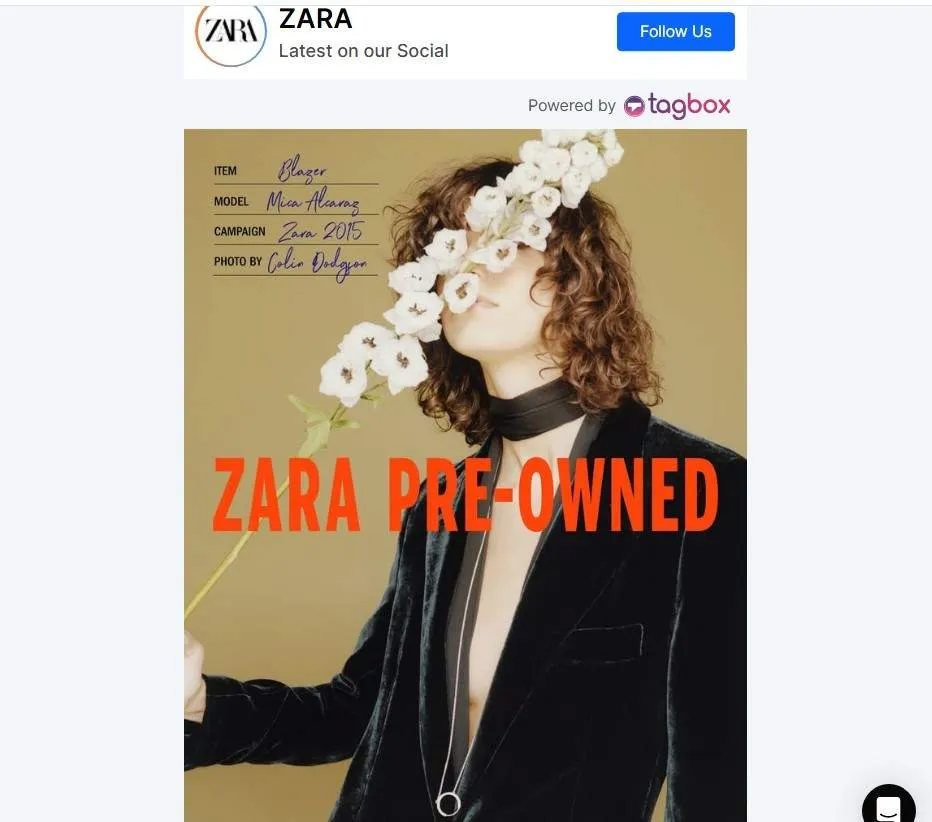
The Facebook Single Photo Slider displays only one photo at a time in a clean, minimal slider format, which really draws attention to the image. The goal is to put forward product shots, event highlights, or the content of focus without overwhelming the viewers. Clean navigation, coupled with a neat layout, serves well in putting some class and visual interest on any section of your website.
Closing Note
Embedding a Facebook feed on the website is one of the best and most effective ways to witness a boost in your user engagement. Build social proof, gain the faith of your potential customers, and grow your revenue while maximizing your profits.
For utilizing the aforementioned Facebook post examples, you need a highly responsive embedding tool like Tagembed that can seamlessly collect, curate, and embed Facebook feed on your website.
Now that you are well acquainted with the examples and the perfect tool, what are you waiting for? Start embedding immediately or else you might fall behind your competitors!
Embed social feed from Facebook, YouTube, Instagram, Twitter on your website, like a PRO
Invalid Email Address Multiple Themes
Embed social feed from Facebook, YouTube, Instagram, Twitter on your website, like a PRO
Invalid Email Address Multiple Themes