Best YouTube Automation Tools For Business in 2026
As a YouTuber, you have to be on the creative side each time, not only in terms of ideas but also in terms of scripts, editing, thumbnails, analytics, and more. You have to bring in your best foot forward every single time to get more reach. But let’s be honest, managing all these tasks manually becomes overwhelming. That’s why almost every famous creator is using YouTube automation. It not only streamlines your workflow but also helps you focus on what really matters in this competitive era.
If you are just getting started with YouTube automation, then read this blog to know the top YouTube automation tools in 2025 and grow your YouTube channel.
What is YouTube Automation?
YouTube automation is the process of using various tools and software to manage the YouTube workflow with less manual effort, giving maximum outputs. Scheduling, video editing, SEO management, scriptwriting, thumbnail creation, etc., can all be automated by these tools. 79% of YouTube creators report burnout during their YouTube journey, which is why automation is becoming the most important part of creators’ lives today. It helps you focus more on growth rather than on managing manual, repetitive tasks daily.
Top Notch Benefits of YouTube Automation Tools
Here are some of the benefits of YouTube automation tools to enhance your channel growth:
a.) Saves Time
Automation requires no manual involvement, which means creators can easily manage their repetitive tasks that eat up their time. Tasks such as content scheduling, comment management, and searching for SEO keywords help maintain your channel’s consistency. Additionally, there will be a streamlined workflow, leading to boosting channel productivity.
b.) Targets the Right Audience
YouTube automation tools offer some of the most advanced targeting features based on demographics, interests, and behaviours. This way, your content gets in front of the right people, increasing engagement and watch hours on YouTube.
c.) Content Scaling
YouTube automation creates a consistent content flow that keeps your audience engaged without any manual efforts. When your works get automated, you have more time to explore diverse content niches and reach more audiences. This makes it easier for creators to scale their content and build a loyal community.
d.) Less Manual Workflow
Although YouTube automation does not fully automate your management, it does reduce most of your efforts. Once set up, your automated YouTube channel can generate a lot of consistent income, making your content creation journey worthwhile and effective.
e.) Better Insights
YouTube automation provides you with valuable insights and data based on your channel performance. You can easily use this data to optimize your channel performance, track your progress, and make better decisions.
Top YouTube Automation Tools in 2025
Now that you know how effective YouTube automation tools are, let’s look at the top YouTube automation tools that you can use:
1. Tagembed – Best for Automating YouTube Feed Embedding

Tagembed – Still manually embedding YouTube channel on your website? The good news is, you can even automate your YouTube feed embedding using Tagembed. It allows you to easily collect, curate, and integrate YouTube videos on your website, email campaigns, and more. The best part is, you don’t need to update your feed manually each time. Tagmebed updates your feed automatically in real time, saving you time and manual effort. Not only this, but this social media aggregation tool has some of the most engaging templates and layouts to match your feed with your website, with a shoppable experience.
Have a look at all the features that Tagembed provides:
- Content moderation
- Brand customization
- Shoppable galleries
- Auto & manual sync
- Custom CSS
- Fast & Responsive
- Advanced analytics
Price: $19 a month
2. TubeBuddy – Best for SEO and YouTube Channel Management
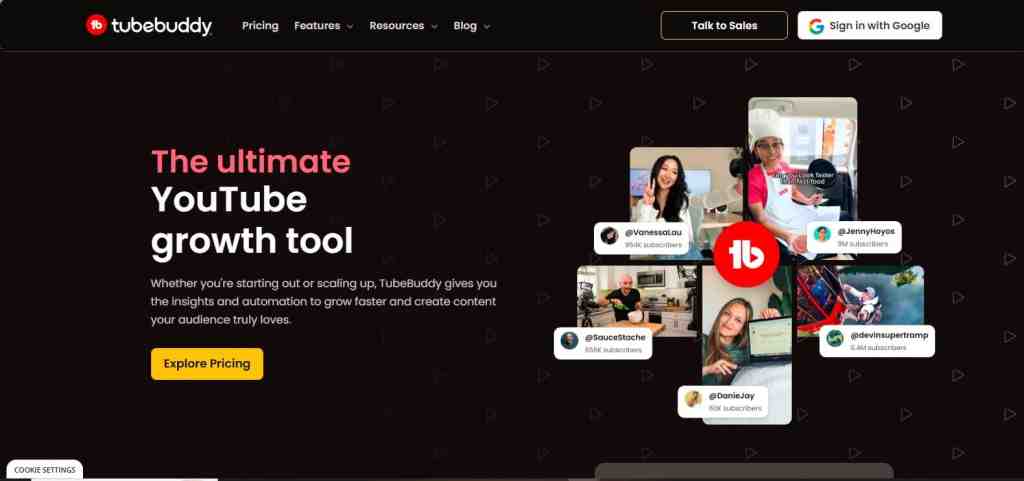
TubeBuddy is a leading YouTube management platform that makes it easier for creators to manage YouTube SEO, keyword research, analytics, and more. Its smart features let creators boost their video rankings and win more clicks. It also has community management features, by which you can easily interact with your viewers and build a loyal community. To wrap up, TubeBuddy is one of the best YouTube automation tools designed to help you get the most out of your videos and increase your channel rankings.
Here are the top features of this YouTube automation tool:
- Keyword explorer
- SEO studio
- Channel insights
- Video and thumbnail tools
- A/B testing
- Video Metadata optimization
- Bulk processing
Price: $15 per month
3. vidIQ – Best for Analytics and Optimization
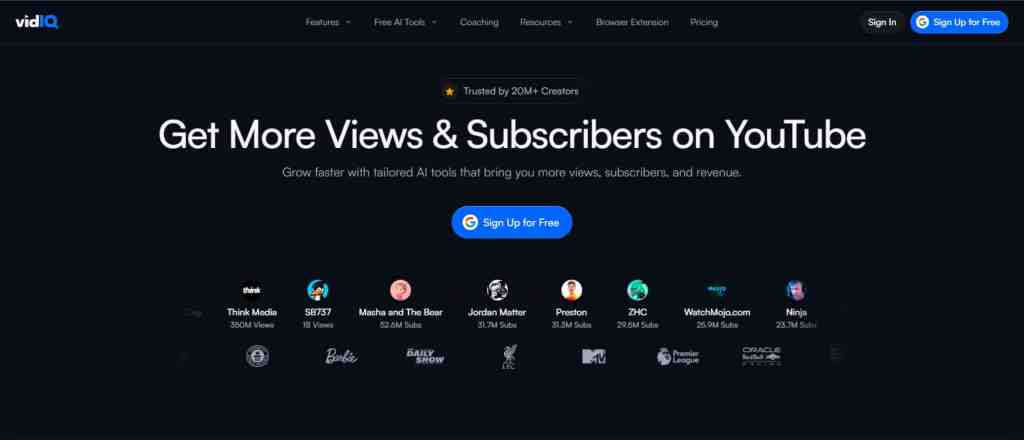
vidIQ is yet another effective YouTube automation tool that manages and optimizes your YouTube channel for better visibility. Its advanced features help you gather more views, engagement, subscribers, and revenue. You can optimize your keywords, AI clips, thumbnails, scripts, hashtags on YouTube, and more. With intelligent analytics, you can track your views, subscribers, comments, and more on a single dashboard. This is probably one of the most recommended and best tools for your YouTube channel analytics tracking and optimization.
Here are some of the best features of this YouTube automation tool:
- Keyword research
- Thumbnail maker
- Scriptwriter
- Channel audit
- Title & Description generation
- Content publishing
- In-depth Analytics
- Competitor analysis
Price: $19 per month
4. Hootsuite – Best for Scheduling and Social Media Automation

Hootsuite is a popular social media platform and YouTube automation software that lets you schedule and automate posts across social media, including YouTube. From a single dashboard, you can schedule posts, track engagement, and analyze your channel performance. The platform even provides a powerful AI assistant (OwlyGPT) that helps you create fast and trending content with automation tools.
Here are some of the top-notch features of this YouTube automation tool:
- Content publishing and scheduling
- Social media analytics
- Social media AI assistant
- AI content creation
- Engagement tools
- Social advertising
- Social listening features
- Review management
- UGC and influencer management
Price – $199 per month
5. Pictory – Best for AI Video Creation

Pictory AI creates engaging AI videos in just a few minutes with its smart features and tools. Yes, you can instantly generate videos via Text, URL, long-form content, and even slides. This effective tool has a user-friendly interface and AI-driven automation that is even possible for a beginner to use. Additionally, you can add voiceovers, scripts, captions, and more to produce more professional AI videos.
Check below the top-notch features of thisYouTube automation tool:
- Script to video generation
- Text/other media to video generation
- AI video editor
- Smart recording
- AI voiceovers
- AI scriptwriter
Price: $19 per month
6. Canva – Best for Automated Thumbnail Creation

Canva is free graphic design software that you can use to generate images, posts, and YouTube thumbnails. From automating image creation via AI to designing professional-quality posts, Canva is used by millions of people due to its user-friendly interface. It has so many features that you don’t need any high-paying designing tool for graphics. Additionally, you can just describe what you want to create, and the Magic Design feature of Canva will create an attention-grabbing post for you. Due to its seamless integration with top-notch platforms, including ChatGPT, marketers can effectively manage and automate their workflow, saving time and manual efforts.
Let us have a look at the unlimited features of Canva:
- Text to video generation
- Drag and drop editor
- Extensive template library
- Photo and video editor
- Brand Kit for customization
- AI-powered integration
- Resize design
Price: $15 per month
7. Zapier – Best for Workflow Automation
Zapier is a workflow automation tool that connects apps and services so they can work together seamlessly. This way, companies can improve their communication across teams and enhance their productivity. It supports automations between 7000+ apps such as Slack, Google Sheets, Gmail, etc. To get started with automations, you need to create ‘Zaps’, which are automated workflows. It consists of some of the most amazing features, such as:
- Zap templates
- Multi-step workflows
- 7000+ intefeation
- Chatbot capabilities
- Filters and paths
- App integrations
- Customizable triggers and actions
Price: $19.99 per month
8. Lumen5 – Best for Turning Articles into YouTube Videos

Lumen5 is an AI video-generation platform, best used to create branded videos from articles, blogs, and more. It has an easy drag-and-drop feature that lets beginners transform their content into professional videos. Lumen5 has some of the most amazing video creation features, such as a template library, stock footage, an AI toolkit, and brand customization options.
Here are some of its amazing features:
- Drag and drop editor
- Customizable templates
- Extensive stock media library
- Animated typography and motion graphics
- Built-in analytics
- Seamless integration
Price: $29 per month
9. SocialPilot – Best for Multi-Platform YouTube Scheduling
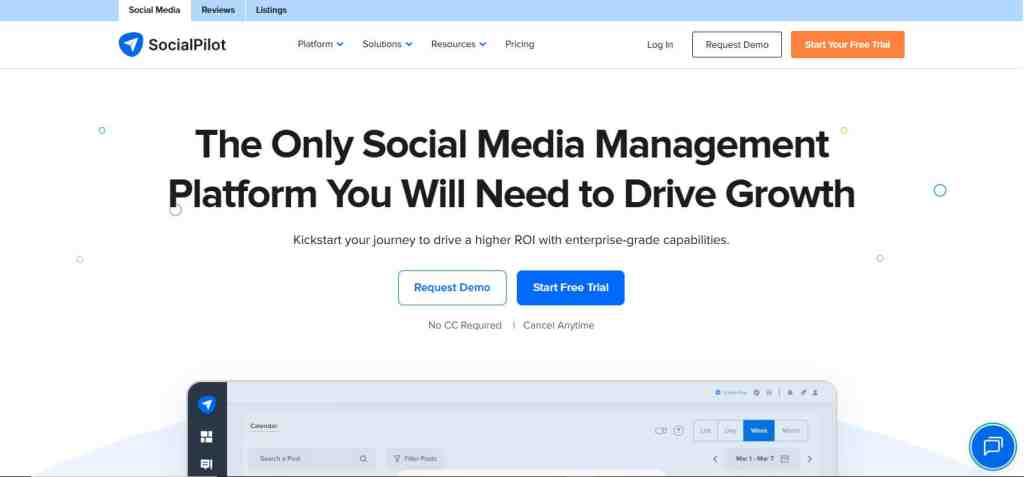
SocialPilot is another widely used social media management and scheduling tool that helps brands manage their online presence. It has an automated YouTube scheduler that helps you optimize your channel and get more views, likes, and subscribers. Not only this, but using the SocialPilot YouTube scheduler, you can generate SEO friendly content for better rankings. There are a lot of other features that SocialPilot provides, some of which are:
- Publishing and scheduling
- Analytics & Reporting
- Review generation
- Engagement
- Collaboration
- White label
- Bulk import
- Client management
- Review management
- AI scheduler
Price: $30 per month
10. Repurpose.io – Best for Cross-Platform Video Automation

Repurpose.io is a social media scheduling platform that lets creators connect their social media accounts, set up workflows to automate content distribution across multiple channels, and podcasting platforms. Instead of manually editing, resizing, or reposting, you can set up workflows that do all this work for you.
Some of the key features of this YouTube automation tool include:
- Automated multi-platform workflows
- Content conversion options
- Customizable templates
- Hashtag transfer
- Watermark removal
- Content scheduling
- Batch content processing
- Cloud integration
Price: $1.17 per day
Conclusion
Automation in 2025 is transforming YouTube content creation and social media management altogether. As AI and machine learning technologies shape the world, we can expect more advanced automation tools in the future. This blog has covered some of the most widely used and relevant YouTube automation tools for your YouTube journey.
Using tools such as Tagembed, Hootsuite, SocialPilot, and more will save time, target the right audience, and simplify your workflow. These tools empower you to automate smartly, create content consistently, and scale it effortlessly.
Embed social feed from Facebook, YouTube, Instagram, Twitter on your website, like a PRO
Invalid Email Address Multiple Themes
