YouTube Updates Roundup: What’s New For Business?
YouTube isn’t just another app for marketers and brands, it’s the most popular social media platform in the U.S., and with billions of hours watched every day, it’s no surprise the platform keeps rolling out YouTube updates to keep creators and brands hooked.
From AI tools to smarter analytics, YouTube’s been busy fine-tuning how we create, share, and even discover content.
In this roundup, we’re discussing month by month the biggest changes across YouTube updates 2024 and 2025. Some are small tweaks, others – game changers. Either way, you need to keep up.
Latest YouTube 2025 Updates
Let’s discuss the biggest YouTube updates introduced in 2025 –
YouTube Updates (August 2025)
- Inspiration Tab Goes Global
Creators everywhere finally got access to the Inspiration Tab inside YouTube Studio on desktop. Earlier it was limited, but now it’s live across the UK, EU, Switzerland, and pretty much all global markets. It’s a handy spot to find video ideas when you’re stuck.

YouTube Updates (July 2025)
- AI Spam Videos Face Monetization Cuts
YouTube also cracked down on faceless, low-effort AI videos. These won’t be monetized anymore, meaning creators will need to put in real value if they want ad revenue.
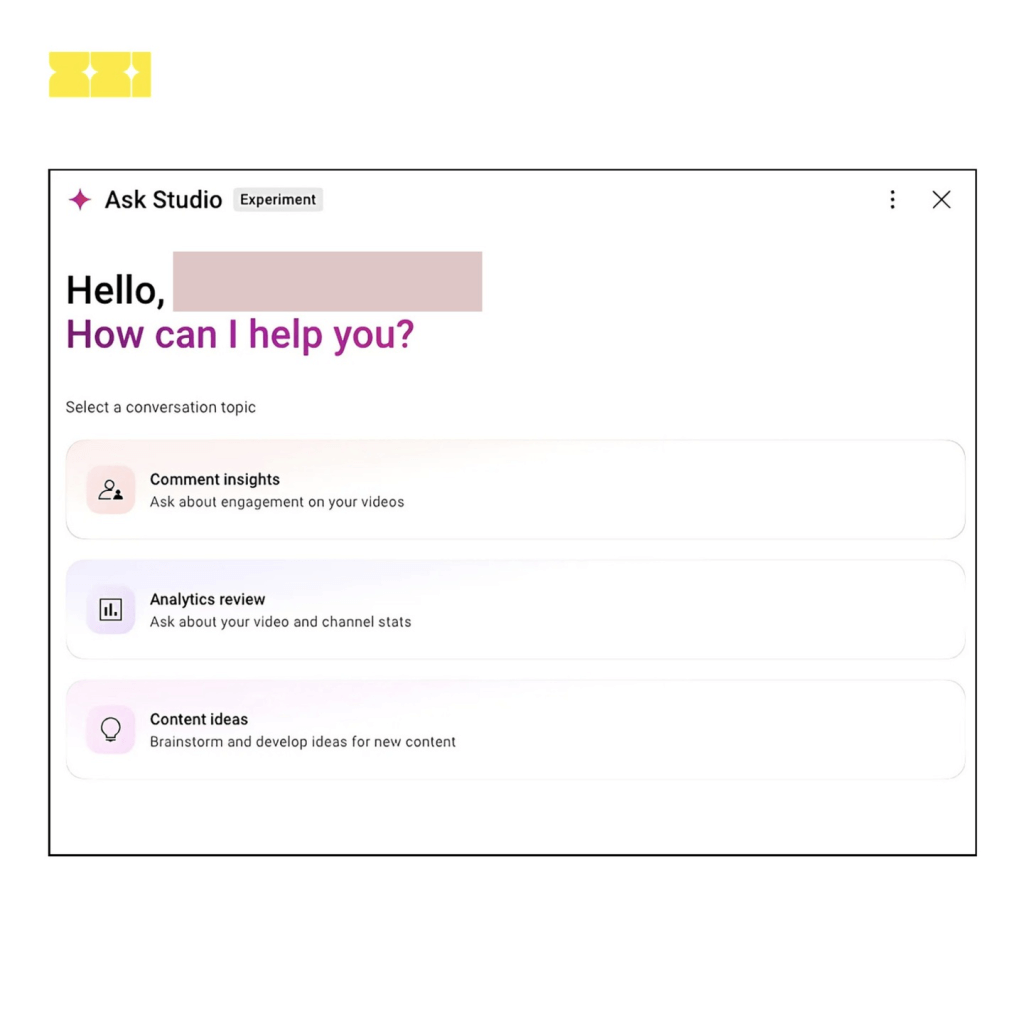
- Ask Studio Experiments
even helps brainstorm ideas. It could save creators tons of time.
- Title Testing in Studio
Creators may soon A/B test video titles directly inside Studio. A small update, but huge for click-throughs.
Threaded comments are being tested to make conversations easier to follow. Finally, less chaos in the comment section.
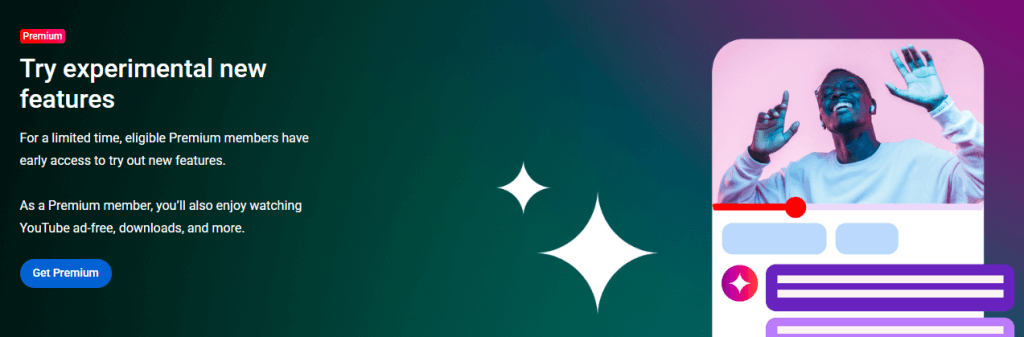
- Shorts Go Image-to-Video
New AI tool lets you turn static photos into Shorts. Quick way to repurpose content without extra editing. YouTube is testing Ask Studio, a tool that summarizes comments, digs into channel data, and
YouTube Updates (June 2025)
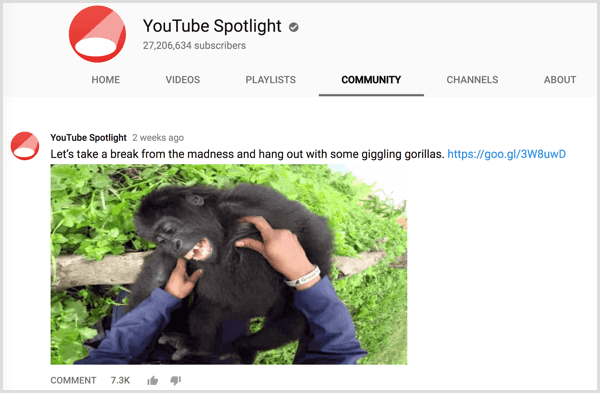
Earlier in Feb, only a few channels got access to Communities. By June, YouTube rolled it out to even more creators, giving them a proper text-based space to talk directly with their audience.
- Search Inside Shorts
YouTube started testing a feature that lets you search for things spotted inside Shorts, like landmarks, products, or locations. A handy beta update for curious viewers.
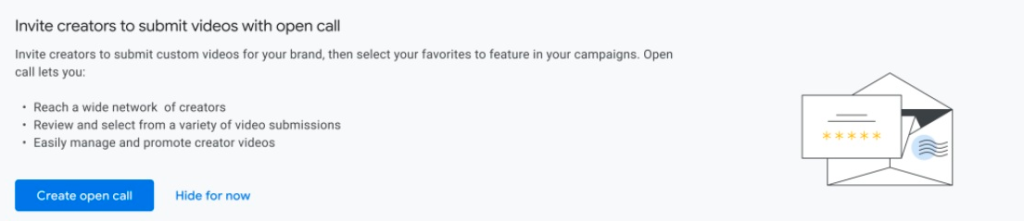
- Open Call for Brands
June also brought Open Call, letting brands publicly invite creators from the Partner Program to collaborate.
- Analytics Advanced Mode
Advanced Mode got a refresh with a left-hand sidebar, making reports easier to configure and track.

YouTube Updates (May 2025)
- Two-Person Premium Plan
Back in May, YouTube began testing a new subscription idea, a Premium plan built for two. Instead of paying full price separately, users could share one plan at a lower cost. Smart move, feels like Netflix-style bundling. Still experimental, but if rolled out widely, it might pull more users into Premium.
YouTube Updates (April 2025)
- Smarter Notifications
Back in April, YouTube tested new controls to mute notifications from channels you rarely watch. The goal was simple, stop spamming users and keep alerts more relevant.
- Shorts View Counts
YouTube also tweaked how Shorts views are measured. Instead of waiting for a set YouTube watch time, every play or replay now counts. A small change, but it shifts how creators measure performance on short-form content.
YouTube Updates (March 2025)
- Hiding End Screens
In March, YouTube tested an option to hide the usual end screen, the thumbnails and promos that pop up after a video ends. For some creators, it means cleaner viewing, but others may lose a push to their next video.
- Premium Lite Expansion
YouTube also expanded its Premium Lite pilot to US users at $7.99/month. The plan stripped things down, no downloads, no background play, just ad-free viewing. A cheaper alternative for people who only care about ditching ads.

YouTube Updates (February 2025)
- Audio Replies Expansion
Earlier this year, YouTube widened its test for audio replies to comments. Instead of just typing, creators could now answer fans with their voice, more personal, less robotic.
- AI-Powered Clips for Shorts
The Dream Screen tool, powered by Google’s Veo 2, gave creators the option to drop AI-generated clips right into Shorts. A quick way to make content more dynamic without heavy editing.
- Reposting TikToks to Shorts
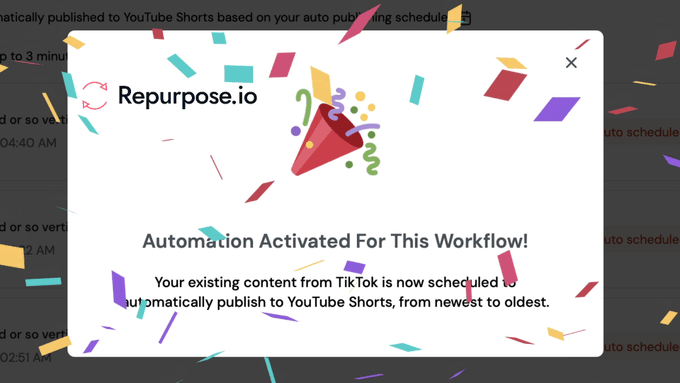
YouTube also teamed up with Repurpose.io, letting you repost TikToks and Reels straight into Shorts. Less manual work, more reach.
YouTube Updates (January 2025)
- Floating “Play Something” Button
Back in January, YouTube started testing a floating “Play something” button. The idea was simple: if you’re scrolling with no clue what to watch, this button picks a video for you. Kind of like shuffle play, but for YouTube.
Latest YouTube 2024 Updates
Here are the key YouTube updates from last year –
YouTube Updates (December 2024)
- Multiplayer Games in Testing
YouTube also started testing multiplayer games, giving users a way to play together directly on the platform. It’s still early, but worth watching.
- Auto Dubbing Rolls Out
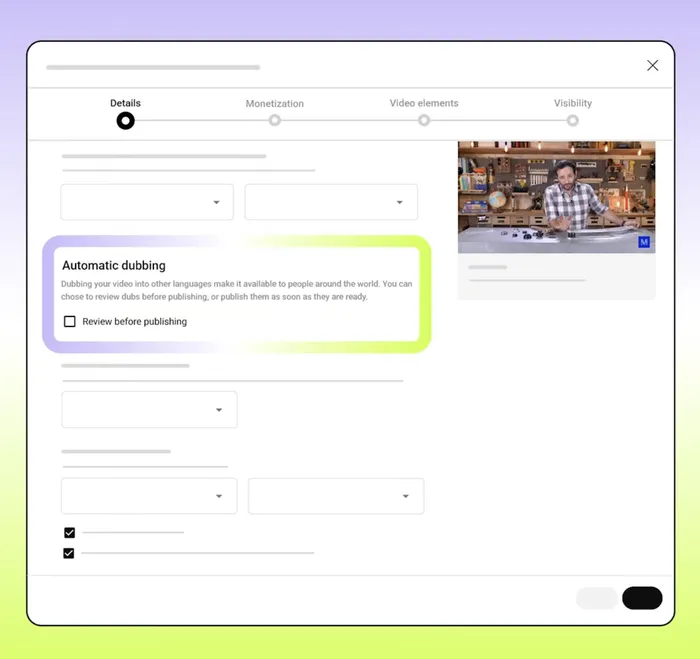
Another big one, auto dubbing. Creators could now instantly dub videos in different languages, making content reach way beyond their usual audience.
YouTube Updates (November 2024)
- Hype Tool for Small Creators
Back in November, YouTube rolled out Hype, a fan-driven feature that let viewers give “Hype points” to smaller creators under 500k subs. The test kicked off in Brazil first.

- AI-Powered Music Snippets
YouTube also expanded its AI music experiment, letting creators generate quick 30-second tracks for Shorts. A handy way to make content sound polished.
Another update gave Shorts creators a direct line to brands, opening up more partnership and monetization options.
YouTube Updates (October 2024)
- Dislike Out, Save In
In October 2024, YouTube tested replacing the dislike button on Shorts with a new Save option. Big shift for the Shorts UI.
- Why We Watch Report
YouTube also shared insights in its “Why We Watch 2.0” report. Turns out, over half of viewers are watching for a sense of belonging.
- AI Reply Generator
Another test launched: an AI-powered comment reply tool to help creators keep conversations flowing.
- Longer Shorts
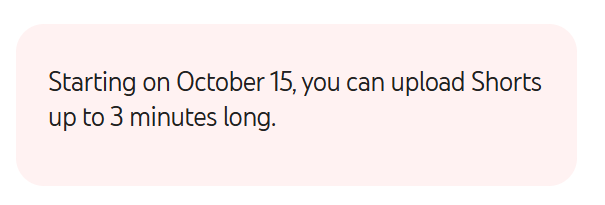
3-minute Shorts became a thing, letting creators push beyond the usual quick clips.
YouTube Updates (September 2024)
- Fix Rule-Breaking Clips
Back in September, YouTube tested a tool letting creators cut out rule-breaking parts instead of losing the whole video. Big help if you’ve ever had an age-restricted clip.
- AI Assistant Expansion
The YouTube AI chatbot rolled out wider, answering questions directly within videos.
- “Made on YouTube” Announcements
At its event, YouTube dropped new tools: AI tips in Studio, channel communities, and a Hype hub for new creators.
- Campaign Goals Update
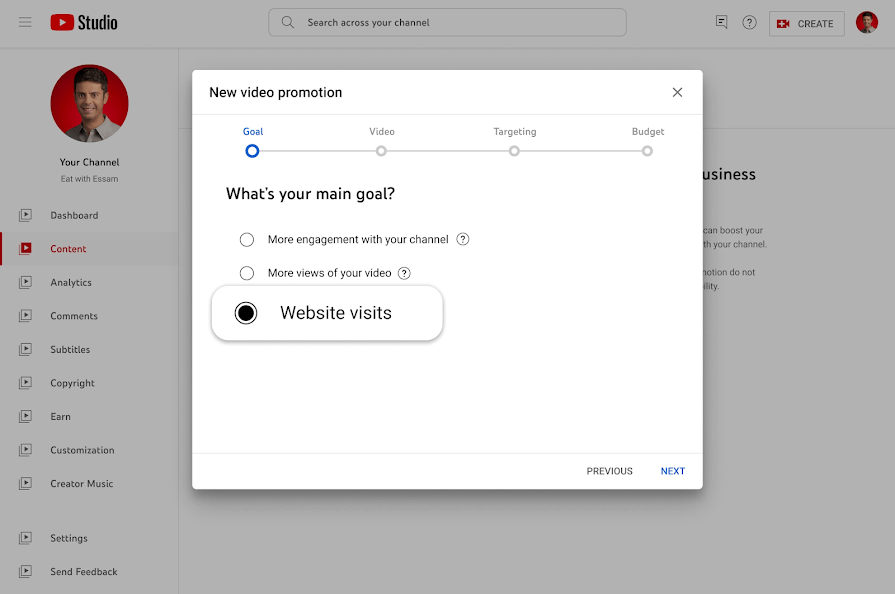
Advertisers also got a fresh option: website visits as a direct campaign objective.
YouTube Updates (August 2024)
- One Feed for All Content
In August, YouTube started testing a single feed that mixes Shorts with long-form videos. No more switching tabs, everything in one scroll.
- Picture-in-Picture Ads
For live streams, YouTube rolled out picture-in-picture ads. Viewers keep watching while ads quietly play on screen. Big shift for monetization.
- QR Codes Everywhere
After months of testing, QR codes officially hit all channels. Easy way for creators to link audiences straight to products, sites, or socials.
YouTube Updates (July 2024)
- Save Trending Audios
In July, YouTube made it possible to save music from Shorts. No more losing that catchy sound in your feed.
- Building Community Spaces
A new community spaces test lets creators and viewers interact beyond just videos. More like a mini social hub.
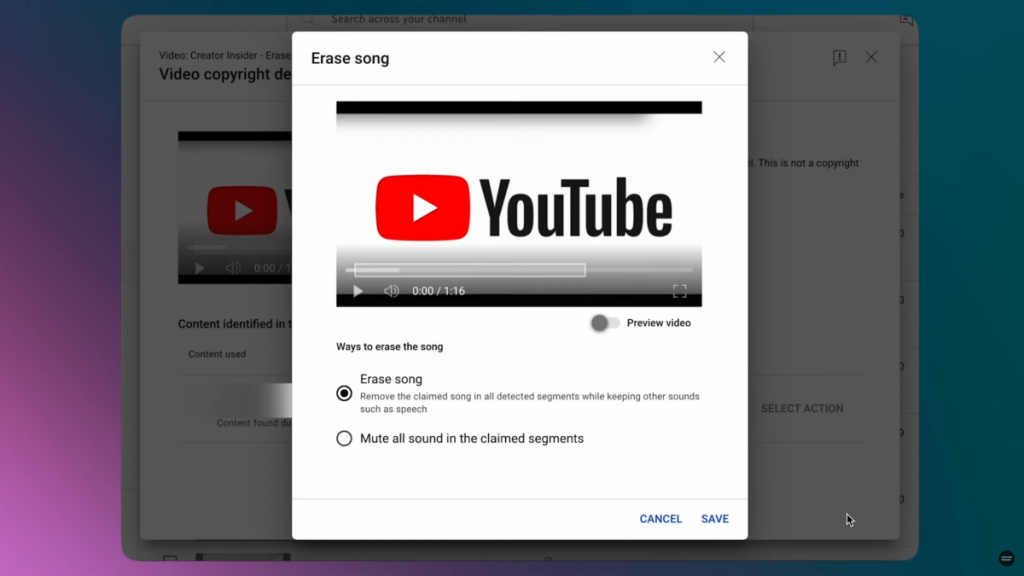
- Smarter Music Removal
YouTube rolled out an AI tool to mute copyrighted music without ruining the rest of your audio.
- Fresh Features in Shorts
Tests included “Add Yours” stickers, picture-in-picture viewing, Premium Shorts downloads, and expanded @handles in 75 languages.
YouTube Updates (June 2024)
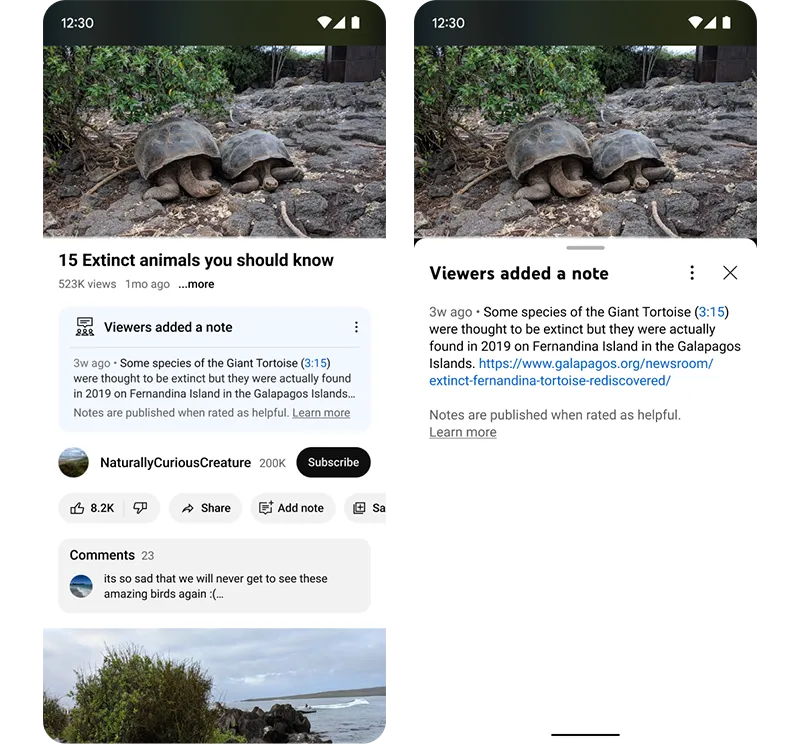
- Community Notes in Testing
YouTube started testing community notes, letting viewers add context to clips. Could be big for credibility.
- Thumbnail A/B Testing
Marketers finally got a taste of multiple thumbnail tests. Classic A/B, but for videos.
QR codes for channels appeared in tests, along with AI-generated comment topic summaries in Shorts.
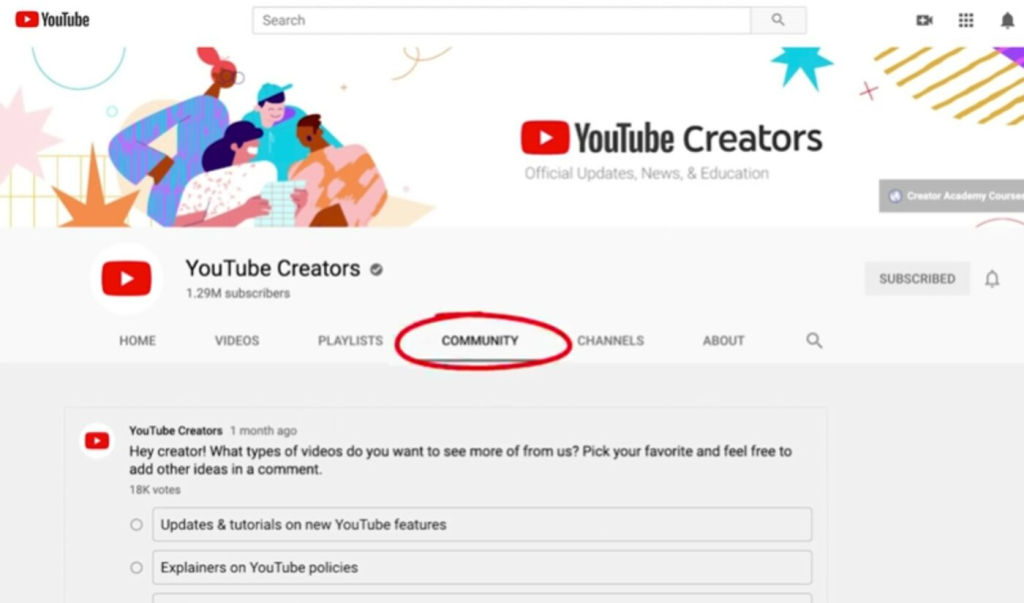
The Inspiration tab got a revamp with AI-powered video ideas. Also, Community Posts rolled out to all users, text updates now reach subscriber feeds directly.
YouTube Updates (May 2024)
No major updates this month, YouTube algorithm kept things quiet.
YouTube Updates (April 2024)
- Key Moments on Big Screens
In April 2024, YouTube dropped a small but very handy update for TV viewers. They introduced a way to jump straight to the best parts of a video without endless scrubbing. Perfect for long-form content and binge-watch sessions.
YouTube Updates (March 2024)
No major updates this month, YouTube kept things quiet.
YouTube Updates (February 2024)
- YouTube Tops Streaming Charts
In Feb 2024, YouTube reminded everyone who’s boss. The platform officially ranked as the #1 streaming service worldwide. And here’s the crazy stat, viewers were watching 1 billion hours of YouTube on TV screens every single day.
YouTube Updates (January 2024)
- Long Videos → Instant Shorts
In Jan, YouTube made life a lot simpler for creators. The platform rolled out a “Remix” option that lets you cut and convert long-form videos directly into Shorts. No third-party tools, no messy editing, just a quick way to repurpose your content.
Conclusion
YouTube never really slows down, right? Every month brings something fresh: AI tools, new community features, and better monetization rules. For social media managers, keeping track isn’t just “nice,” it’s survival. The smarter you adapt, the more reach and engagement you grab.
Want to make the most of it?
Try Tagembed. You can easily embed your YouTube feed on your website, turn views into clicks, and boost your brand’s reach.
Embed social feed from Facebook, YouTube, Instagram, Twitter on your website, like a PRO
Invalid Email Address Multiple Themes
