How To Create Google Review QR Code To Grow Your Business?
So, I grabbed coffee from the small cafe near my office the other day. Nothing fancy, great coffee with subtle vibes. I was about to leave, the guy at the counter said, “Loved it? Please leave us a Google Review.” I said I’ll do it later, but I forgot.
As I was writing this blog, I wondered how often this happens to businesses. You give your customers a great experience, but the review?
People want to share, but the review process seems complex. From finding a website to the review page, it’s not an easy customer experience.
That’s where something as simple as a Google Review QR Code comes in, making the experience effortless.
What Exactly is the Google Review QR Code?
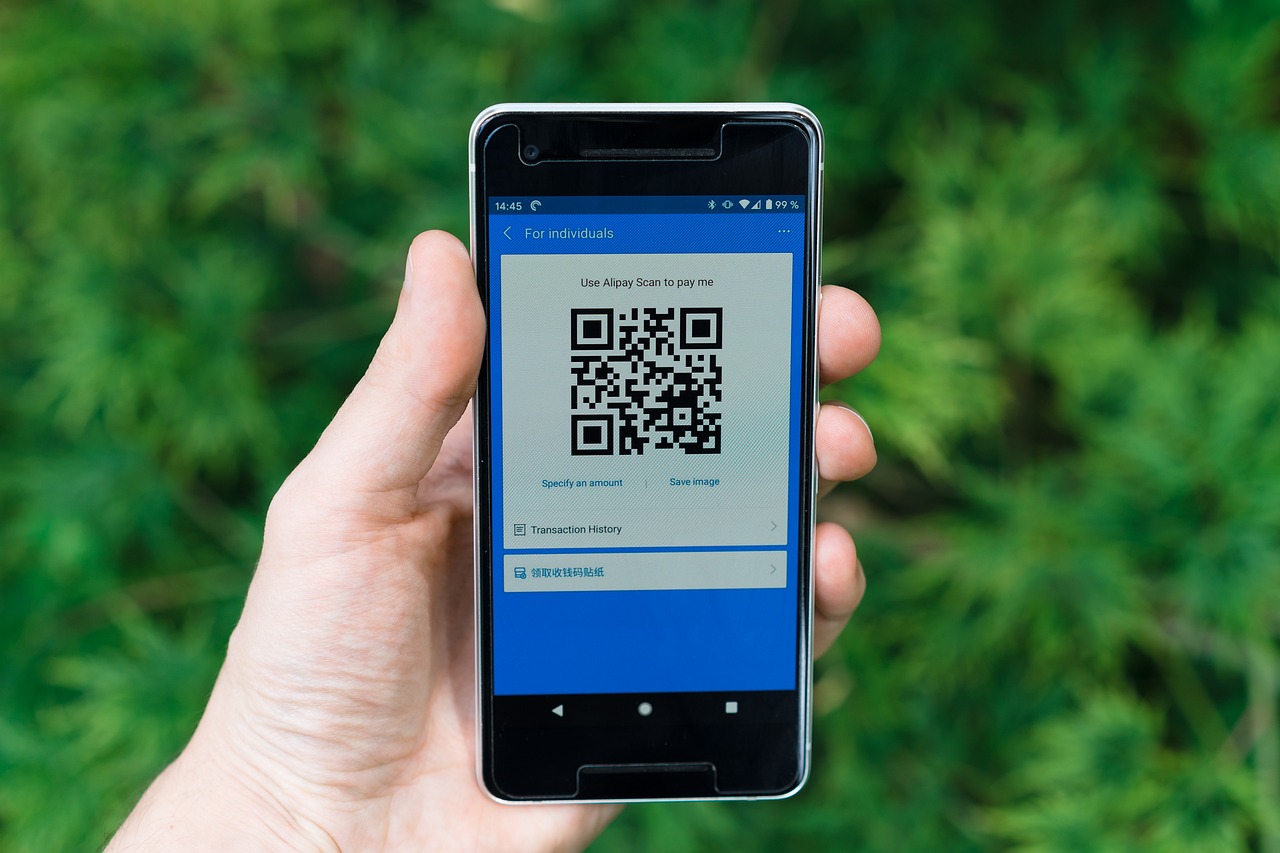
As a business owner, you might have a Google Business Profile, right? So, here’s the thing: a Google Review QR code connects your Google Business Profile’s review page to a QR code so that customers can scan and add their reviews. This gives the user a smooth experience, allowing them to scan and share their feedback instead of searching for your profile manually.
Why Do We Need To Create Google Review QR Code?
Here’s why a Google review QR code is a must-have:
1) Easy Access
Manually finding your page on Google might cause friction, such as not finding your profile, which is time-consuming, etc. However, with a QR code for Google review on your side, you can easily ask customers to leave a Google review by providing them easy access.
2) Print and Digital QR Benefit
What I mean by this benefit is that these QR codes for Google reviews can be both printed physically and shared online as well. This adds more customers to your list, which means more reviews. You can print them on danglers, receipts, posters, and more to promote your reviews and improve your search engine visibility.
3) Increase Local Search Engine Rankings
The more positive reviews you receive, the higher the chances of your Google profile appearing in local searches. Hence, adding a QR code will increase Google reviews and help you elevate your local search engine rankings to a higher level.
Integrate Google Reviews into Website
Collect, moderate, and show Google reviews on website
Try For FreeStep – By – Step Guide to Get a Google Review QR Code
Mesmerized by the benefits? Let’s learn how to generate a Google review QR code with a few simple steps:
Step 1- Navigate to Google and log in to your Google Business Profile.
Step 2- Select the business for which you want to generate the QR code for reviews. Make sure the business is verified.
Step 3- You will see the option ‘Ask for reviews’. You have to click here to get the Google Review link for your business.

Step 4 – Copy the Google review link that will appear.

Step 5 – Navigate to any free QR code for Google review Generator (like QR Code Generator), and paste the review link there, and save the QR code. You can customize the code according to your choice and download the final code.

Step 6 – Check once you have downloaded the QR Code.

That’s it! You can now get a QR code for Google review and use it both online and offline and gather many reviews.
How to Use Google Review QR Codes Effectively?
Here are some of the best locations where you can use your QR Codes effectively:
1. Social Media:
Great reviewers and recommenders are present on social media. You probably have seen bloggers recommending places and clothes online, because I see these reviews often in my reels. So, post the QR code everywhere around social media, i.e, on your feed, stories, and you can even send it in DMs and ask for the reviews. Guess what’s next? Embed your feed on your website so that customers see the QR code and place their reviews.
Social media aggregator like Tagembed helps in easy integration of your social media content on the website without any coding required. So, don’t wait, encourage users to share reviews on social media, you can even embed these reviews, complemented with the QR Code using a Google review widget.
2. In Store & Physical Locations:
Display the QR code in the physical locations and point of sale areas such as the cash counter, menu tables, etc. This gives an instant urge to the users to leave the reviews while their payments are in process. You can even ask for Google reviews by encouraging them to share their viewpoints and rewarding them for this. You can even add this QR code to your business cards or on your packaging boxes to encourage customers to leave Google reviews.
3. Embed Them On Website
Website integrations are always the best way to encourage reviews and build trust. Why? Obviously, if customers visit your website and see other people’s reviews, it will encourage them to leave theirs, too. You can collect customer reviews by QR code and embed Google reviews on your website to build social proof and build trust.
Apart from adding Google reviews QR, you can also use Tagembed’s review hub feature that creates a QR for users to scan and directly submit their review without involving Google reviews.
4. Marketing Emails
Email campaigns and newsletters are another place where you can showcase your 5 Google ratings and integrate QR codes. You can send them feedback mail with a QR code embedded in it. It might prompt the customers to leave reviews and recommend it to others.
5. Event Signages
Not only your digital and store locations, but your event signage is also a great place to ask attendees to leave a review after the event. Display it prominently on your digital boards with a clear call to action, encouraging viewers to scan and review.
Conclusion
Got your answer? While Google reviews are probably the way to build customer trust, with 60% of users checking them before purchase, getting them is a struggle. However, with a QR code for your Google Business, you can simplify the customer experience and benefit from it. We hope this article has helped you understand all the steps to create Google review QR code for your business.
So, get a QR code for Google review today, fill your Google profile with thousands of reviews, and build up your local search rankings.
Frequently Asked Questions
You can display your Google review QR code at your local stores, websites, event displays, and post them on social media, etc.
You can easily track the Google review QR code by integrating the code with Google Analytics or the code generator tool that you opt for will automatically give insights for the same.
Yes, any free QR code for Google review generator gives options to customize the Google review QR code, like adding a brand logo, colors, and more.
Embed social feed from Facebook, YouTube, Instagram, Twitter on your website, like a PRO
Invalid Email Address Multiple Themes
