10+ Best WordPress Twitter Feed Plugins For Websites in 2026
The biggest challenge is adding Twitter’s dynamic content to your WordPress site without writing complex code. A Twitter feed plugin solves this problem.
With the right plugin, you can show your latest tweets, create a branded hashtag wall, or highlight positive mentions.
This guide explains what you need to know about the top Twitter feed WordPress plugins in 2026. You’ll find out which features are important, which tools work best, and how to set up your feed in just a few minutes with Tagembed.


| Multiple Themes |
Benefits Of Adding a Twitter Feed to a WordPress Website:
Adding a Twitter feed plugin to your WordPress site does more than improve its appearance. It also offers several practical benefits:
- Boost Engagement: Dynamic, auto-updating content keeps visitors interested longer. Fresh tweets show your brand is active and encourage more interaction on your site.
- Build Social Proof: Displaying real customer tweets and positive mentions serves as authentic testimonials that can influence buying decisions more effectively than ads.
- Increase Follower Count: When visitors see your Twitter content, they can easily follow your account, which helps your audience grow naturally.
- Improve SEO Signals: When people stay longer on your site and interact with updated content, search engines see your pages as high-quality, which can help you rank higher.
- Keep Content Fresh Automatically: Your feed updates automatically, so your site always has new content without any extra work on your part. Display live hashtag feeds during product launches, conferences, or marketing campaigns to create real-time buzz on your website.
Key Features to Look for in a Twitter Feed WordPress Plugin:
Not all plugins are the same. Before you install one, consider these important features:
A good plugin should pull content from hashtags, user timelines, mentions, lists, and keyword searches, not just your own account. This flexibility lets you create interesting content mashups and hashtag walls.
For event organizers and marketers, embedding Twitter hashtag feeds is especially useful.
1. Customization and Design Flexibility
Your Twitter feed plugin should fit your brand, not look out of place. Look for plugins that offer layouts like grid, list, slider, or masonry, and let you change colors, fonts, and choose whether to show avatars, timestamps, and media.
2. Content Moderation
When you add hashtag feeds or mentions, you need control over what appears. The best plugins include profanity filters, manual post approval, and keyword filtering to ensure only safe content shows up on your site.
3. Performance Optimization
A plugin that slows down your site is not helpful. Choose plugins with built-in caching to reduce API calls, use lazy loading for images, and keep your pages lightweight.
4. Responsive and Mobile-Ready Design
More than 60% of web traffic comes from mobile devices. Your Twitter feed plugin should look good on smartphones and tablets. Test each plugin on different devices before making a final choice.
Top 10+ Twitter Feed Plugins For WordPress in 2026:
Here is our list of the best Twitter feed plugins for WordPress. We evaluated each one for features, ease of use, performance, and value.
1. Tagembed – Best Overall Twitter Feed Plugin

Tagembed is often rated as the best Twitter feed plugin for embedding social media feeds on WordPress. It’s an all-in-one social aggregator that pulls content from over 20 platforms, with Twitter and X as key features.
Standout Features:
- Embed feeds from Twitter handles, hashtags, mentions, lists, and keyword searches.
- Multiple display layouts: grid, slider, list, masonry, and ticker.
- Advanced content moderation with profanity filters and manual approval.
- Built-in analytics dashboard to track engagement metrics.
- Twitter feed slider WordPress plugin layout – perfect for hero sections.
- Custom CSS support and white-labeling for agencies.
- Free plan available; Pro plans start at affordable pricing for growing businesses.
Best for:
Businesses, agencies, event organizers, and bloggers who want a powerful, design-friendly, and feature-rich solution with minimal technical overhead.
2. Taggbox (Taggbox Widget)

Taggbox is a strong competitor to Tagembed among social aggregators. It stands out for its AI-powered content moderation and real-time performance.
Features:
- Collects Twitter/X content from handles, hashtags, mentions, and keywords.
- AI moderation automatically filters out spam, offensive content, and off-brand posts.
- CDN-powered cache delivery for fast load times, even under high traffic.
- Built-in analytics to track impressions, clicks, and audience behavior.
- Supports social wall displays, ideal for events and digital signage.
- Integrates with 20+ other social platforms in a unified feed.
Best for:
Brands and event organizers who need live activations, social walls, or campaigns that require real-time moderation and high performance.
3. Feed Them Social

Feed Them Social is a Twitter feed plugin that takes a lightweight approach to embedding Twitter feeds, focusing on speed and simplicity.
Features:
- Simple setup with token-based authentication.
- Responsive grid layout out of the box.
- Free version covers basic use cases for small blogs.
Best for:
Small blogs and personal websites that want a free, simple Twitter feed without advanced customization.
4. Ultimate Twitter Feeds
Ultimate Twitter Feeds is a no-nonsense, lightweight plugin built for WordPress users who want clean Twitter/X integration without unnecessary bloat or complexity.
Features:
- Display feeds from Twitter user profiles, user lists, or single individual tweets.
- Supports both Light and Dark themes to match your site’s visual style.
- Configurable width, height, and language settings for localized or design-specific use cases.
- Native WordPress Block (Gutenberg) support for drag-and-drop placement.
- Minimal footprint designed to keep your site fast without heavy scripts.
- Fast and responsive support team for troubleshooting.
Best for:
Developers and site owners who prioritize performance and simplicity over feature bloat, and want a straightforward Gutenberg-native embed that just works.
5. Elfsight Twitter Feed

Elfsight uses a cloud-hosted method to embed Twitter feeds. This means all processing happens off your server, so your WordPress site stays fast and efficient.
Features:
- Display feeds from user timelines, hashtags, or selected tweets.
- Automatic theme color detection that syncs with your Twitter account branding.
- Built-in Follow button in the feed header for one-click audience growth.
- Images and GIFs render inline; video redirects to X for native playback.
- Responsive and mobile-optimized out of the box.
- Free plan available; paid plans start at budget-friendly monthly rates.
Best for:
Users who want a cloud-based feed that needs no maintenance, does not slow down their WordPress site, and does not require any server setup.
| Multiple Themes |
6. Easy Social Feed
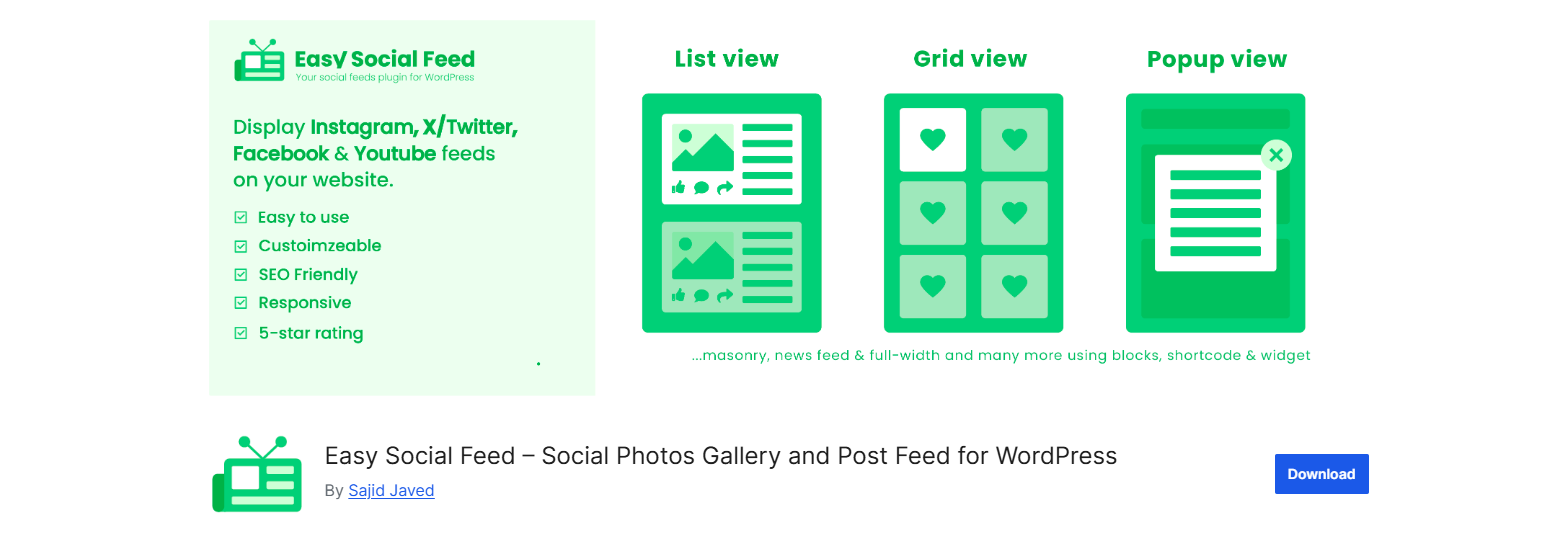
Easy Social Feed is a Twitter feed plugin that is true to its name. It is a simple plugin that displays your tweets on the page quickly with minimal settings.
Features:
- Embed feeds from your timeline, mentions, or hashtags.
- Multiple layout options, including list, grid, and carousel.
- Responsive design that adapts cleanly to mobile screens.
- The free version covers everyday use cases without feature gating.
- Premium version starts at just $1.99/month per site.
Best for:
Bloggers, small business owners, and personal site creators who want an easy setup and do not need advanced customization.
7. Twitter Feed by The Plus Addons for Elementor

This widget is a great choice for Elementor users. It integrates directly into the Elementor editor as part of a larger set of over 120 widgets, so you do not need to manage a separate plugin.
Features:
- Drag-and-drop embed directly within the Elementor page builder.
- Real-time tweet fetching using Twitter Auth Keys (step-by-step setup guide included).
- Extensive layout and styling controls are native to Elementor’s interface.
- Lightweight Twitter feed widget that doesn’t bloat your plugin stack.
- Free tier available; full access from $39/year.
Best for:
Elementor power users who want built-in Twitter feed features without adding another separate plugin to their page builder.
8. Smash Balloon Custom Twitter Feeds

Smash Balloon is a well-established name in the WordPress social feed space. Their Twitter-specific plugin is clean, reliable, and developer-friendly.
Features:
- Display tweets from multiple accounts in a single feed.
- Gutenberg block and shortcode support.
- SEO-friendly HTML output.
- Limited free version; advanced features require a paid plan.
Best for:
WordPress users who want strong integration with the native block editor.
9. RafflePress

RafflePress offers a different approach. Instead of only showing a feed, it helps you use Twitter/X for growth by running contests and giveaways directly on your WordPress site.
Features:
- Drag-and-drop giveaway builder with a dedicated Twitter giveaway template.
- Entry actions include follow, retweet, and tweet-to-win mechanics.
- Live preview of the giveaway widget as you build.
- Works across multiple platforms, including YouTube, LinkedIn, Pinterest, Facebook, and Instagram.
- Viral sharing mechanics help entries compound organically.
Best for:
Marketers and brand managers who want to run Twitter follower campaigns, product launches, or seasonal promotions and need more engagement than just showing a feed.
10. XPoster (formerly WP to Twitter)
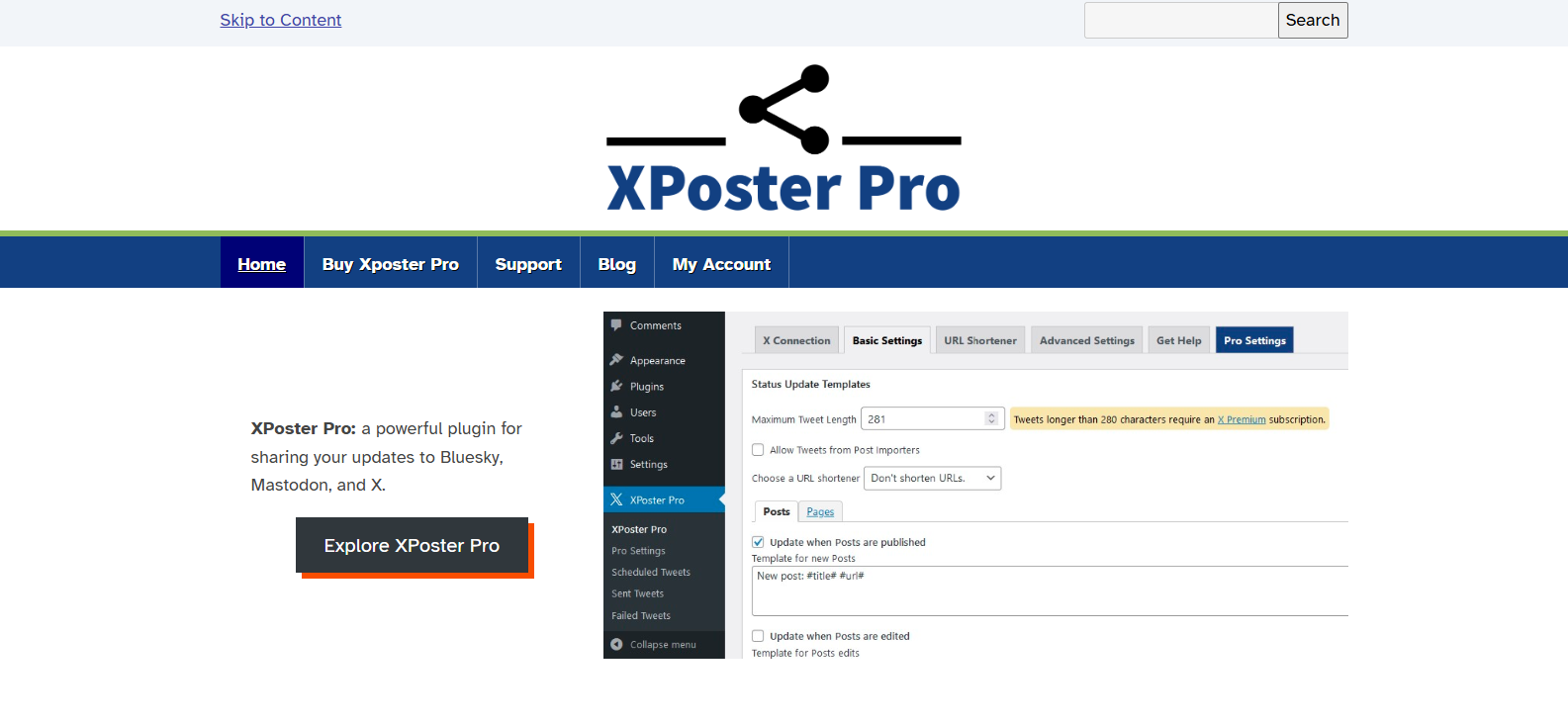
XPoster is a well-known auto-posting plugin for WordPress. It is designed to share your content on X rather than embed a feed.
Features:
- Automatically shares new posts, pages, and custom post types to Twitter/X on publish.
- Supports custom tweet templates using post variables (title, URL, category, tags).
- Scheduled and delayed posting support.
- Compatible with WooCommerce for auto-tweeting new products.
- Works alongside feed display plugins for a complete Twitter integration setup.
Best for:
Content publishers, news sites, and WooCommerce store owners who want to automatically share WordPress content to X without posting by hand.
Quick Comparison Table of The Top Four Twitter Feed Plugins:
| Plugin | Free Plan | Slider Layout | Analytics |
| Tagembed | Yes | Yes | Yes |
| Smash Balloon | Limited | No | No |
| Feed Them Social | Yes | No | No |
| Ultimate Twitter Feeds | Limited | Yes | No |
How to Add a Twitter Feed Plugin to Your WordPress Site Using the Tagembed Plugin?
You can add a Twitter feed to WordPress with Tagembed in under 5 minutes. Just follow these steps.
Collect Your Twitter Feed
- Sign up for Tagembed, or if you already have an account, use your Twitter or Facebook login or simply fill in your credentials. And log in to your account.
- Click on the ” Add Feed button.
- A pop-up window will open to select the source for the Tweet feeds.
Note: Tagembed is compatible with many social media platforms, including Twitter, Instagram, Facebook, and more.
Here, click on Twitter to choose it as your source.
- Hashtag(#)
- Handle(@)
- Mention(@)
- Advanced
Click on the Connect Twitter button to authorize your account.
Click on the Create Feed button.
Customize Your Twitter (X) Feed Widget
- Your screen will display the top-most popular Tweets from your account.
- You can customize your wall by clicking Personalize on the left side of your screen.
- You can choose a theme for your wall. Select the theme that you think best suits your style.
- Change your background.
- Design or upload your banner.
- Provide appropriate moderations to your card size. Make all customizations and bring out the artist in you.
- Make further modifications to your theme.
- And click on Apply settings.
Embed Your Twitter (X) Feed Widget on a Website
- Now it’s time to embed these tweets on your WordPress by clicking on the ” Embed Widget” button.
- Tagembed supports many CMS platforms for adding Twitter, including Shopify, Squarespace, Wix, HTML, and others.
- Click on WordPress to embed your feed on your WordPress website.
- A WordPress pop-up will appear on your screen; here, you can adjust the width and height of your feed.
- If you already have the WordPress plugin installed, then you don’t need the customized code.
- You can also download the plugin by clicking on the download button.
- Otherwise, click the Get Code Button to get the personalized code. Copy the Twitter embed code.
- And, paste it on your WordPress website’s backend.
Pro Tip: Use your Twitter feed near the top of high-traffic pages, such as your homepage, contact page, or event landing pages, for the best visibility. You can also embed a Twitter hashtag feed during live events or product launches to create a real-time engagement hub.
The Final Note
Adding a Twitter feed plugin to your WordPress site in 2026 is one of the easiest and most effective upgrades you can make. It connects your social media presence with your website, bringing fresh content, real social proof, and more engagement without extra work. Among the available options, Tagembed stands out as the best Twitter feed WordPress plugin for most users. Its mix of multi-source aggregation, attractive design layouts like the Twitter feed slider, built-in content moderation, and a useful analytics dashboard gives you everything you need in one easy-to-use tool, whether you run a personal blog, an online store, or a full agency.
Ready to get started?
Install Tagembed now and have your Twitter feed plugin live in just a few minutes.
Frequently Asked Questions (FAQ)
Tagembed is widely seen as the best Twitter feed plugin for WordPress in 2026. It offers great design flexibility with grid, list, masonry, and slider layouts, advanced content moderation tools, support for multiple feed types (timeline, hashtag, mentions, keyword), and a built-in analytics dashboard. Its generous free plan and simple shortcode or block integration make it a good choice for both beginners and professionals.
Yes. Both Tagembed and Smash Balloon let you combine content from multiple Twitter accounts into a single feed widget. With Tagembed, you can mix tweets from different handles, hashtags, and keywords into one unified, well-designed feed. This is especially helpful for brands with several product accounts or agencies managing multiple clients.
A good Twitter feed plugin should have little effect on your page speed. Tagembed uses server-side caching to store data and reduce the number of API calls. It also uses lazy loading for images, so content loads only when it appears on the screen. Always check your page speed with tools like Twitter PageSpeed Insights before and after installing any plugin to see the impact.
Absolutely. If you have a personal blog or small website, the free versions of plugins like Tagembed and Feed Them Social offer plenty of features. You can embed a simple Twitter timeline feed, show recent posts from your handle, and adjust basic design elements for free. Upgrading to a paid plan is useful if you need features like hashtag feeds, advanced moderation, analytics, slider layouts, or priority support.
Embed social feed from Facebook, YouTube, Instagram, Twitter on your website, like a PRO
Invalid Email Address Multiple Themes
