Best Instagram Automation Tools in 2026 [Free + Paid]
Those days are gone when growing an Instagram account means posting content regularly. With such a hefty completion, you now need to plan campaigns, respond to messages, engage with followers, track performance, and stay consistent. However, we all can agree that as the audience grows, handling all of this manually can become time-consuming. Hence, you might have noticed that many businesses are relying on Instagram automation tools to simplify their daily workflow.
From scheduling posts and Reels to managing DMs and collecting user-generated content, these tools help reduce repetitive work and keep your Instagram marketing organized. In this guide, we’ll explore the best Instagram automation tools in 2026 and help you find the right option for your goals and budget.
TL;DR
- Instagram automation tools help businesses, creators, and marketers save time by automating repetitive Instagram tasks.
- You can automate Instagram posts, Reels, Stories, analytics reporting, and content planning with the right tools.
- Instagram DM automation tools make it easier to respond to inquiries, nurture leads, and improve customer engagement.
- Features like Comment-to-DM automation and Instagram auto responders help turn interactions into conversations and conversions.
- Tools such as Tagembed, Buffer, Later, and Planoly simplify content scheduling and publishing.
- Metricool and Sprout Social offer advanced analytics and performance tracking.
- Manychat specializes in Instagram DM automation and lead generation workflows.
- Tagembed helps schedule posts, automate Instagram feed updates on websites, and showcase user-generated content as social proof.
- Free Instagram automation tools are ideal for beginners, while paid platforms offer advanced automation, collaboration, and reporting features.
- The safest automation software for Instagram uses Meta-approved APIs and focuses on productivity rather than fake engagement.
- Choosing the best Instagram automation tool depends on your goals, budget, team size, and marketing strategy.
What Are Instagram Automation Tools?
Instagram automation tools are software solutions designed to handle repetitive tasks that would otherwise require manual effort. Instead of spending hours publishing content, replying to messages, tracking performance, or managing user interactions, businesses can use automation to streamline these activities and maintain a more consistent presence on Instagram.
Modern automation tools for Instagram are built to improve efficiency rather than replace genuine engagement. They help users schedule posts and Reels in advance, organize content calendars, manage inbox conversations, monitor analytics, and generate performance reports. Many tools also support Instagram DM automation, comment management, and Instagram auto responder workflows that help businesses respond faster to customer inquiries.
Automate Your Instagram Feed Everywhere
Collect, curate, and display Instagram posts, Reels and UGC on your website automatically.
Start For FreeCommon Uses of Instagram Automation Tools:

Instagram automation tools can support almost every stage of your social media workflow. Here are some of the most common ways businesses and creators use them:
1. Scheduling Posts, Reels, and Stories
One of the biggest advantages of automation is the ability to plan content in advance. Instead of posting manually every day, you can schedule posts, Reels, and Stories weeks ahead. This helps maintain consistency, especially during busy periods, and allows teams to focus on content quality rather than publishing logistics.
2. Automating DM Replies
Responding to every message manually can become difficult as your audience grows. Instagram DM automation tools help answer common questions, send welcome messages, share resources, and guide users through predefined workflows. This improves response times while ensuring followers receive timely support.
3. Managing Comments
Keeping up with comments across multiple posts can be challenging. Automation tools help organize conversations, filter spam, highlight important interactions, and trigger actions based on specific keywords. Some platforms even support Comment-to-DM automation, allowing businesses to start private conversations directly from public engagement.
4. Tracking Analytics
Understanding what’s working is essential for growth. Automation software for Instagram collects performance data and presents it in easy-to-read dashboards. Metrics such as reach, engagement, profile visits, hashtag tracking, follower growth, and content performance help marketers make informed decisions.
5. Collecting UGC
User-generated content is one of the most effective forms of social proof. Many Instagram automation tools help brands discover, collect, organize, and manage customer-created content from Instagram, making it easier to repurpose authentic content across marketing channels.
6. Embedding Instagram Feeds on Websites
Instagram feed widget allows businesses to display Instagram content directly on their websites. New posts, customer photos, testimonials, and Reels can appear automatically, keeping website content fresh while showcasing social proof to potential customers.
7. Monitoring Brand Mentions
Tracking conversations about your brand helps you understand audience sentiment and discover engagement opportunities. Automation tools can monitor mentions, hashtags, and tagged posts, allowing businesses to stay connected with customer conversations and identify valuable content worth sharing.
Are Instagram Automation Tools Safe to Use in 2026?
Yes, Instagram automation tools are generally safe to use in 2026, provided they follow Meta’s guidelines and use official Instagram APIs. In fact, many businesses, creators, and agencies rely on automation every day to manage content, streamline communication, and track performance more efficiently.
The key difference lies in how the tool automates tasks. Safe automation focuses on productivity and workflow management, while risky automation attempts to manipulate engagement metrics through bot activity. If a tool promises instant followers, automated likes, or mass engagement, it’s likely violating Instagram’s policies and could put your account at risk.
a. Safe Automation
The following automation practices are widely accepted because they help users manage their accounts more efficiently without creating fake engagement:
Scheduling
Using scheduling tools for Instagram to plan and publish posts, Reels, and Stories is one of the safest forms of automation. It helps maintain a consistent posting schedule while reducing manual effort.
Analytics
Tracking engagement, reach, follower growth, and content performance through automated dashboards is fully compliant and helps businesses make data-driven decisions.
DM Workflows
Instagram DM automation tools can automatically respond to common questions, send welcome messages, and guide users through customer support or lead-generation workflows.
Comment-to-DM Automation
Many businesses use Comment-to-DM automation to send product information, discount codes, or resources when users comment on a post. Since users initiate the interaction, this type of automation is generally considered safe.
Social Listening
Monitoring hashtags, tagged posts, and brand mentions helps businesses stay informed about customer conversations and discover engagement opportunities without violating platform rules.
UGC Display
Collecting and displaying user-generated content on websites through Instagram feed automation tools is another safe and effective way to extend the value of your Instagram content beyond the platform.
b. Risky Automation
Some automation methods violate Instagram’s terms of service because they attempt to artificially inflate engagement or interact with users without meaningful intent.
Auto-Follow and Unfollow
Tools that automatically follow and unfollow accounts to gain attention have long been discouraged by Instagram. These practices often lead to poor user experiences and can trigger account restrictions.
Fake Likes
Generating likes through bots or automated systems creates misleading engagement signals and may result in reduced account visibility or penalties.
Spam Comments
Posting generic comments at scale is considered spam behavior. Not only does it violate platform guidelines, but it can also damage your brand’s credibility.
Mass DMs
Sending large volumes of unsolicited direct messages can lead to account limitations and frustrate potential customers.
Bot Engagement
Any tool that automatically likes posts, views Stories, follows users, or interacts with content without genuine human involvement should be avoided. These tactics focus on manipulating engagement rather than building authentic relationships.
Display Your Instagram Feed on Your Website
Show Instagram posts, Reels and UGC on your website to build trust automatically.
Try For FreeBest Instagram Automation Tools in 2026:
With dozens of Instagram automation tools available today, choosing the right one often comes down to your goals. Some platforms focus on scheduling content, while others specialize in analytics, DM automation, or Instagram feed automation. Here are the best Instagram automation tools in 2026 and where each one excels.
1. Tagembed
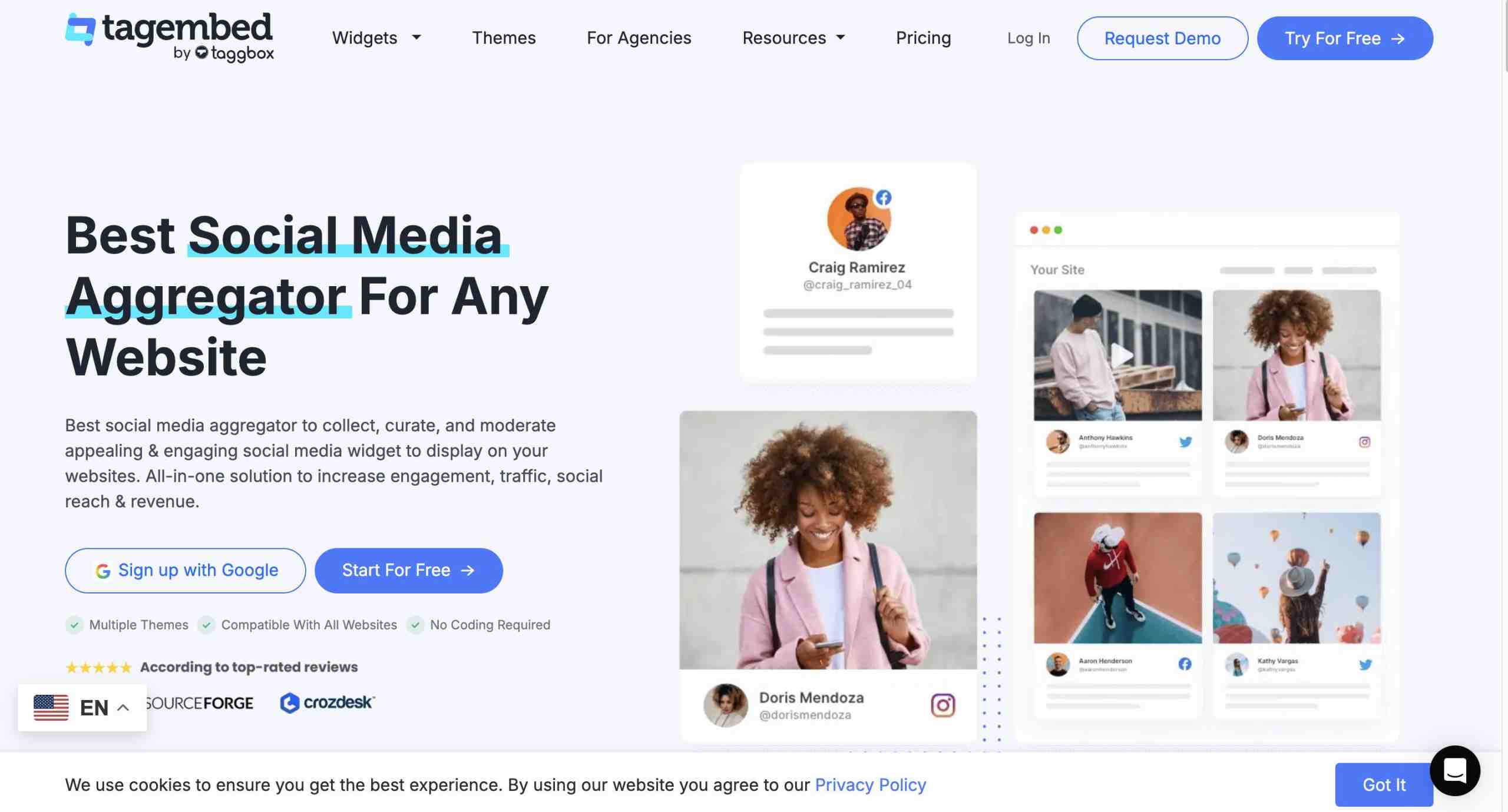
If your goal is to extend the impact of your Instagram content beyond the platform itself, Tagembed is a strong choice. It helps businesses collect, curate, and embed Instagram feeds directly on their websites. Instead of manually updating website galleries, brands can automate the process and showcase fresh Instagram content, customer photos, testimonials, and Reels in real time.
Tagembed is particularly useful for ecommerce brands, creators, agencies, and event marketers looking to turn social engagement into website social proof.
Key Features
- Instagram feed widget
- UGC collection and display
- Website embedding
- Feed moderation
- Custom layouts
- Real-time content updates
- Social proof for websites
Best For
- Ecommerce brands
- Small businesses
- Creators
- Agencies
- Event pages
- Portfolio websites
Why It Stands Out
Unlike traditional Instagram automation software focused on publishing content, Tagembed automates how Instagram content is displayed on your website. This makes it easier to showcase product posts, customer experiences, testimonials, and user-generated content without constant manual updates.
2. Later
Later remains one of the most popular automation tools for Instagram thanks to its clean interface and content planning capabilities. It helps users organize content calendars, schedule posts, and maintain a consistent publishing routine across Instagram.
Best For
- Creators
- Small businesses
- Content teams
Key Features
- Visual calendar
- Post scheduling
- Link-in-bio tool
- Analytics
3. Buffer
Buffer is a beginner-friendly platform that makes Instagram scheduling simple and accessible. Its free plan makes it one of the best free Instagram automation tools for creators and small teams who need basic publishing and reporting features without a significant investment.
Best For
- Beginners
- Solo creators
- Small teams
Key Features
- Free plan
- Scheduling
- Basic analytics
- Multi-platform support
4. Hootsuite
Hootsuite is designed for organizations managing multiple social media accounts across different platforms. Its centralized dashboard allows teams to collaborate, monitor engagement, and manage publishing from a single workspace.
Best For
- Agencies
- Marketing teams
- Enterprises
Key Features
- Social media dashboard
- Scheduling
- Analytics
- Team collaboration
- Inbox management
5. Manychat
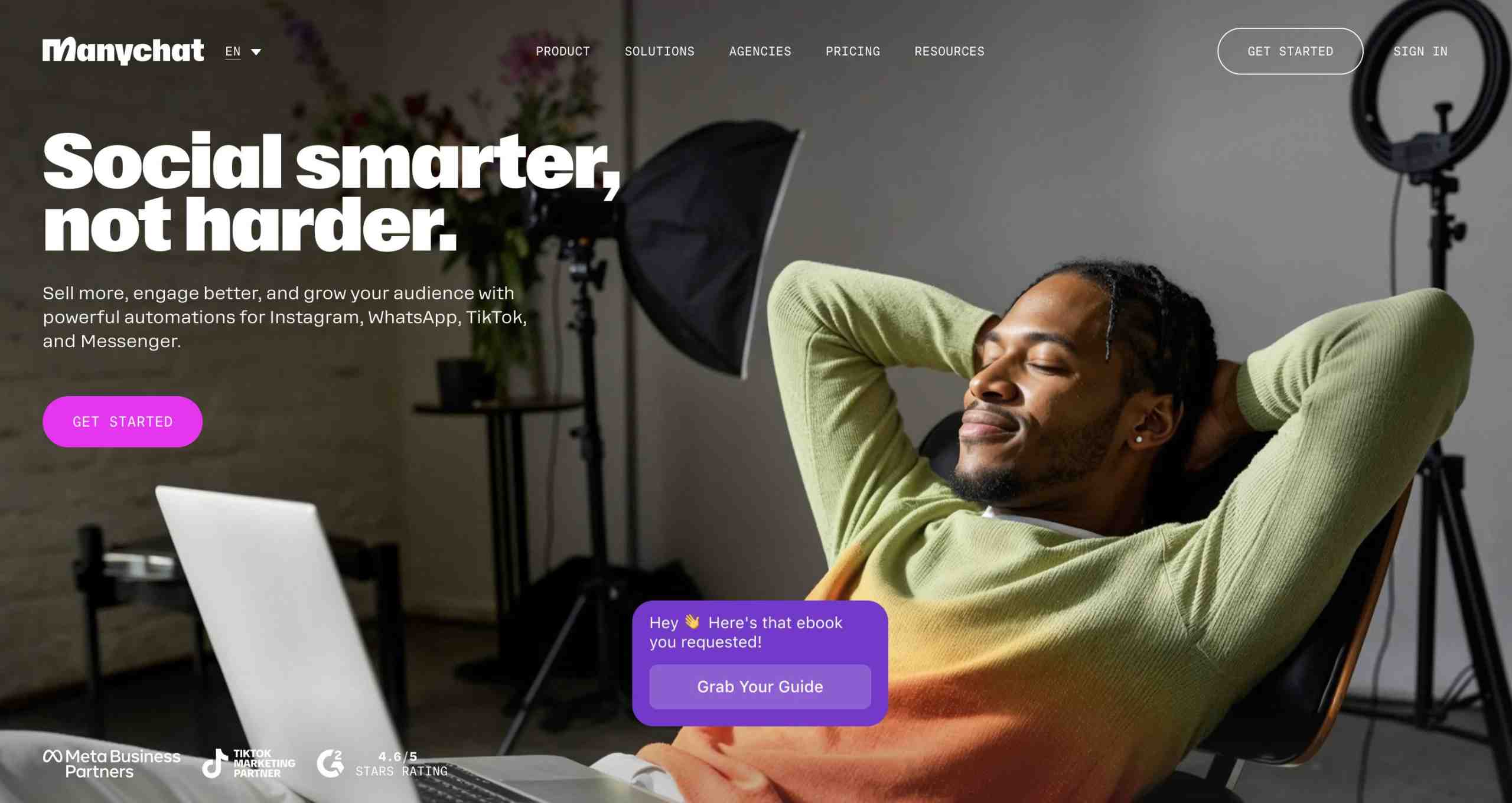
Manychat is one of the leading Instagram DM automation tools available today. It enables businesses to automate conversations, generate leads, and create seamless customer journeys through direct messages. Its Comment-to-DM automation feature is particularly useful for marketers running lead-generation campaigns.
Best For
- Coaches
- Ecommerce brands
- Course creators
- Lead generation campaigns
Key Features
- DM automation
- Comment-to-DM automation
- Lead capture
- Automated replies
6. Metricool
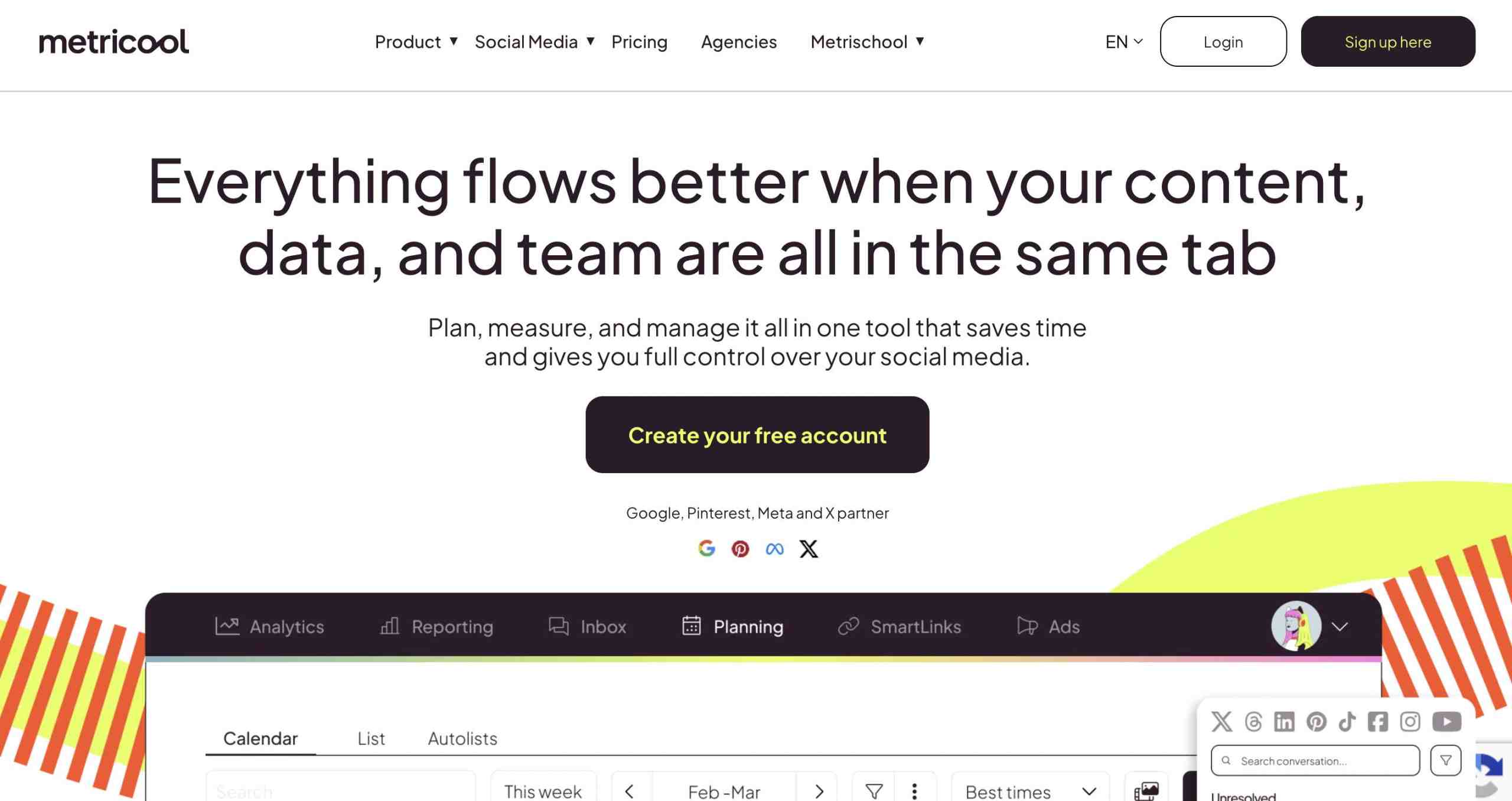
Metricool is ideal for users who want deeper insights into their Instagram performance. It combines analytics, scheduling, competitor monitoring, and reporting tools in a single platform, making it a valuable solution for data-driven marketers.
Best For
- Data-driven creators
- Agencies
- Small businesses
Key Features
- Analytics dashboard
- Competitor tracking
- Scheduling
- Report automation
7. Sprout Social
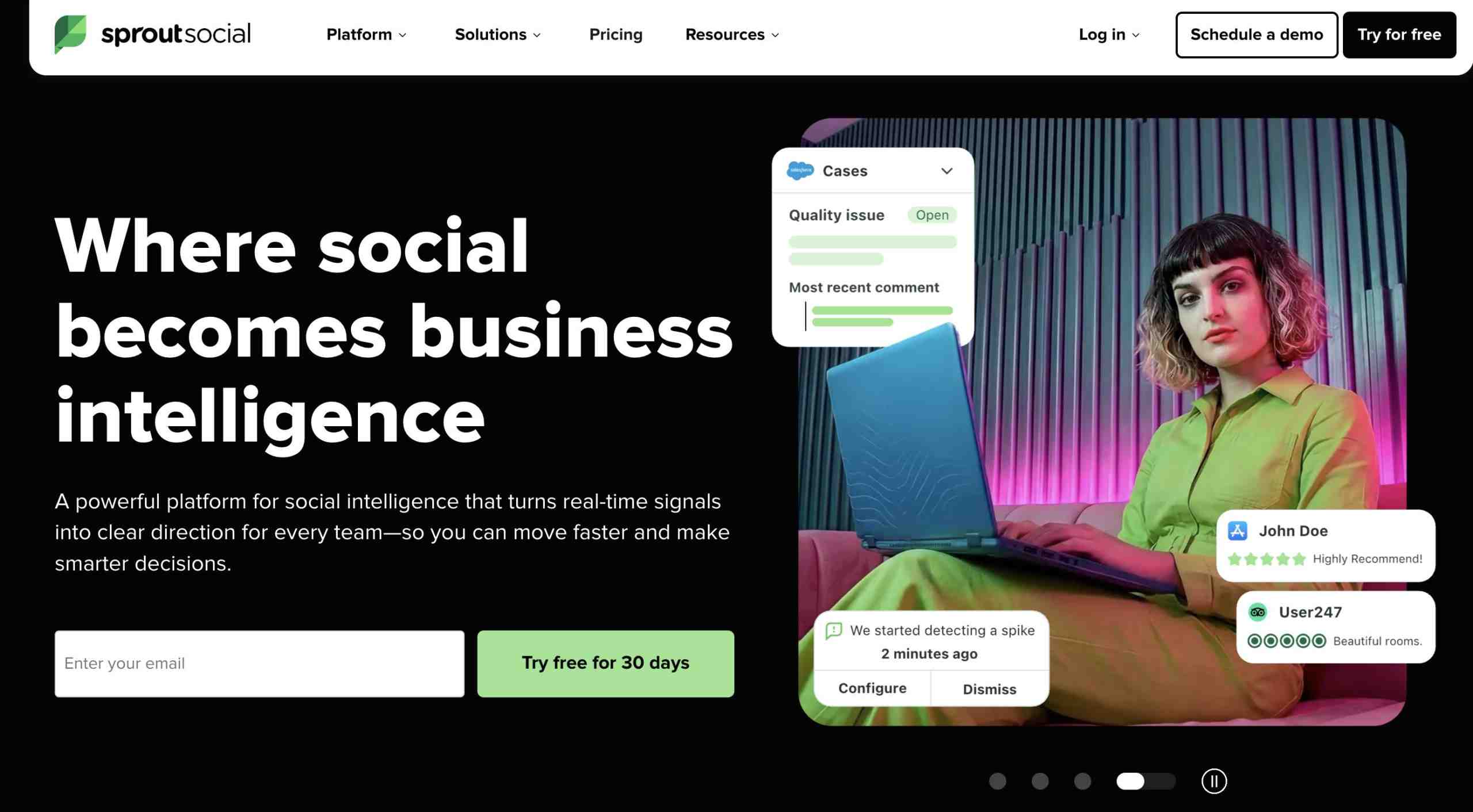
Sprout Social is a premium social media management platform built for larger organizations. It offers advanced reporting, workflow management, and collaboration features that help teams manage Instagram at scale.
Best For
- Large brands
- Agencies
- Enterprise teams
Key Features
- Smart inbox
- Advanced analytics
- Publishing workflows
- Team collaboration
8. SocialBee
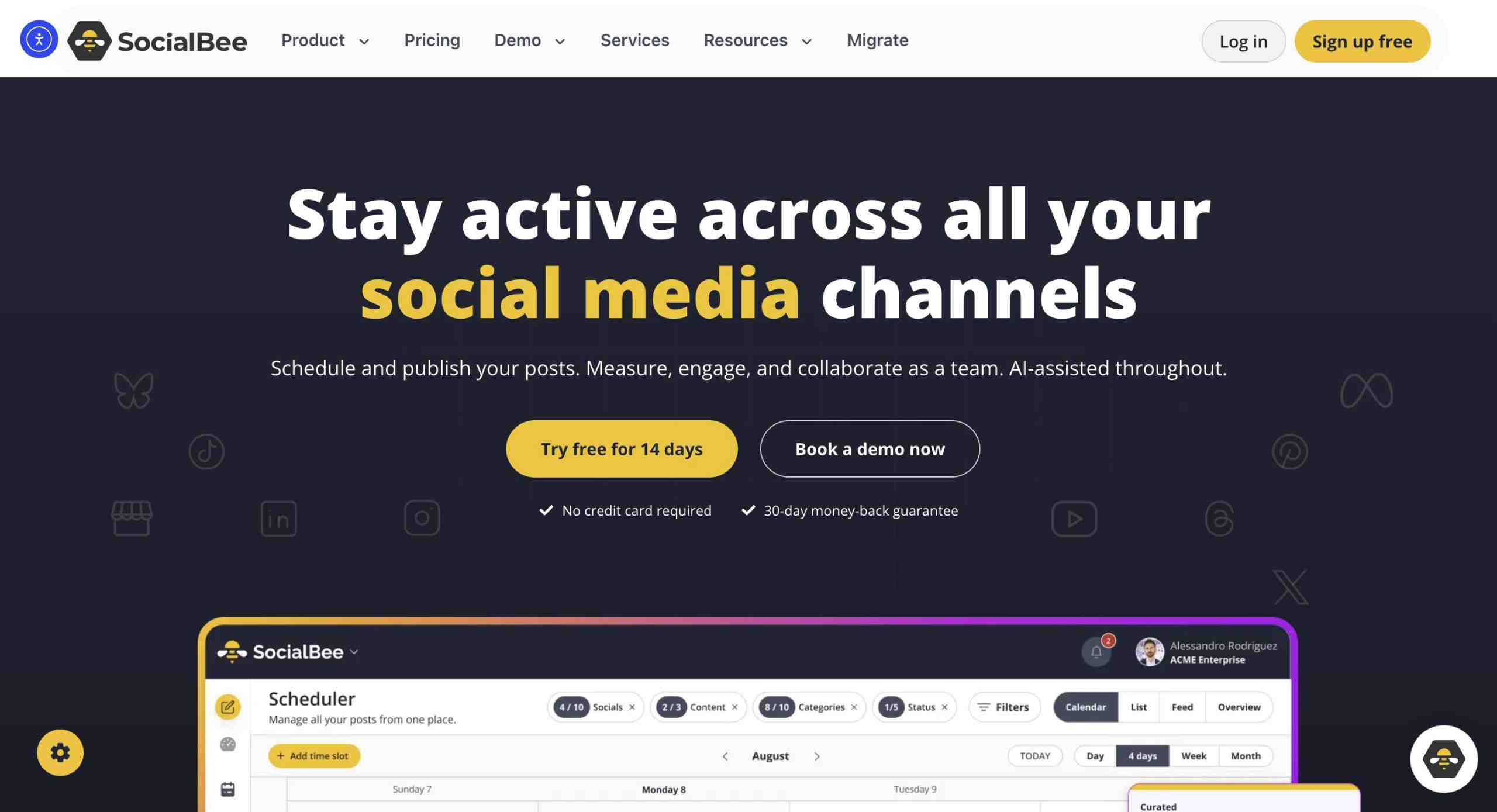
SocialBee focuses on helping users get more value from their content through category-based scheduling and evergreen posting. Instead of constantly creating new content, businesses can automatically recycle high-performing posts and maintain a consistent posting schedule.
Best For
- Coaches
- Solopreneurs
- Content-heavy brands
Key Features
- Content categories
- Evergreen posting
- Scheduling
- AI caption support
9. Planoly
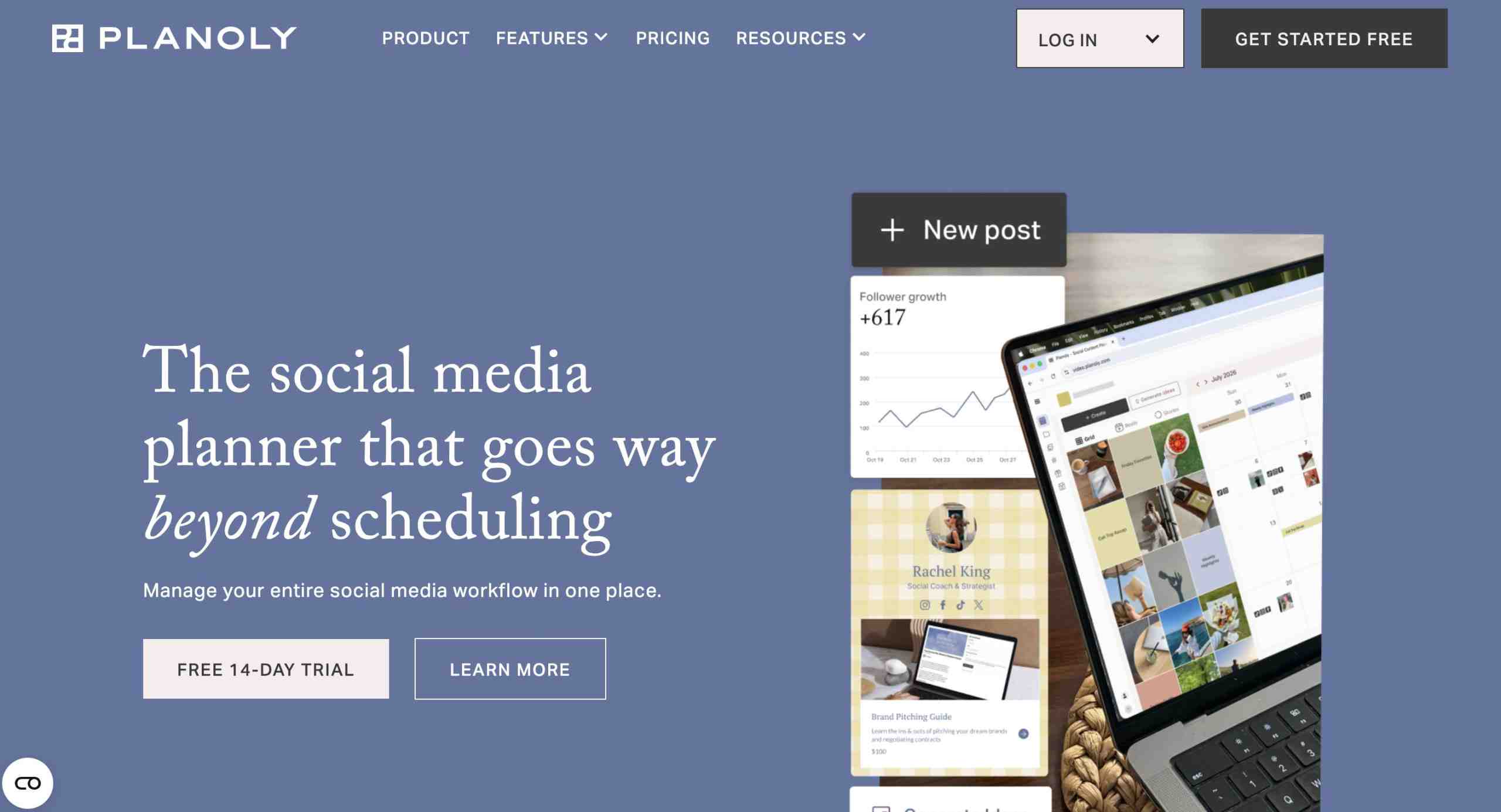
For brands that prioritize aesthetics, Planoly offers powerful visual planning tools. Users can preview their Instagram grid before publishing, ensuring a cohesive look across their profiles.
Best For
- Fashion brands
- Beauty creators
- Lifestyle creators
- Designers
Key Features
- Visual grid planner
- Scheduling
- Content calendar
- Analytics
10. Tailwind
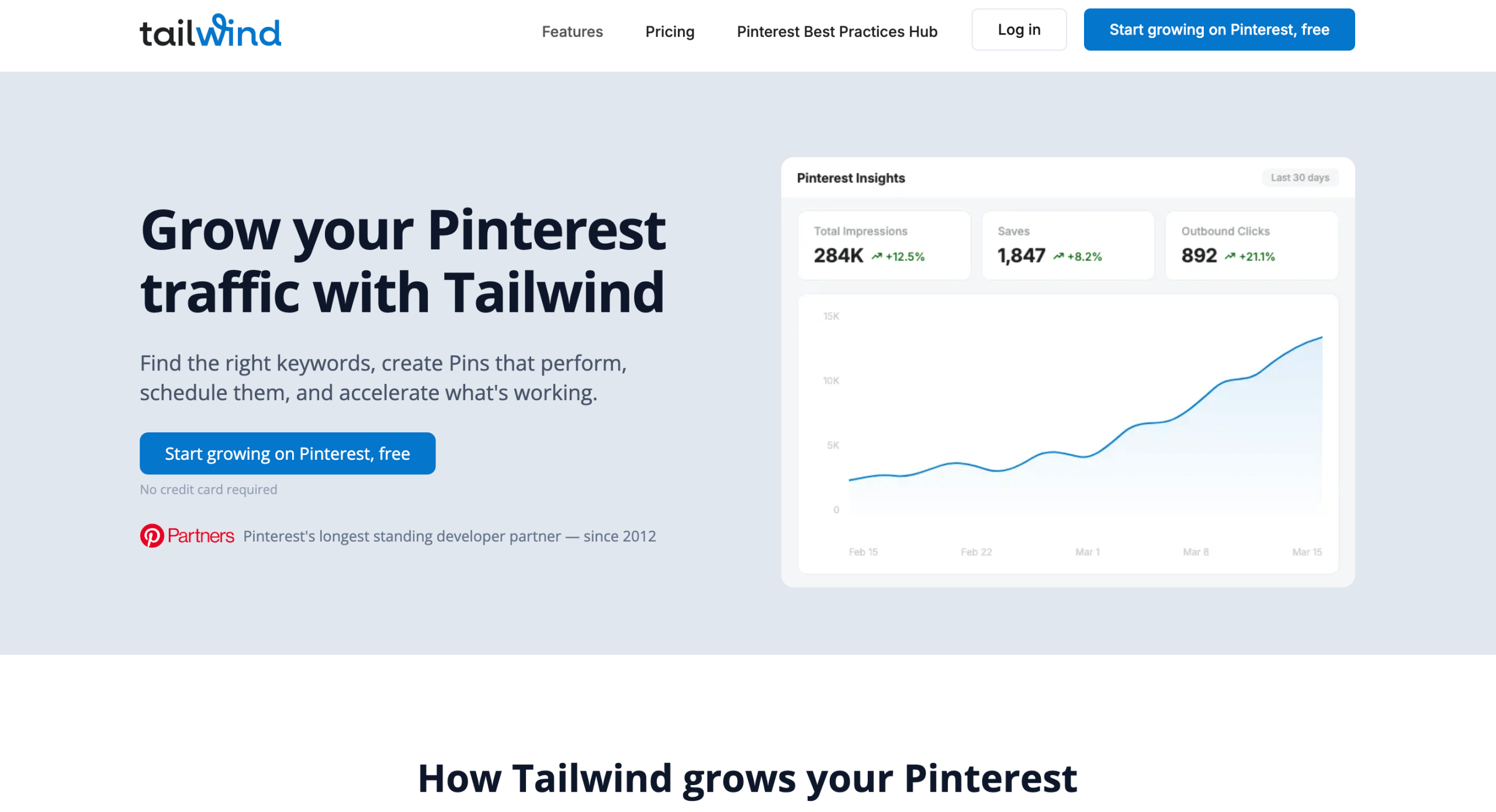
Tailwind is a practical solution for businesses that market on both Instagram and Pinterest. It simplifies content planning across platforms and provides helpful tools for hashtag research and content ideation.
Best For
- Bloggers
- Ecommerce brands
- Pinterest-heavy creators
Key Features
- Scheduling
- AI content ideas
- Hashtag suggestions
- Cross-platform planning
Make Your Instagram Content Work Harder
Display Instagram content on your website to boost trust and conversions.
Get Started NowCommon Mistakes to Avoid in Instagram Automation:

Instagram automation can save time and improve efficiency, but using it incorrectly can do more harm than good. Here are some common mistakes to avoid when using Instagram automation tools.
1. Using Spammy Bots
Not all automation tools are created equal. Tools that promise rapid follower growth through automated actions often violate Instagram’s policies and can put your account at risk. Focus on platforms that improve workflows rather than manipulate engagement.
2. Automating Fake Engagement
Automatically liking posts, following accounts, or leaving generic comments may seem like a shortcut to growth, but it rarely produces meaningful results. Authentic engagement remains far more valuable than inflated metrics.
3. Ignoring Instagram Rules
Instagram regularly updates its platform policies and API restrictions. Before using any automation software for Instagram, ensure it follows Instagram new rules and restrictions and Meta-approved practices to avoid account limitations or penalties.
4. Choosing Tools Only Because They Are Free
Free Instagram automation tools can be helpful, but pricing should not be the only deciding factor. Consider features, reliability, customer support, integrations, and long-term scalability before making a choice.
5. Not Tracking Results
Automation should improve performance, not just save time. If you’re not reviewing analytics, engagement rates, conversions, or campaign results, you may miss opportunities to optimize your strategy.
6. Using Too Many Tools at Once
Managing multiple platforms for scheduling, analytics, DM automation, and reporting can quickly become overwhelming. Whenever possible, choose tools that cover multiple needs and simplify your workflow.
7. Forgetting to Humanize Replies
Automation can handle routine interactions, but audiences still expect genuine communication. Review automated messages regularly and make sure they sound natural, relevant, and aligned with your brand voice.
Best Instagram Automation Tools by Use Case
| Use Case | Recommended Tool |
| Instagram feed embedding | Tagembed |
| Free scheduling | Buffer |
| Visual planning | Planoly |
| DM Automation | Manychat |
| Instagram Analytics | Metricool |
| Agencies | Hootsuite |
| Enterprise teams | Sprout Social |
| Evergreen content | SocialBee |
Conclusion
The best Instagram automation tools in 2026 are the ones that align with your specific goals. For brands looking to extend the value of their Instagram content beyond the platform, Tagembed makes Instagram feed automation simple by automatically displaying posts, Reels, and user-generated content on websites. If you want to simplify content scheduling, platforms like Buffer and Later can help maintain a consistent posting schedule.
For businesses focused on customer engagement and lead generation, Manychat offers powerful Instagram DM automation features. If analytics and reporting are your priority, Metricool provides valuable performance insights.
FAQs
The best Instagram automation tool depends on your goals. For Instagram feed automation and user-generated content display on websites, Tagembed is a strong choice. If your focus is content scheduling, Buffer and Later are popular options. For Instagram DM automation and lead generation, Manychat is one of the leading solutions available.
Yes, Instagram automation tools are safe when they use Meta-approved APIs and focus on legitimate tasks such as scheduling, analytics, reporting, DM workflows, and content management. Tools that automate fake engagement or spam activities should be avoided.
Buffer is one of the best free Instagram automation tools for creators and small businesses looking for basic scheduling and content management features. Many premium tools also offer for frees that allow users to test advanced functionality before upgrading.
Yes. Instagram DM automation tools such as Manychat allow businesses to automate replies, create Comment-to-DM workflows, qualify leads, and guide users through customer journeys while maintaining a seamless experience.
Yes. Tools like Tagembed allow you to embed Instagram feeds on your website and automatically update them whenever new content is published. This helps keep your website fresh while showcasing social proof, user-generated content, and brand activity.
Embed social feed from Facebook, YouTube, Instagram, Twitter on your website, like a PRO
Invalid Email Address Multiple Themes
