The Best WordPress Review Plugin in 2026 (Complete List)
Reviews can influence how people see your business before they ever buy from you. A WordPress Review Plugin can help you bring those reviews onto your website, but the process is not always as simple as adding a few star ratings. You may need to collect customer feedback, bring reviews from different platforms together, or showcase product ratings.
That is where a customer review plugin for WordPress comes in. Each option takes a different approach, so features such as review sources, moderation, customization, and schema support can vary. In this guide, we compare 10 popular options to help you find a review plugin for WordPress that suits your website and how you manage reviews.
What Is a WordPress Review Plugin?
A WordPress review plugin is a WordPress tool that helps you collect, manage, and display customer feedback on your website. A customer review plugin can pull reviews from external platforms or let customers submit feedback directly. Depending on the plugin, you can also add ratings, moderation, and layouts through a WordPress review plugin.
The Best Customer Reviews Plugin For WordPress
Collect, moderate, and Display customer reviews on WordPress Website
Try For FreeWhy Use WordPress Review Plugins?
A review plugin can simplify several tasks that would otherwise require separate tools or manual updates. The right features depend on where your reviews come from and how you want to display them.
- Review Collection: Let customers submit feedback directly from your website without relying only on external platforms.
- Display: Bring reviews into your website and keep them visible where potential customers can find them.
- Manage Feedback: Review, approve, filter, or remove submissions before they appear publicly.
- Showcase Google Feedback: Display positive Google reviews alongside other customer feedback to give visitors more context.
- Add Ratings: Use stars, scores, or other rating formats to make feedback easier to scan.
- Choose Relevant Features: Pick the best customer review plugin for WordPress based on your review sources, layouts, and the features your site actually needs.
How I Tested These WordPress Review Plugins
We tested each plugin on a fresh WordPress site to see how easily it fits into a regular website workflow.
- Setup: Installed each plugin and followed the setup process to see how quickly we could get started.
- Review sources: Tested the available options for collecting reviews, importing existing feedback, and connecting external review platforms where supported.
- Display: Added sample reviews and checked how they looked across the available layouts and sections.
- Moderation: Checked the available options for reviewing, approving, filtering, and managing customer submissions.
- Customization: Tried different layouts, blocks, widgets, and design settings to see how much control each plugin offered.
- Embedding: We added the review display to a website page and blogs using the available embed, block, shortcode, or widget options.
- Plugin Plans: Tested the plans to see which features were available and where limitations appeared.
These checks gave us a clearer view of how each review plugin for WordPress works in practice.
Comparison Table: WordPress Review Plugins
If you are comparing a WordPress Review Plugin, start with your review source and the type of feedback you want to display. This table gives you a quick view of where each option fits.
| Plugin | Best for | Review sources | Standout feature |
| Tagembed | Multi-platform reviews | Google, Facebook, Yelp, Airbnb, and more | Review aggregation + customization |
| Site Reviews | First-party reviews | Website submissions, imports | Moderation + review management |
| Widgets for Google Reviews | Google reviews | Google Business Profile | Simple Google review display |
| WP Customer Reviews | Business & product reviews | Website submissions | Custom fields + moderation |
| Customer Reviews for WooCommerce | WooCommerce stores | Customer submissions, imports | Review reminders + photo reviews |
| Reviews Feed | Google & Yelp reviews | Google, Yelp, more in Pro | Multiple feeds + easy embedding |
| ReviewX | Detailed WooCommerce reviews | WooCommerce, Google | Multi-criteria ratings |
| WP Social Ninja | Reviews + social content | Google, Yelp, Airbnb, Facebook, WooCommerce | Reviews and social feeds together |
| Photo Reviews for WooCommerce | Photo-based reviews | Customer reviews, AliExpress in Pro | Photo reviews + review reminders |
| Ultimate Reviews | Product and customer reviews | Website submissions | Multiple rating systems + review filtering |
Top 10 WordPress Review Plugins Compared
Choosing a review plugin depends on where your reviews come from and how you want to manage them. The options below cover different review needs, including business reviews, product reviews, ratings, and review aggregation.

1. Tagembed: Multi-platform Review Aggregation
First up is Tagembed, a WordPress review plugin for displaying customer feedback from different platforms on your website. You can pull reviews from Google, Facebook, Yelp, Airbnb, and other online review platforms. The customer review plugin for WordPress also lets you moderate and customize the reviews before publishing them through its Customer review widget.
- Best for: Businesses with reviews on multiple platforms
- Review sources: Google, Facebook, Yelp, Airbnb, Etsy, and more
- Key features: Review aggregator, moderation, customization, automatic updates, and analytics
- Plans available: Free and paid plans, with paid plans offering higher limits, faster updates, and branding removal.
2. WP Customer Reviews: Business and Product Reviews
WP Customer Reviews is a customer review plugin for collecting feedback directly on your WordPress website. You can use it for both business testimonials and product reviews, then moderate submissions before publishing them. Among WP customer reviews plugins, it suits businesses that want to collect feedback on their own site and decide which reviews appear publicly.
- Best for: Business testimonials and product reviews
- Review sources: Reviews submitted on your website
- Key features: Review moderation, custom fields, 5-star ratings, shortcodes, and Schema.org markup
- Plans available: Free and paid plans, with paid plans offering additional features and higher limits.
3. Widgets for Google Reviews and Ratings: Google Reviews
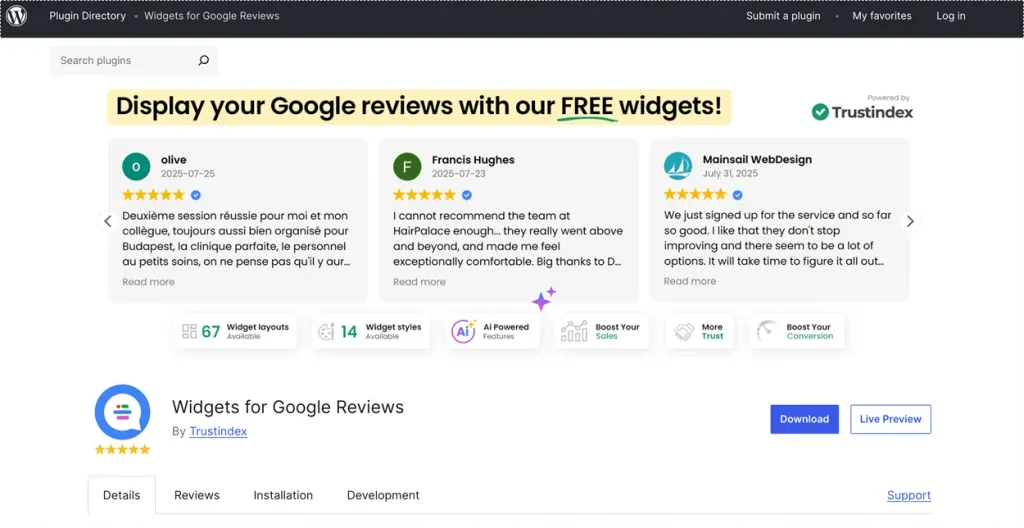
Widgets for Google Reviews and Ratings is a review plugin for WordPress that allows you to display Google Business Reviews on your website. The setup is simple and does not require an API key or any coding. You have the option of using customizable shortcodes or widgets to put the reviews in the places that you need them. It is appropriate for businesses that primarily want a Google review widget rather than reviews from a number of different platforms.
- Best for: Displaying Google Business Reviews
- Review sources: Google Business Profile
- Key features: Shortcodes, CSS customization, responsive layouts, translations, and automatic updates
- Plans available: Free and paid plans, with paid plans offering review photos and additional features.
A WordPress widget for Google Reviews can also be added through the plugin’s shortcode, so you can place the reviews on posts, pages, or widget areas without changing your site’s code.
4. Site Reviews: Collect and Manage Customer Reviews
Site Reviews is a customer review plugin that lets you collect, moderate, and display reviews directly on your WordPress website. It stands out for the amount of control it gives you over review forms, spam protection, display options, and integrations with popular page builders. It works well for businesses that want to manage their own reviews while still having the option to import reviews from other sources.
- Best for: First-party business and product reviews
- Review sources: Website submissions and CSV imports
- Key features: Review moderation, spam protection, page-builder support, and JSON-LD schema
- Plans available: Free and paid plans, with paid add-ons offering review filters, custom forms, images, notifications, and review themes.
5. Customer Reviews for WooCommerce: WooCommerce Review Collection

Customer Reviews for WooCommerce is a customer review plugin built specifically for WooCommerce stores. It helps store owners collect reviews through automated email reminders after a purchase, while also supporting photos, videos, ratings, and Q&A on product pages. It suits online stores that want to actively collect more product reviews instead of waiting for customers to leave them on their own.
- Best for: WooCommerce product and store reviews
- Review sources: Customer submissions and CSV imports
- Key features: Review reminders, photo and video reviews, Q&A, review forms, and Google Shopping integration
- Plans available: Free and Pro plans, with Pro offering additional features and email support.
The Best Product Reviews Plugin For WordPress
Collect, moderate, and Display product reviews on WordPress Website
Try For Free6. Reviews Feed: Google, Yelp, and External Reviews
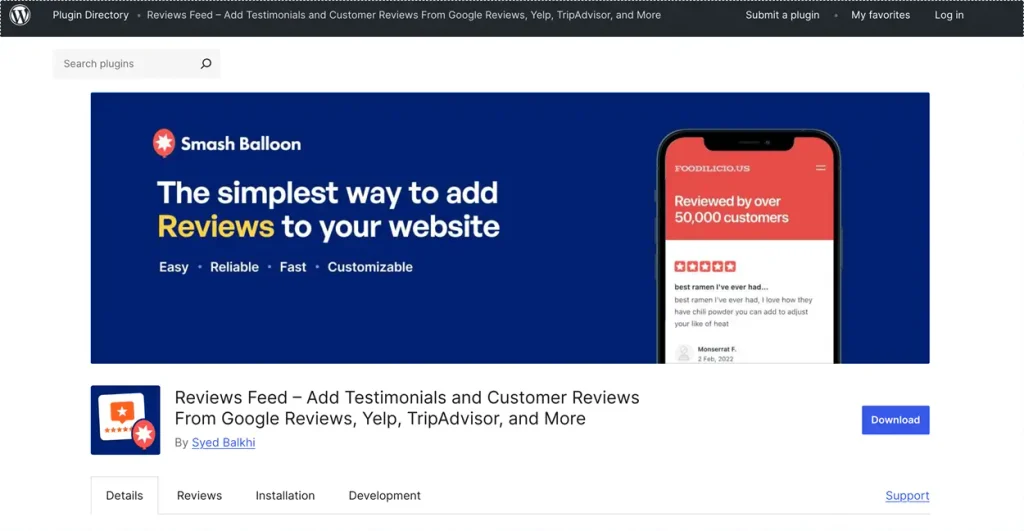
Reviews Feed is a WordPress review plugin that brings Google and Yelp reviews into feeds that can be shown on various parts of your website. You are able to combine reviews from different accounts, set up individual feeds, and modify their appearance before adding them to a page or a post. The plugin is suitable for businesses that wish to include reviews from external sites on their website without having to manage each review manually. Add feeds alongside other social media feeds on your website, giving visitors more ways to see customer feedback and brand content in one place.
- Best for: Google and Yelp review feeds
- Review sources: Google and Yelp, with more sources in Pro
- Key features: Multiple feeds, customization, shortcodes, and Gutenberg block
- Plans available: Free and paid plans, with paid plans offering more review sources, moderation, filters, and customization.
7. ReviewX: Multi-criteria WooCommerce Reviews
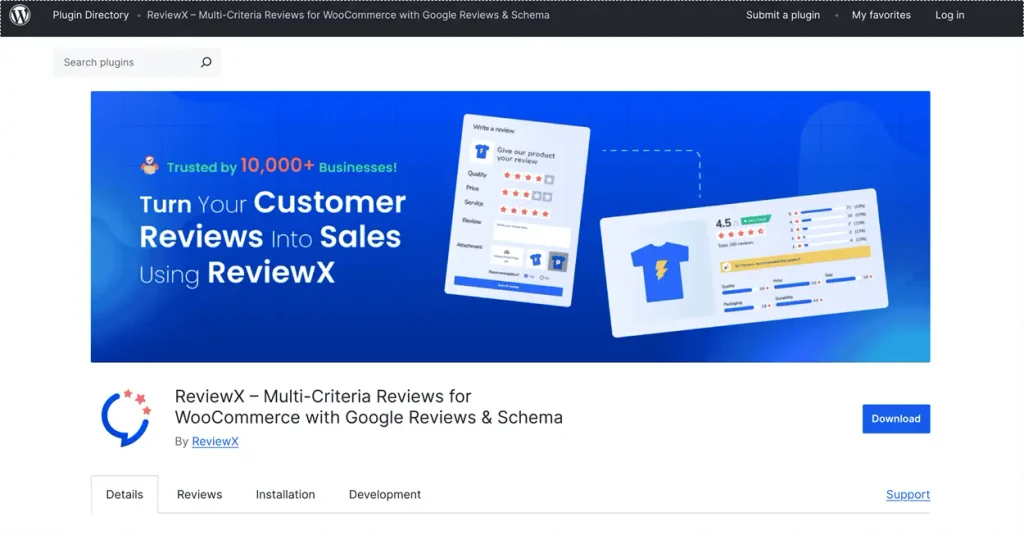
ReviewX is a customer review plugin for WordPress built for WooCommerce stores. It lets customers rate different parts of a product instead of giving only one overall score. Store owners can set criteria such as product quality, price, or service and use the results to give shoppers more detail. It fits WooCommerce stores that want more specific product feedback. Try ReviewX to bring Google Reviews on WordPress alongside your WooCommerce product reviews.
- Best for: Detailed WooCommerce product reviews
- Review sources: WooCommerce and Google Reviews
- Key features: Multiple rating criteria, review reminders, photo and video reviews, and review filters
- Plans available: Free and paid plans, with paid plans offering more review criteria, video reviews, moderation, voting, and review imports.
8. WP Social Ninja: Reviews and Social Feeds

WP Social Ninja is a review plugin for WordPress that brings customer reviews and social feeds into the same WordPress setup. It supports reviews from several platforms, including Google, Yelp, Airbnb, Facebook, and WooCommerce. Unlike plugins focused only on reviews, it also handles social feeds and chat widgets, so it suits businesses that want to manage different types of content from one plugin. You can also show Google Reviews on a website alongside other reviews and social content.
- Best for: Reviews and social feeds
- Review sources: Google, Yelp, Airbnb, Facebook, WooCommerce, and more
- Key features: Review filters, custom layouts, auto-sync, shortcodes, and schema support
- Plans available: Free and paid plans, with paid plans offering more review sources, multiple accounts, advanced filters, and review management.
9. Photo Reviews for WooCommerce: Photo-Based WooCommerce Reviews

Photo Reviews for WooCommerce is a WooCommerce plugin that lets customers add photos to their product reviews. It also sends review reminders after an order is completed and can send a coupon when a review is published. The photo-review feature is its main draw, so it suits stores where customers’ product photos are an important part of the review experience.
- Best for: Photo-based WooCommerce reviews
- Review sources: Customer reviews and AliExpress imports in Pro
- Key features: Photo reviews, reminder emails, review filters, coupons, and review forms
- Plans available: Free and paid plans, with paid plans offering review titles, AJAX filters, AliExpress imports, and CSV import/export.
10. Ultimate Reviews: Flexible Product Reviews
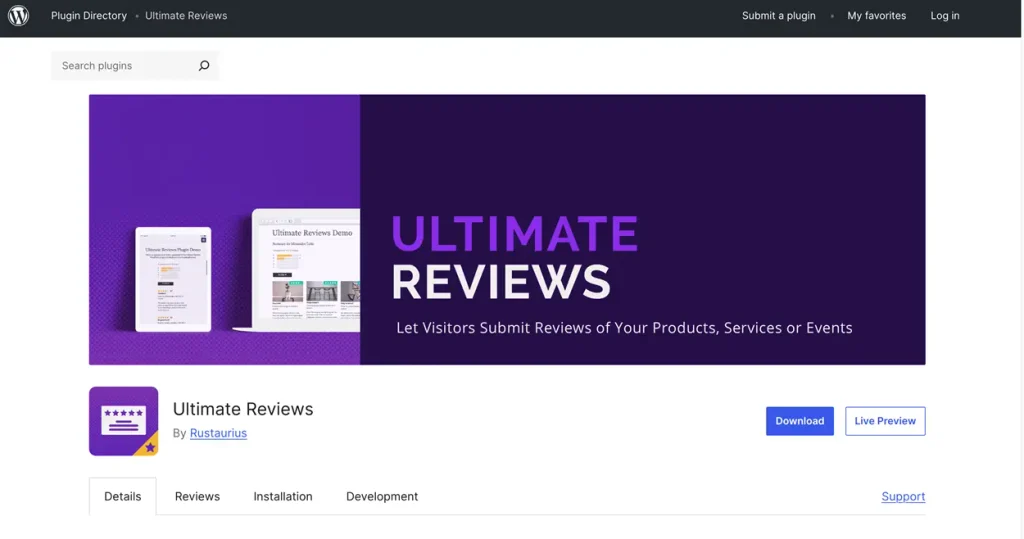
Ultimate Reviews is a WordPress review plugin that lets visitors submit and browse reviews for products, services, events, or other items. It stands out with multiple rating systems, custom review fields, filters, and review submission forms. It suits businesses and stores that want more detailed reviews than a simple star rating.
- Best for: Detailed product and customer reviews
- Review sources: Website submissions
- Key features: Multiple ratings, custom fields, review filters, images, videos, and shortcodes
- Plans available: Free and paid versions, with premium features adding WooCommerce integration, review reminders, schema, advanced fields, and more customization
The Best Customer Reviews Plugin For WordPress
Collect, moderate, and Add customer reviews on WordPress Website
Try For FreeHow to Choose the Suitable WordPress Plugin for You?
The right WordPress review plugin depends on what you want reviews to do on your website. Before choosing one, look beyond the feature list and check whether the plugin fits your review workflow, website, and budget.
- Review type: Decide what you actually need to display. Product reviews, business testimonials, Google reviews, and customer-submitted feedback can require different features.
- Integrations: Check whether the plugin works with the platforms you already use. If your reviews come from Google, Yelp, WooCommerce, or another source, make sure the plugin supports it before you install it.
- Features: Focus on the features you will use regularly. A WooCommerce store may need review reminders and photo reviews, while a service business may need forms, moderation, and flexible display options.
- Design: Look at how the reviews will appear on your site. Check the available layouts, widgets, shortcodes, blocks, and customization options to make sure they fit your existing design.
- Control: If customers can submit reviews directly, check what happens after they hit submit. Approval, editing, filtering, and spam protection can save you from managing unwanted submissions later.
- Schema: If SEO matters to you, check whether the plugin adds structured data and what type it uses. Do not assume that displaying star ratings automatically means the plugin adds a review schema.
- Updates: Reviews should not become another task you have to manage manually. Check whether the plugin can refresh imported reviews automatically and whether its update settings suit your website.
- Pricing: Compare the free and paid versions before making a decision. Check the limits on review sources, feeds, locations, branding, customization, and other features you actually need.
- Testing: Try the plugin with real review content before settling on it. Check the setup, mobile display, page performance, and how the finished review section looks on your site.
Benefits of Using a WordPress Review Plugin
A WordPress review plugin can turn customer feedback into useful website content while reducing the manual work involved in collecting and managing reviews.
- Build trust: Show genuine customer experiences on your website instead of relying only on marketing claims.
- Reduce friction: Keep relevant reviews close to products, services, and landing pages so visitors do not have to search elsewhere for feedback.
- Keep reviews fresh: Automatically update connected reviews when new feedback appears, reducing the need for manual copying and pasting.
- Protect authenticity: Use moderation to manage inappropriate content, while keeping genuine negative feedback visible when it does not violate any policy. For policy-violating Google content, follow the proper process to remove fake Google reviews.
- Reuse feedback: Turn one useful review into website content for product pages, testimonials, service pages, and campaigns.
- Manage submissions: Review, approve, filter, and organize customer submissions before they appear publicly on your website.
- Find customer insights: Look for repeated comments about product quality, service, delivery, or support and use them to improve your marketing or customer experience.
- Support better decisions: Detailed reviews can answer practical questions that product descriptions and promotional copy often leave unanswered.
- Avoid compliance risks: A review plugin cannot take the place of real customer feedback and it is advisable to avoid methods such as how to buy Google reviews since paid or fake reviews may breach the platform’s policies and damage trust.
- Save development time: Ready-made review layouts, forms, filters, and integrations can reduce the amount of custom development needed for a review system.
Conclusion
The right WordPress review plugin can do more than display star ratings. It can help you collect feedback, manage submissions, bring reviews from different platforms together, and place customer experiences where they can support buying decisions. The best choice depends on your review sources, website setup, required features, and budget. So, compare those needs first and choose a plugin that fits your actual workflow.
FAQs
A WordPress review plugin is a tool that allows you to collect, manage, and display customer ratings and feedback on your site. It helps display star ratings, import reviews from third-party sites like Google or Yelp, and integrate review schema for SEO.
There is no single choice for every website. Site Reviews, WP Customer Reviews, and other free options support different review workflows. Compare their review sources, moderation tools, display options, integrations, and limitations before choosing one.
Yes, there are various WordPress plugins that enable you to show Google Business Profile reviews through the use of widgets, feeds, shortcodes, or blocks. Some of these plugins connect directly with Google, whereas others employ alternative methods, so you should first check the plugin’s setup requirements and Google Reviews issues.
There are several plugins that support WooCommerce, such as Customer Reviews for WooCommerce, ReviewX, and Site Reviews. The various features they offer are different, so you should decide whether you need review reminders, product ratings, photo reviews, or other features specific to WooCommerce.
Some do, but not every plugin adds structured data. For example, several review plugins support review or product schema. However, adding schema does not guarantee that Google will show review stars or rich results.
Google 5-star ratings are the rating scores customers leave on a Google Business Profile, typically alongside written reviews. They reflect customer feedback on Google and can appear with the business listing in Google Search and Maps.
Embed social feed from Facebook, YouTube, Instagram, Twitter on your website, like a PRO
Invalid Email Address Multiple Themes