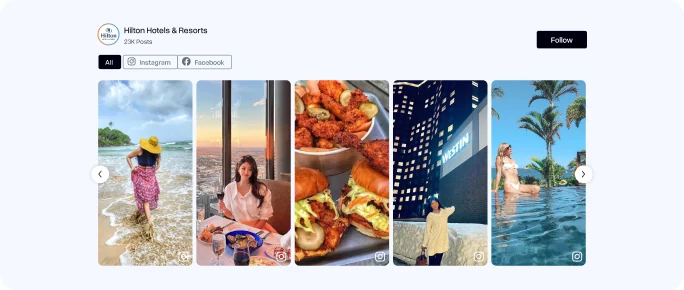
AI Moderation | Shoppable For Product Tag
Create A Social Media Widget Your Visitors Will Love
Collect, curate, and embed social media content from Instagram, Facebook, LinkedIn, YouTube, and more. Build a customizable social media widget that fits your brand and gives visitors a feed they enjoy.
- Multiple themes
- Free forever plan
- Go live in minutes
 4.7/5 Rating by 95+ Verified G2 Users

More than 50K+ organizations worldwide rely on Tagembed.








What is a Social Widget?
A social widget is a website element that lets you display content from social media platforms directly on your website. This type of social widget can feature posts, videos, images, or social feeds from platforms like Instagram, Facebook, TikTok, YouTube, and LinkedIn. By bringing this content to your website, a social media widget keeps your pages fresh, encourages visitors to engage, and gives them an easy way to explore your brand’s social presence.
Bring Your Favorite Social Platforms To Your Website
Connect, curate and display content from the social networks your audience already uses.
-

Instagram Widget
Bring your Instagram posts, reels, photos and hashtag content to your website with an always-fresh, customizable feed.
Handle • Reels • Hashtags
-
Facebook Widget
Keep your website connected to your Facebook presence by displaying fresh posts, photos and page content directly on your website.
Pages • Posts • Mentions
-
LinkedIn Widget
Bring your professional presence to your website by showcasing company updates, posts and thought leadership from LinkedIn.
Company Page • Hashtags
-
Twitter Widget
Curate and display all your valuable tweets from your profile, mentions, hashtags, favorites, etc., on your website.
Handle • Hashtags • Mentions
-
TikTok Widget
Bring TikTok's short-form energy to your website with engaging video feeds that let visitors discover your latest content without leaving your site.
Hashtags • Handles
-
YouTube Widget
Turn your YouTube presence into a dynamic video experience with feeds that showcase your latest videos, channels, and playlists.
Channels • Playlists • Shorts
-
RSS Widget
Bring content from RSS feeds into your website and automatically display the latest articles, updates, and publications in one place.
RSS Feed URL
-
Pinterest Widget
Turn your Pinterest content into visual inspiration on your website with dynamic feeds built around pins and boards.
Pins • Boards
-
Reddit Widget
Bring real Reddit discussions, community threads, and the most popular posts directly to your site in order to display genuine social proof.
Community
-
Slack Widget
Keep visitors informed in real time by broadcasting live announcements from the community, updates from public channels, and highlights.
Channel & Keyword
-
Flickr Widget
Turn your Flickr albums and high-resolution photo galleries into an eye-catching visual portfolio on your web pages.
Hashtags • Handles
-
Vimeo Widget
Showcase your Vimeo video collection to give website visitors an engaging way to explore and enjoy your visual content.
Hashtags • Handles


Build Your Social Media Widget in Minutes
Aggregate content from all your social channels into one beautiful feed and keep your website updated automatically.
-
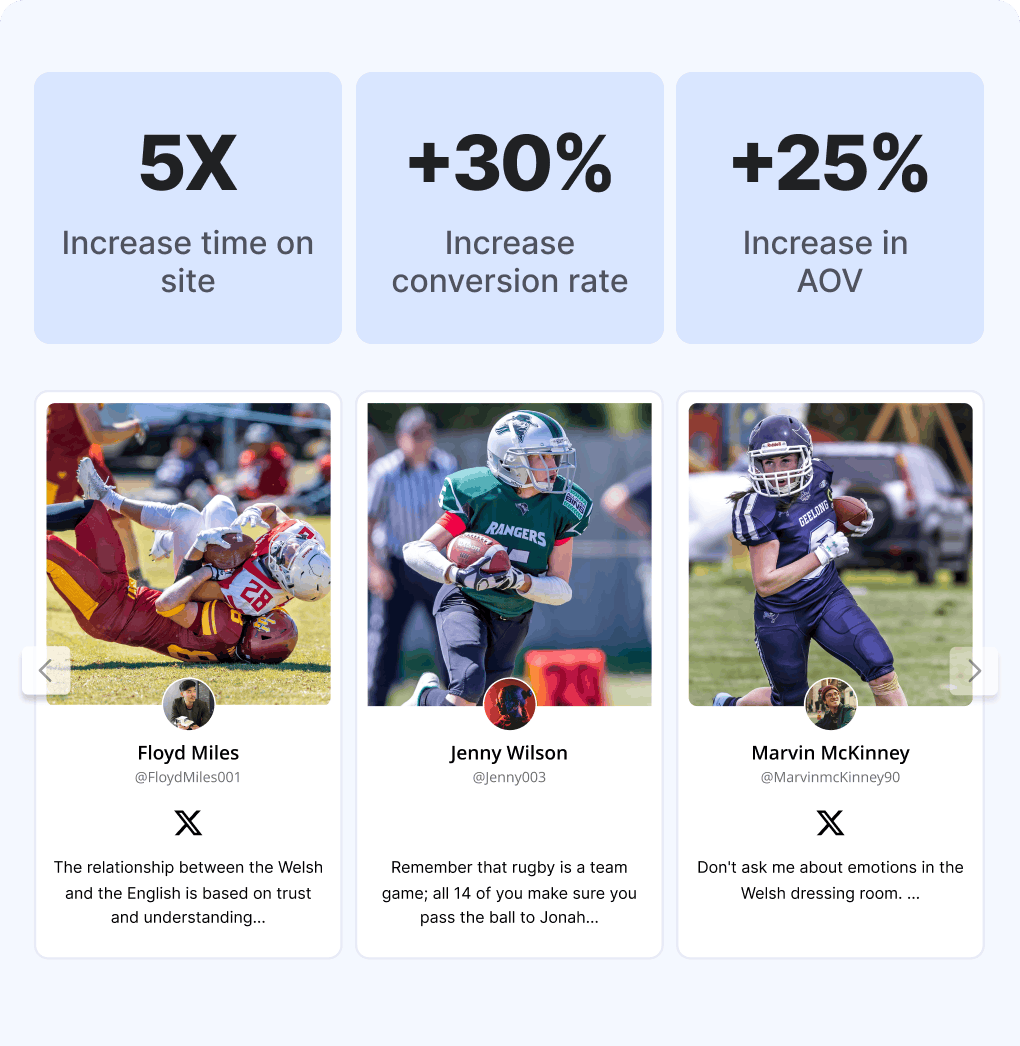
5X
Increase time
on site -
+25%
Increase
conversion rate -
+30%
Increase in
AOV
Turn Social Feeds Into Website Widgets in 4 Steps
Bring social content to your website without coding, complex integrations, or developer help.
More Than A Feed: Social Media Widget For Your Website
Connect your favorite social platforms, customize your widget, and display fresh posts, videos, and updates directly on your website.
Features That Power Your Social Widget
From real-time automation to deep design controls, turn your social content into an engine for site engagement, trust, and conversions.
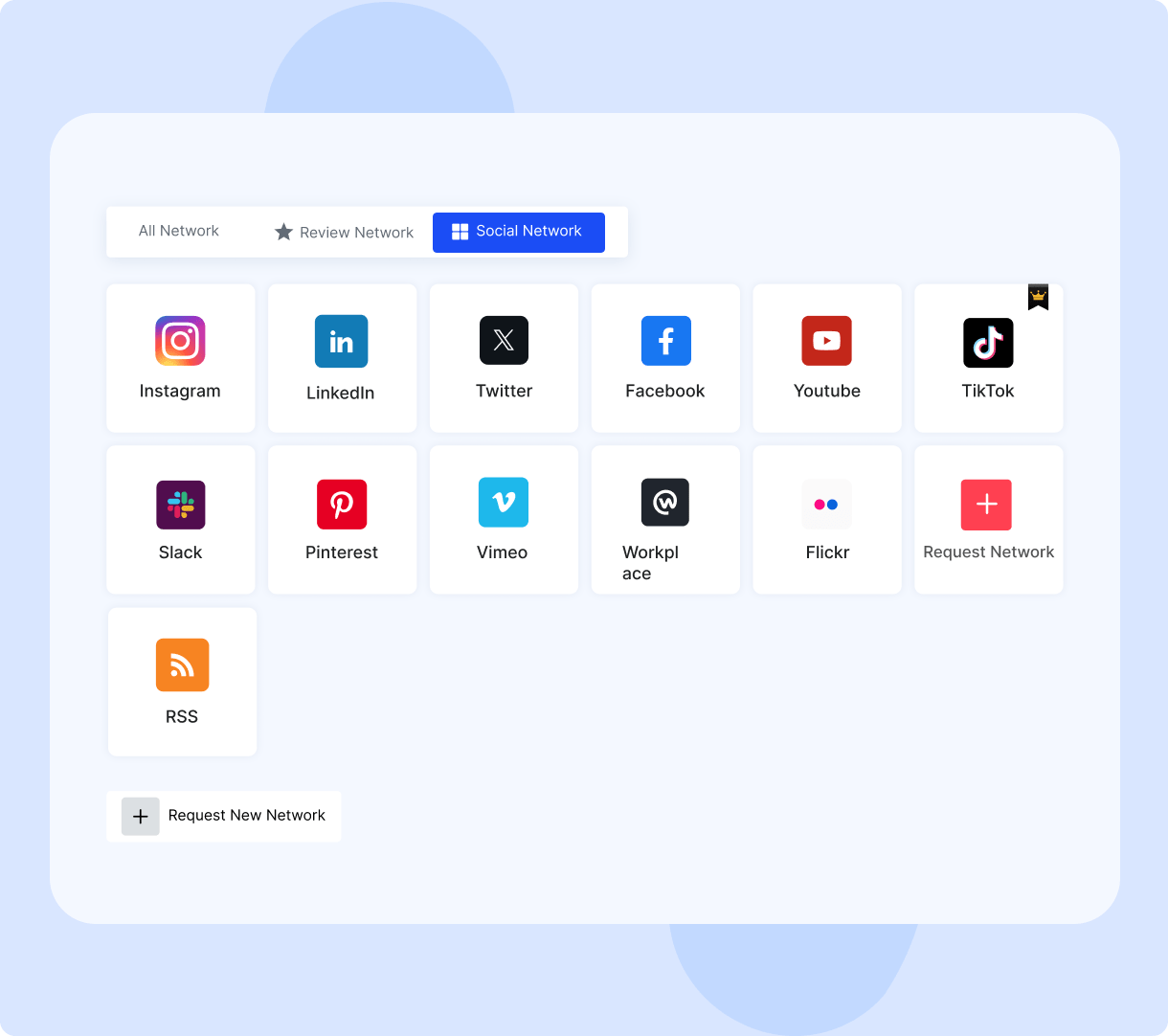
Multiple Sources
Combine content from multiple social platforms in one feed. Bring your brand’s social presence together and let visitors explore posts, videos, images, and updates from different channels without leaving your website. Keep your website connected to the content you share across social media.
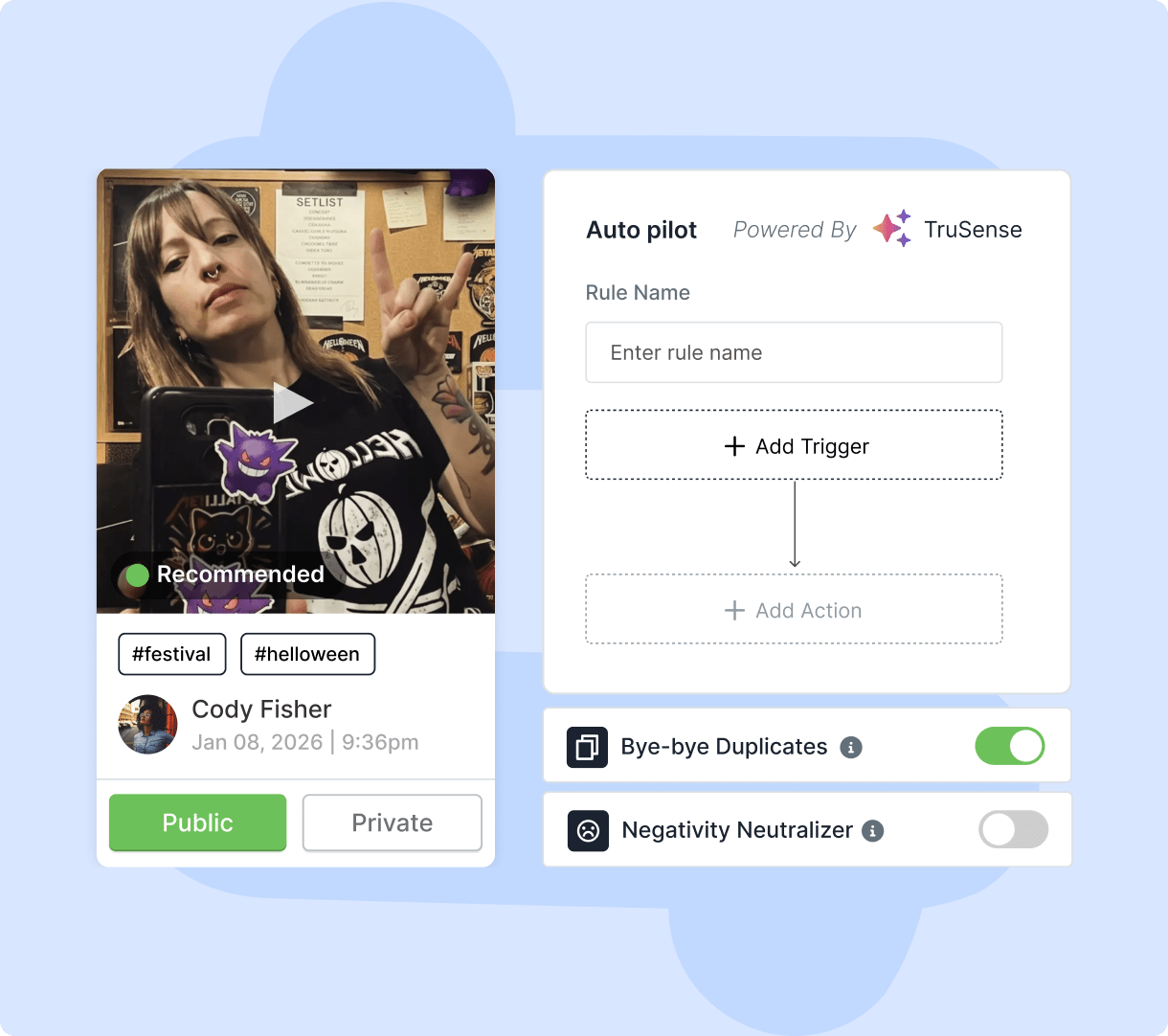
Smart Moderation
Filter unwanted content and control exactly what appears. Set rules to hide irrelevant posts and keep your feed aligned with your brand. Highlight meaningful content that resonates with your audience. Create a clean, relevant feed that visitors can browse with confidence. Keep your website content on-brand as your feed grows.
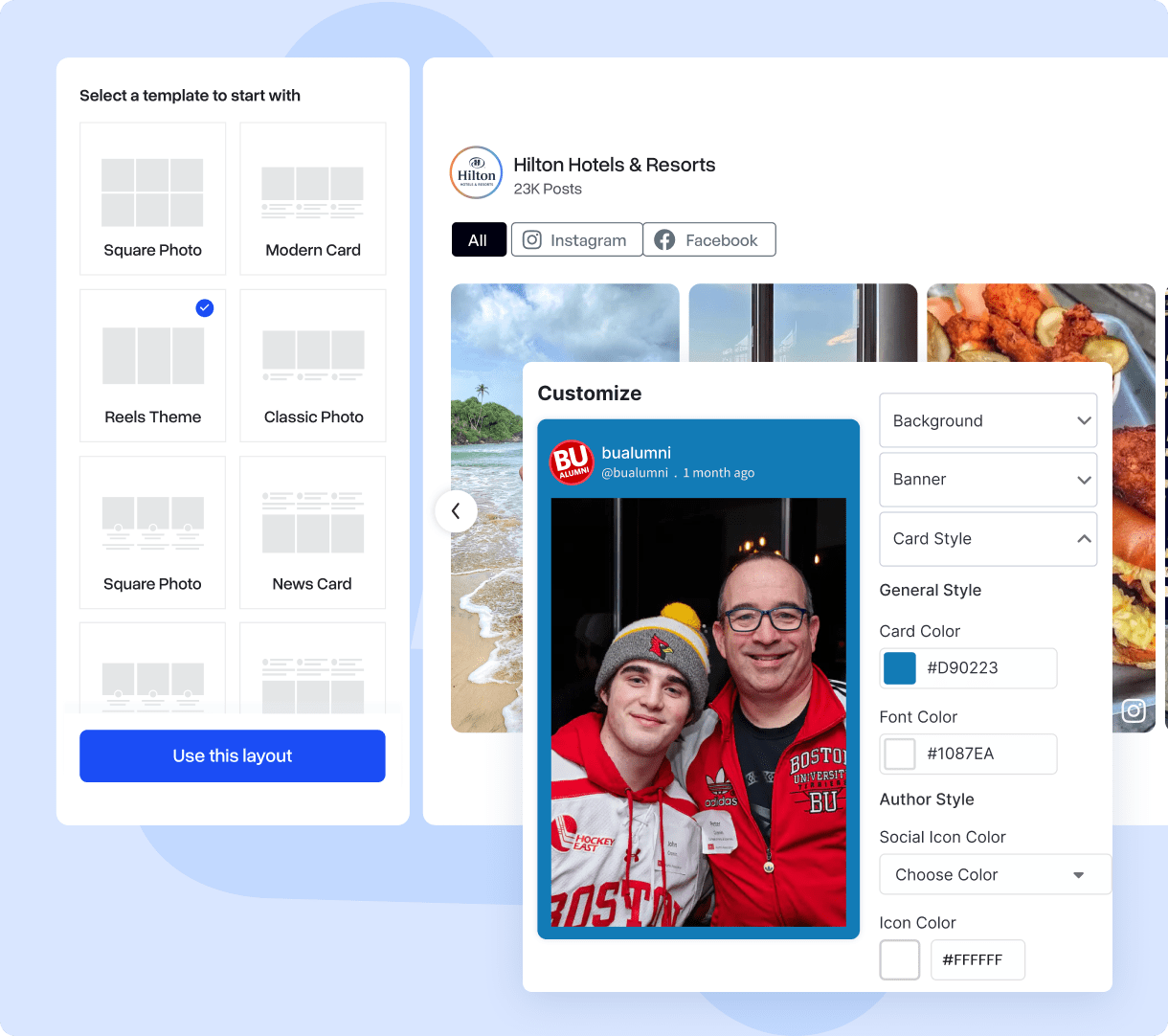
Custom Layouts
Choose grids, masonry, carousels, sliders and more. Arrange your social content in a layout that suits your website and the type of content you share. Make your feed easy to browse across different pages and screen sizes. Highlight your best content with a layout that fits your brand.
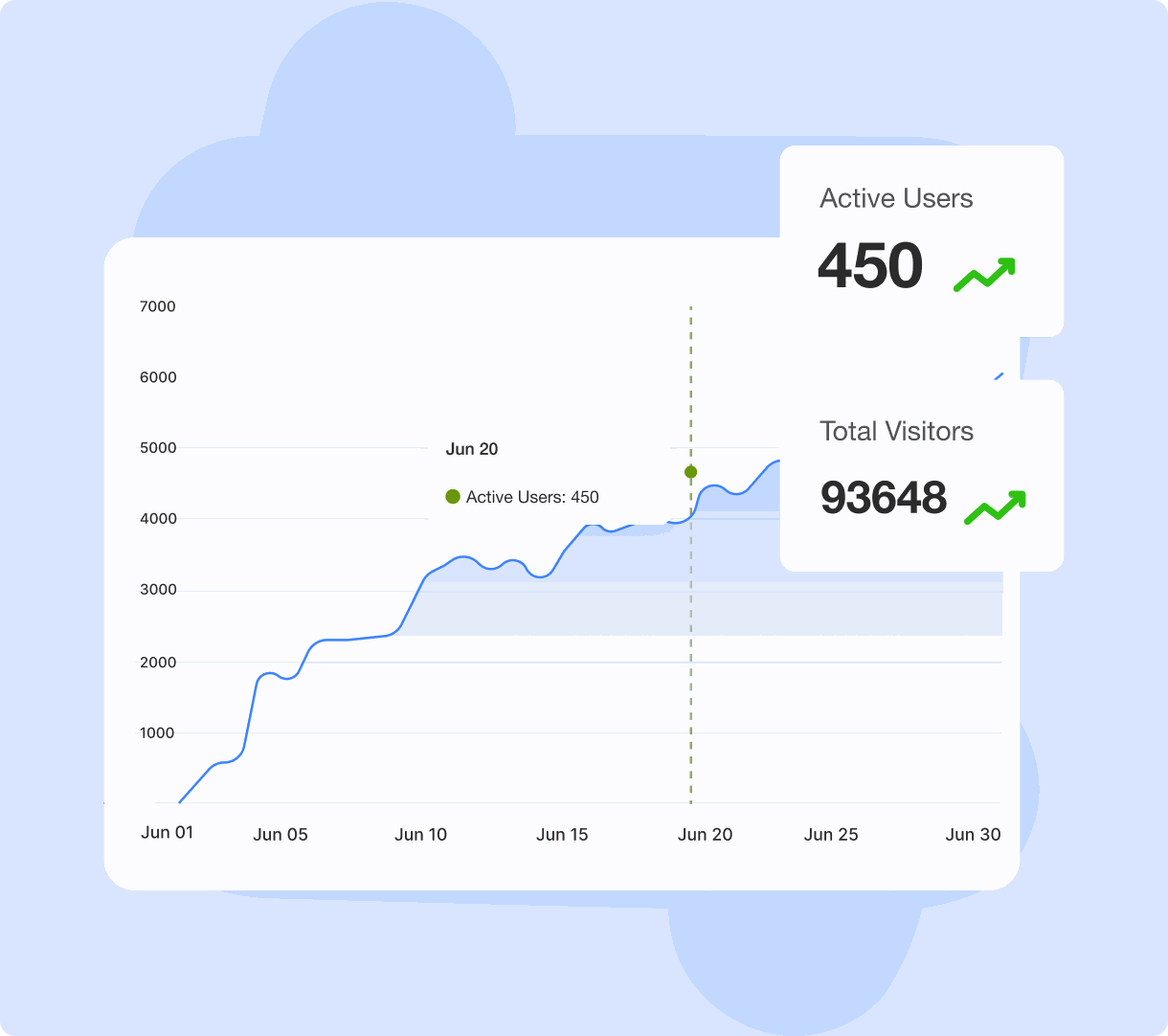
Social Analytics
Understand how your widget performs and how visitors interact with it. Track key engagement metrics to see which content attracts attention and encourages interaction. Use these insights to improve your feed and make better content decisions. Identify content trends to keep your audience engaged.
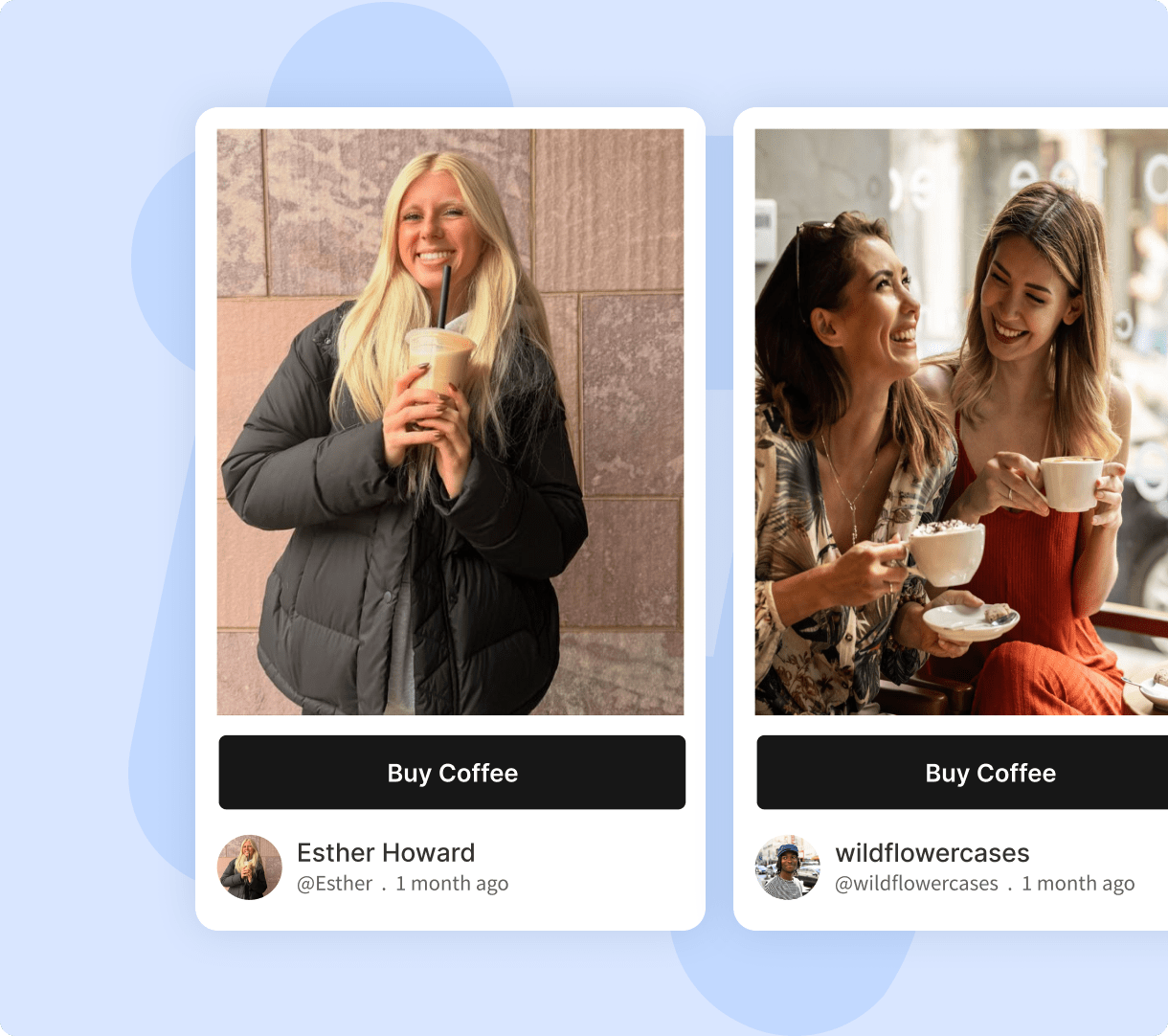
Custom CTA
Turn social content into opportunities for visitors to take action. Add custom call-to-action buttons to guide visitors toward product pages, sign-up forms, or other important destinations. Encourage them to take the next step while exploring your social feed. Make it easier for visitors to connect with your brand and discover what you offer.
Why Add A Social Media Widget To Your Website?
Bring the energy of social media into your website while keeping your content fresh, authentic and engaging.
When customers share posts and engage with your brand on social media, their networks take notice, expanding your reach and building natural brand awareness. Display these social interactions on your website to introduce your brand to new audiences. Help visitors discover your social presence and connect with your brand across platforms.
Social content grabs attention and gives visitors a reason to stay on your site. The more engaged they are, the more pages they visit and explore. Add links to your social profiles or original posts to help visitors discover more of your content. This also creates more opportunities for them to connect with your brand beyond your website.
Embed user-generated content on your website to build social proof and inspire visitors to create social media widget content for your brand. Showcase real customer experiences, photos, and feedback to help potential customers see how others use your products or services. This gives visitors more context when deciding whether your brand meets their needs.
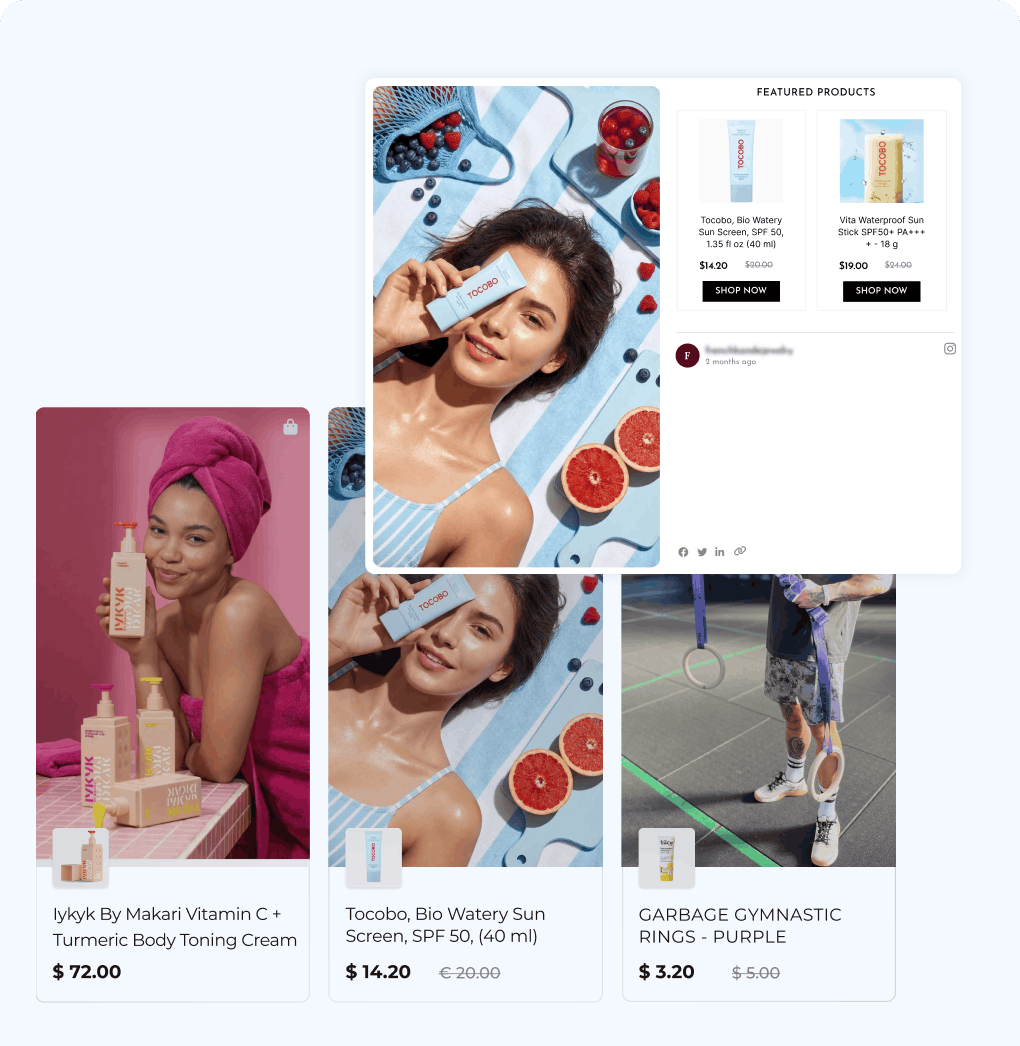
Use branded posts and user-generated content relevant to your brand to promote products, generate leads, and capture your prospects' interest. Pair your social feed with clear calls to action that guide visitors toward sign-up forms, product pages, or contact options. Make it easier for interested visitors to take the next step and become potential customers.
Automatically display new social media posts on your website as you publish them. Keep your pages updated with fresh content without manually adding new posts, giving visitors something new to explore whenever they return. Make your website aligned with your latest campaigns, announcements, and brand updates.


One Social Media Widget For Almost Any Website
Add your social content to the website platform you already use.









Loved by Thousands Trusting Our Social Widget
Real stories from creators and businesses using a social widget to showcase authentic content, build instant social proof, and drive better site engagement.



Easy setup, superb customer service
It's very easy to setup and looks appealing. The customer support is superb since i always got an answer within minutes. All my problems are always solved to my pleasure. 10/10 would recommend!
Björn Barkhoff
-Software developer

tagembed had fantastic quick support!
Easy to use platform and it just works. Easily customizable for my Wordpress sites.
Lucas Hanyok
-Front End Developer

Great support for product review
I'm testing out the service to see if its suitable for my requirements, the support ive received so far has been really helpful. Setting up feeds has been very easy and support is always quick to respond. I highly recommend so far.
Hayden Brown
-Creative and UI Designer

Great Social Widget Tool
Made it easy to embed social media posts from LinkedIn onto our website with a nice UX on the backend! Chat support has been quick and very helpful.
Devon Hoffman
-Digital Marketing Specialist

Did what I needed
It's easy to use and easy to implement, I liked being able to customize it, and the support was excellent, from unboarding to issue resolution.
Marie Alhomme
-Artisane Textile d'Excellence
FAQ
-
A social media widget is a website element that lets you display content from your social media channels directly on your website. It can showcase posts, images, videos, hashtags, mentions, and other social content in layouts that match your website.
-
Create a free Tagembed account, connect your social media source, customize your widget, and generate the embed code. Copy the code and add it to the appropriate section of your website to display your social content.
-
You can create social media widgets from platforms such as Instagram, Facebook, X, LinkedIn, TikTok, YouTube, Pinterest, Reddit, Flickr, and more. Available content sources vary by platform.
-
Yes. You can bring content from multiple social media platforms together and display it through a single social media widget. This gives visitors one place to explore your brand's social content.
-
Yes. Once you connect your social media source, your widget can automatically update with new content. This keeps your website fresh without requiring you to manually update the feed every time you publish something new.
-
Yes. You can customize your widget using different themes, layouts, colors, fonts, and styling options. This helps you create a social media widget that fits naturally with your website and brand identity.
-
A social media widget can make your website more engaging by bringing fresh social content directly to your visitors. It can also showcase authentic content, strengthen your social presence, keep pages updated, and give visitors more reasons to interact with your brand.

Ready To Make Your Website More Engaging?
Bring your best social content to your website with a powerful social media aggregator built to keep your content fresh and your audience engaged.