YouTube Widget For Website
Add a YouTube widget to your website to display videos, engage visitors, and boost conversions.
 LinkedIn Official APIs
Multiple Themes
LinkedIn Official APIs
Multiple Themes
Start Using a YouTube Gallery Widget Today
Show your YouTube videos in the best way with our variety of themes. Try them now!
Collect and Showcase Content with the Tagembed YouTube Video Gallery

YouTube Channel
Easily aggregate a collection of YouTube videos and display using YouTube channel widget from a specific channel, keeping your audience engaged and up-to-date.
Try For Free
YouTube Playlist
Curate and showcase a selection of YouTube videos from a playlist using YouTube playlist widget, creating a seamless viewing experience for your audience.
Try For Free
YouTube Shorts
Capture and present short using YouTube shorts widget, captivating YouTube short videos in a visually appealing manner, perfect for highlighting trending or viral content.
Try For Free
Keywords
Enter the keyword in the designated section to embed your personalized YouTube Gallery on the website.
Try For Free
Location
Enter the relevant location and keyword to curate an engaging feed based on your preferred location.
Try For FreeWhy Add a YouTube Widget On Website?
Know how YouTube gallery widget for website is responsible for higher & constant growth

Build Trust & Authenticity
As videos seem more expressive & attractive, they get success in gaining consumer trust & building a sense of authenticity amongst your users.

Engage More Audience
The audience finds videos more attractive than images. Therefore embed YouTube video widget on your website keeps users engaged in your content.

Boost Number of Leads
Convert your visitors into leads by showcasing content like video tutorials, reviews, testimonials, and more on your website.

SEO Benefits
Keep users stay for longer on your website to increase exposure, traffic, dwell time, etc. This will help you achieve higher SERP rankings.
What makes Tagembed YouTube Video Gallery special?
Discover the features that make the YouTube Gallery easy to use and powerful for your website.
-

One- stop Destination for Your YouTube Content
Channel URL – YouTube channel widget to aggregate entire video channel by syncing your YouTube channel URL with your website.
Playlist -Assemble entire video playlist content using the YouTube playlist widget in just a second
Keywords – Embed YouTube videos through particular keywords.
Shorts – Use the YouTube Shorts Widget to Aggregate and Embed YouTube Shorts on your website easily.
Location – Aggregate and display YouTube videos from a specific location on your website.
-
Attractive Content Customization
Theme Catalog – Apply different themes in YouTube gallery widget to completely change how it looks.
Designs & Layouts – Add designing elements like banner, CTA, layouts, and more to personalize your content.
Colors, Fonts, & More – Opt for other creative features like the color scheme, font designs, information display, etc to customize small details of your content.
-
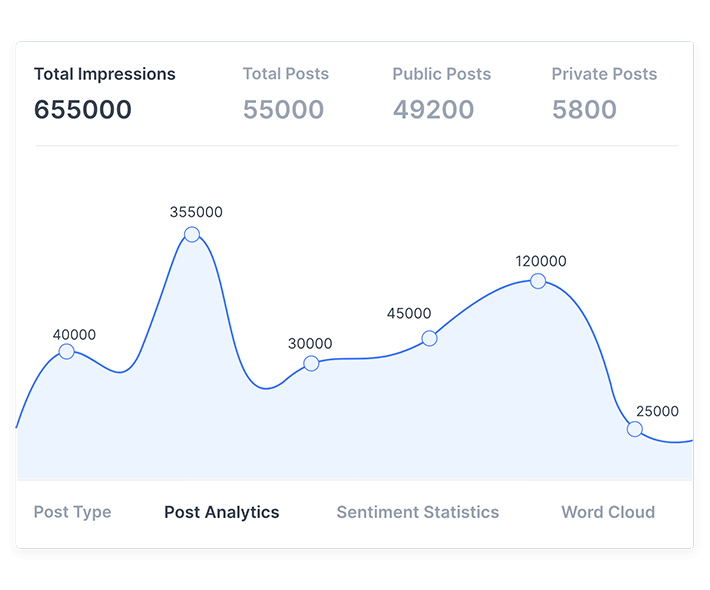
Accurate Analytics to Measure Performance
The built-in Analytics feature helps you easily monitor the performance of the YouTube Channel Widget on your website.
Post clicks – Analytics provides you with the data on the Post clicks on your widget, which eventually helps you to understand the performance of the widget
Post views – You can even learn about the views you are getting on the post of your widget, you can then build marketing maneuvers around the provided information
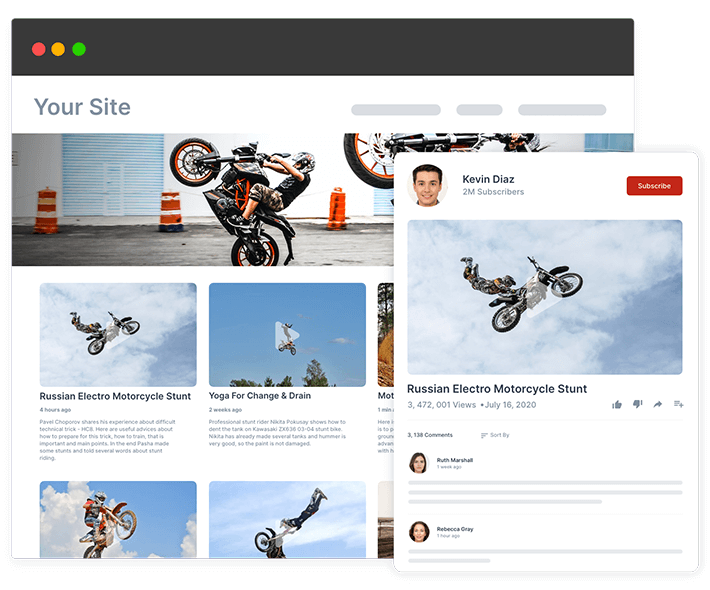
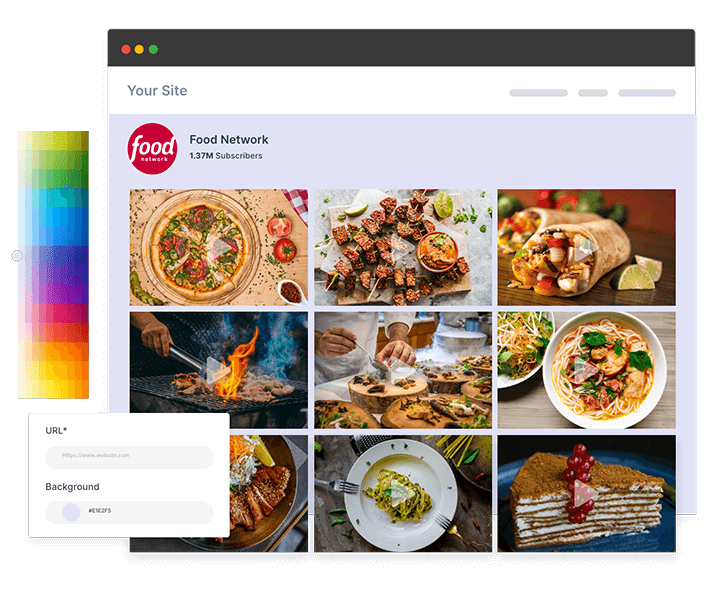
Watch Our YouTube Gallery Widgets In Action

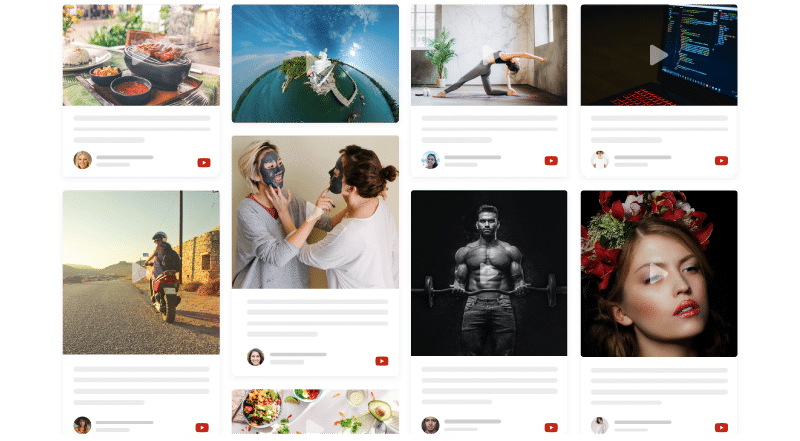
Advanced Features for an Excellent Performance & User-Experience
Display an entire YouTube video feed on your website with these robust features

Display what you want to show on your website by excluding irrelevant content with the best YouTube widgets.

With the ready-made themes, layouts, banner, background & many other designing elements, widget for YouTube can be customized in a few minutes.

You can either update video feeds automatically or handpick them to display on your website.

Analyze and measure the growth of videos, boost in engagement levels, traffic, impressions & more on your YouTube Video Widgets.

With fast loading time, Tagembed’s widget are fast & responsive in terms of design.

Apply a custom style that revokes the default design of the YouTube video widget.
What Our Customers Say
Social Media Aggregator solution that have empowered a lot of brands globally







Frequently Asked Questions
How do I Add a YouTube Widget on my Website?

Tagembed is one of the prominent social media aggregator platforms that provides you with a dedicated YouTube widget for website. By following some simple steps you can add YouTube widget on website.
How Can I Embed a YouTube Video Widget on my Specific Page?
To embed YouTube Video widget on a specific page all you need to do is sign up for free on Tagembed, using the tool, collect the feed, next copy the provided embedding code, and simply paste it on the backend of that particular page.
Can I change the Size of the Tagembed YouTube Widget?
Yes, Tagembed provides you the option to change the size of your YouTube widget and make desired adjustments. Moreover, it also allows you to customize your YouTube widget for website as per your need.
Is Tagembed YouTube Widget is Mobile Friendly?
Yes, Tagembed YouTube Widget for website is mobile friendly and screen responsive, it adjusts itself as per different screen resolutions without affecting the website alignments.
Seamless Integration With Popular Tech-Stack
Tagembed YouTube widget for website offers easy integration with all popular CMS platforms, Social Channels, and many more platforms for maximum performance & results.