

Skip to content
Tagembed
Try For Free Try Free

AI Moderation | Official API | No Coding

Get An Instagram Story Widget With Ease For Your Website

Bring your Instagram story widget to your website and turn quick updates into an engaging part of the visitor experience. Showcase product moments, customer content, announcements, offers, and behind-the-scenes stories without making visitors leave your website.

Start For Free
  • Multiple Themes
  • Free Forever Plan
  • Go Live In Minutes

G2 4.7/5 Rating by 95+ Verified G2 Users

More than 50K+ organizations worldwide rely on Tagembed.

  • Boston University
  • Audi
  • Feather & Black
  • Bose
  • Havas
  • Facebook
  • OPPO
  • CEAT
  • Boston University
  • Audi
  • Feather & Black
  • Bose
  • Havas
  • Facebook
  • OPPO
  • CEAT
  • Boston University
  • Audi
  • Feather & Black
  • Bose
  • Havas
  • Facebook
  • OPPO
  • CEAT

Launch Your Instagram Story Widget For Your Website

Use an Instagram Story Widget to highlight products, share customer experiences, and encourage shoppers to explore your e-commerce offerings through interactive visual content.

Your Instagram Widget

Select Layout From

Make Your Website More Engaging With Instagram Stories

Instagram Stories enable quick, visual communication. On your website, they help visitors discover products, understand your brand, and interact with content more immediately.

  • Make Product Discovery More Natural

    Show products through quick demonstrations, styling ideas, customer experiences, and real-world moments. Stories can provide context that a standard product description may not.

  • Create More Interactive Browsing

    Story-style content gives visitors a different way to explore your website. Instead of only scrolling through traditional sections, they can discover quick pieces of content at their own pace.

  • Connect Social Activity With Website Goals

    Use Stories to guide attention toward products, campaigns, events, sign-ups, or key website destinations. This connects social content with actions visitors can take on your website.

  • 5X Increase time on site
  • +25% Conversion rate increase
  • +30% AOV increase
  • Zero Impact on site speed

Trusted by 3,00,000+ Businesses Worldwide

Now it’s your turn. Launch your Instagram Story Widget today.

Start For Free

Set Up Your Instagram Story Widget in 4 Steps

Follow the process from selecting your Instagram content to customizing your Instagram Story Widget and adding it to your website without coding.

Features For A Better Instagram Story Widget

Discover the capabilities of the Instagram Story Widget, from content management and design flexibility to publishing stories that complement your website experience.

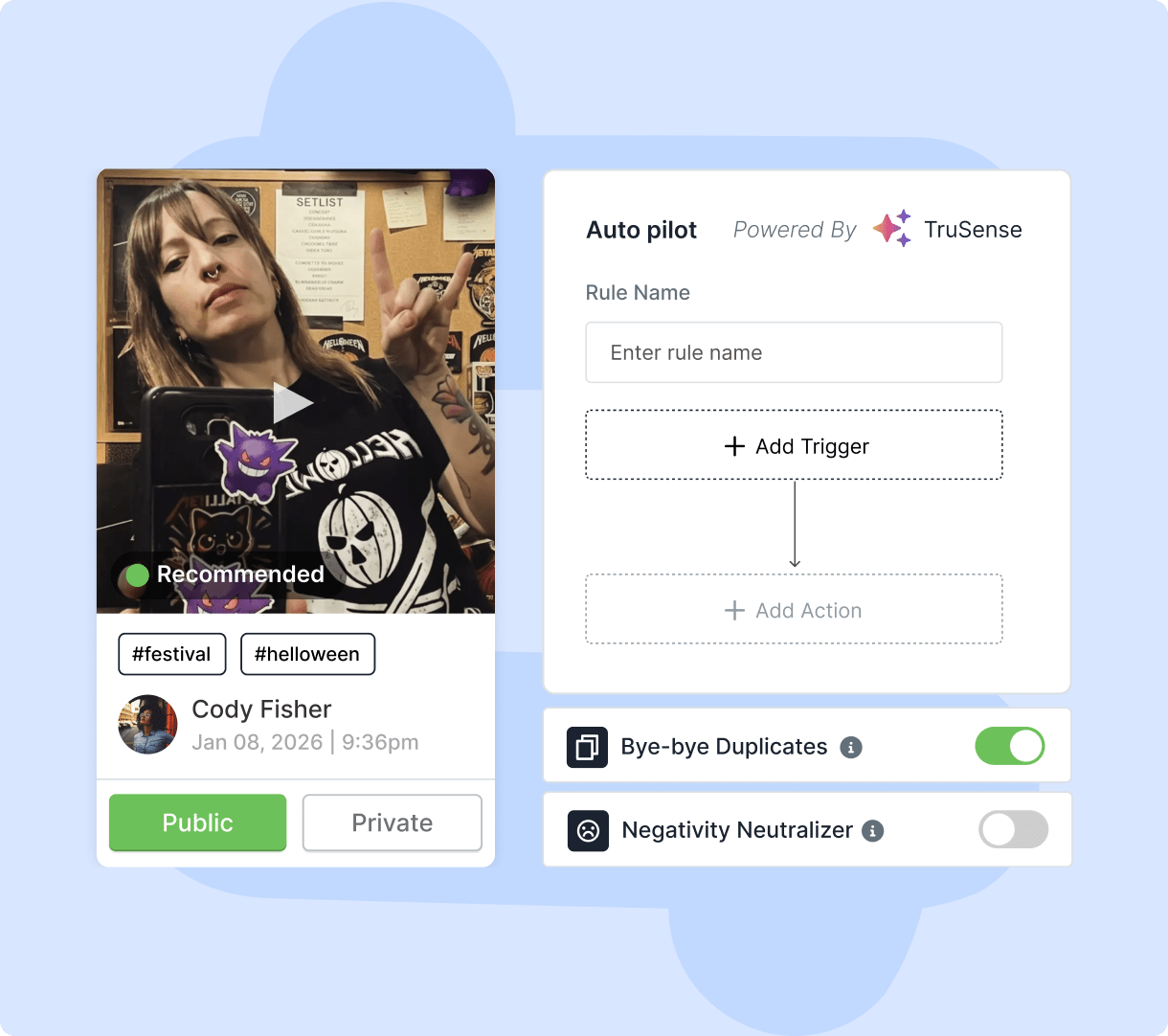
Smart Content Moderation

Use smart content moderation to review incoming Instagram Stories and keep irrelevant, inappropriate, or unwanted posts out of your website widget. Apply moderation controls to maintain relevant stories, support brand standards, and provide visitors with a consistent viewing experience when required.
Smart Content Moderation

Custom Banner

Add a custom banner to frame the Instagram Stories featured on your website. Use it to highlight a campaign, share an announcement, or direct visitors to a relevant page, while keeping the widget aligned with your brand messaging, visual identity, and campaign goals. It reinforces brand consistency.

Custom Banner

Multiple Story Sources

Bring stories from multiple supported sources into one website widget, giving visitors a broader view of your brand’s social content. Select the sources that suit your needs and manage the collection in one place, rather than adding separate feeds for each platform. Keep every source easy to manage.

Multiple Story Sources

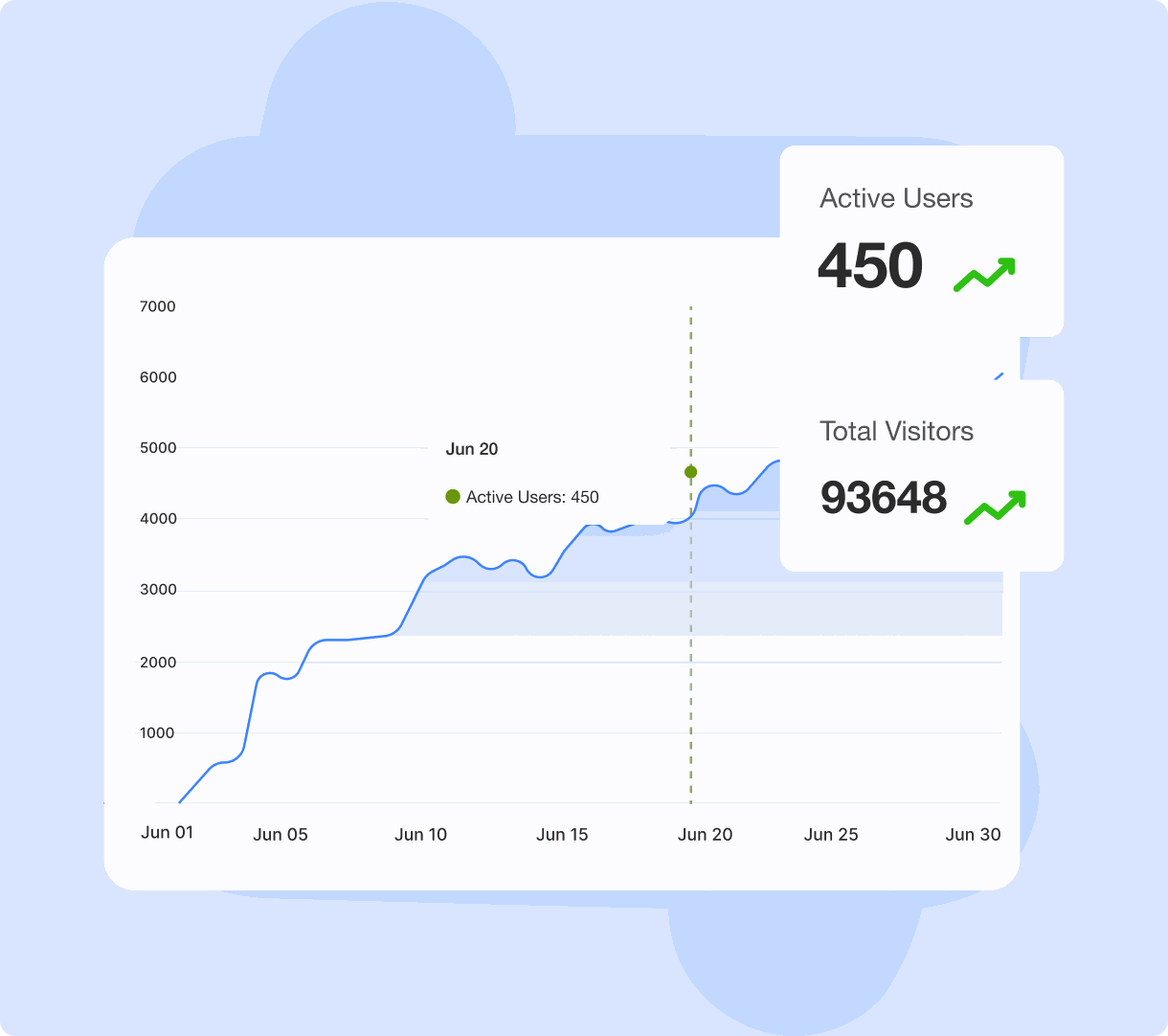
Detailed Analytics

Review analytics to see how visitors interact with your Instagram Story Widget. Track key metrics, identify content that attracts attention, and use these insights to assess website engagement. Guide decisions about future stories and their presentation using measurable audience activity and trends.

Detailed Analytics

Custom CSS

Use custom CSS to fine-tune your Instagram Story Widget beyond design settings. Adjust visual details to match your website’s styling, maintain consistency across pages, and create a presentation that reflects your brand. Tailor the widget’s appearance while keeping its stories intact, as you prefer.

Custom CSS

Your Stories Fade. Website Impact Should Not.

Bring Instagram Stories on your website to turn social moments into engaging experiences that help visitors discover more about your brand.

Collect the content - Amplify the impact

Choose A Layout That Fits Your Stories

Present your Stories in a format that feels intuitive to browse while fitting smoothly into your website's existing design.

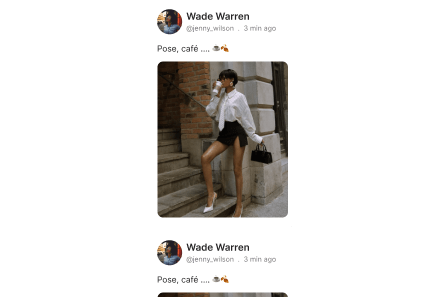
  • Story

    Display Instagram Stories in a vertical layout that gives visitors a familiar, easy way to browse visual updates.

    Story
  • Widget

    Arrange Instagram Stories in a clean grid, letting visitors browse multiple posts together in one compact space.

    Widget
  • Collage

    Combine Instagram Stories into a creative collage that adds variety and visual interest to your website pages.

    Collage
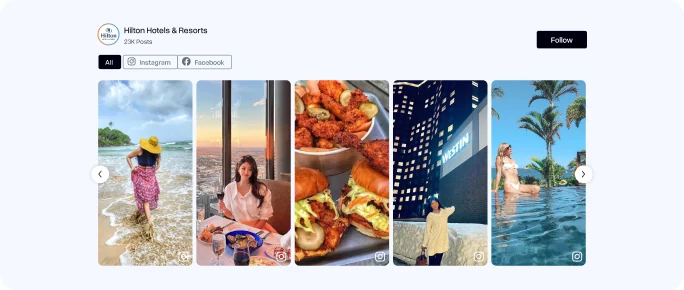
  • Horizontal Columns

    Display Instagram brand Stories in columns, giving key updates more space and visibility on your website.

    Highlight Slider
  • Reels

    Present Instagram Reels in a dynamic layout that makes short-form videos easy for website visitors to explore.

    Reels
  • Reel Shop

    Show product-focused Reels in a shoppable layout, helping visitors discover items and shop while browsing videos.

    Reels

Why Choose Tagembed Over Other Instagram Story Widgets?

Compare how Tagembed and other providers handle story collection, moderation, customization, analytics, and website publishing to understand the differences in features and control.

Other Platforms

  • Other platforms: Manual Story Filtering
  • Other platforms: No Banner Customization
  • Other platforms: Single-Source Stories
  • Other platforms: Basic Engagement Metrics
  • Other platforms: Limited CSS Control
Versus comparison icon
Tagembed Logo
  • Smart Content Moderation
  • Branded Custom Banner
  • Multi-Source Collection
  • Detailed Performance Analytics
  • Advanced Custom CSS

Find the Right Plan for Your Instagram Story Widget

Compare plans to find the right features, customization options, and publishing capacity for your website’s Instagram Story experience.

Save up to 25%
  • Free

    Best for testing on a small site

    0 /mo

    Free forever

    • Feeds 1
    • Views / month 300
    • Posts 100
    • Updates Manual,
      Once / day
    • Instagram & Facebook Pages
    • Google, Facebook, Yelp & Amazon reviews
    • Basic customization
    • Embed on unlimited websites
    • Basic Analytics
    • Tagembed Branding on Widget

    Unlock on higher plans

    • Moderation & Auto Pilot
    • Automatic updates every 2 hours
    • 15+ Social Platforms & 10+ Review Platforms
    • No Tagembed branding
    • Shoppable Feeds
    • CDN Delivery
    • Premium Themes and Customizations
  • Starter

    Best for small businesses

    19 /mo

    Billed monthly · cancel anytime

    • Feeds 2
    • Views / month 10K
    • Posts 5,000
    • Updates Every 2 hrs

    Everything in FREE +

    • All review sources & 15+ social platforms
    • 1 X feed1 LinkedIn feedfeed
    • Moderation & Auto Pilot
    • CDN delivery for fast widget loading
    • Review Collection via form and QR
    • AI Review Writer
    • CTA buttons
    • Premium themes and customizations
    • 20 Social Post Scheduling
    • 1 collaborator
    • No Tagembed branding
    • Email Support
  • MOST POPULAR

    Growth

    Best for growing brands

    29 /mo

    Billed $348 yearly

    • Feeds 4
    • Views / month 50K
    • Posts 30,000
    • Updates Every 30 min

    Everything in STARTER +

    • Shoppable feeds
    • Product Tagging
    • Hotspots
    • Shopon Bio
    • 2 collaborators
    • 50 Social Post Scheduling
    • Google merchant center sync
    • Faster Loading
    • Priority support via live chat
  • Powered by TruSense AI

    Advanced

    Best for large brands

    79 /mo

    Billed $948 yearly

    • Feeds 10
    • Views / month 1M
    • Posts 100,000
    • Updates Every 15 min

    Everything in GROWTH +

    • 2 X feeds2 LinkedIn feedsfeeds
    • AI-powered moderation
    • AI sentiment analysis & recommendation score
    • AI summarizer
    • 150 social posts scheduling
    • 4 collaborators
    • Fastest loading
    • Dedicated account manager
    • Live chat and call support

Why Customers Love Tagembed?

Empowered thousands of brands worldwide to collect and display content effortlessly.

Björn Barkhoff

Easy setup, superb customer service

It's very easy to setup and looks appealing. The customer support is superb since i always got an answer within minutes. All my problems are always solved to my pleasure. 10/10 would recommend!
Björn Barkhoff Björn Barkhoff -Software developer
Lucas Hanyok

tagembed had fantastic quick support!

Easy to use platform and it just works. Easily customizable for my Wordpress sites.
Lucas Hanyok Lucas Hanyok -Front End Developer
Hayden Brown

Great support for product review

I'm testing out the service to see if its suitable for my requirements, the support ive received so far has been really helpful. Setting up feeds has been very easy and support is always quick to respond. I highly recommend so far.
Hayden Brown Hayden Brown -Creative and UI Designer
Devon Hoffman

Great Social Widget Tool

Made it easy to embed social media posts from LinkedIn onto our website with a nice UX on the backend! Chat support has been quick and very helpful.
Devon Hoffman Devon Hoffman -Digital Marketing Specialist
Marie Alhomme

Did what I needed

It's easy to use and easy to implement, I liked being able to customize it, and the support was excellent, from unboarding to issue resolution.
Marie Alhomme Marie Alhomme -Artisane Textile d'Excellence

Frequently Asked Questions

  • An Instagram story widget displays Instagram stories on your website in a dedicated story-style experience. It allows visitors to interact with your visual content without having to leave your website.

  • Yes, you can use an Instagram story widget to bring supported story content into your website. Tagembed lets you create, customize, and embed the display across relevant website pages.

  • You can use stories to showcase product updates, offers, customer content, behind-the-scenes moments, event highlights, announcements, launches, and other visual brand updates.

  • Yes, product stories can add useful visual context to product pages through demonstrations, styling ideas, customer experiences, and feature highlights.

  • Stories introduce quick, visual content into your website experience. They can give visitors more ways to explore your brand and make pages feel more current and interactive.

  • Yes, Tagembed provides customization options for your Instagram story widget, including themes and layouts, so you can create a presentation that fits your website.

  • Yes, A responsive Instagram story widget can adapt to different screen sizes, making it suitable for visitors browsing your website from smartphones, tablets, and desktops.

Contact Us

Add Your Instagram Story Widget To Your Existing Website

Bring your Instagram Stories into the website platform you already use. Add the widget to your existing pages without rebuilding your website.

  • Instagram Story WordPress Widget
  • Instagram Story Shopify Widget
  • Instagram Story HTML Widget
  • Instagram Story Elementor Widget
  • Instagram Story Squarespace Widget
  • Instagram Story WIX Widget
  • Instagram Story Webflow Widget
  • Instagram Story Weebly Widget
  • Instagram Story Bigcommerce Widget