10 Best LinkedIn Feed WordPress Plugins For 2026 (Compared)
LinkedIn has evolved far beyond a job-seeking platform; it is now the powerhouse for B2B content marketing and brand authority. However, a major challenge remains: your best insights live on social media while your high-intent leads are on your website. Integrating a LinkedIn feed WordPress plugin is the ultimate solution to bridge this gap.
By using a professional LinkedIn feed plugin for WordPress, you can showcase real-time social proof, build instant credibility, and keep your website content fresh without manual updates.
In this guide, we have rounded up the 10 best options for 2026, comparing their features, ease of use, and API reliability to help you pick the right one for your business.
What Is a LinkedIn Feed WordPress Plugin?
A LinkedIn feed WordPress plugin connects your LinkedIn account, personal profile, company page, or hashtag feed to your WordPress website and displays the posts as a live-updating widget.
Instead of manually copying and pasting LinkedIn posts on your site, the plugin fetches your content through the LinkedIn API and creates a visually appealing way. Visitors can view your latest updates and announcements without ever leaving your website.
Most WordPress LinkedIn feed plugins support multiple content sources, including:
- Personal LinkedIn profile posts
- Company Page posts
- LinkedIn Hashtag feeds
- Showcase page content
These results are a dynamic, always updated section of your WordPress website that reflects your active LinkedIn presence.
Take a look at this blog to know how to showcase LinkedIn feeds on website.


Why Use a LinkedIn Feed Plugin for WordPress?
There are a number of reasons why you must use the WordPress LinkedIn feed plugin for website.
- Establish Social Proof: Showcase your ongoing LinkedIn activity to communicate that your brand is active, trustworthy, and well-connected in your industry.
- Extend the Duration of Website Visits: continuously updating useful content can encourage visitors to spend more time on your site, which may lead to better SEO rankings.
- Refresh Your Website Content: Since your LinkedIn post auto-updates your site, you will not have stale or outdated content.
- Increase LinkedIn Followers: People who visit your website and see your LinkedIn updates are likely to follow your page. This will help invite them to follow you on LinkedIn.
Key Features to Look For in a WordPress LinkedIn Feed Plugin:
Not all LinkedIn feed plugins are created equal. Before choosing one, consider these essential features:
- Easy setup with no coding required.
- Support for multiple LinkedIn sources (Profile, company page, hashtag)
- Customizable layout options – grid list, carousel, masonry
- Mobile responsiveness design
- Moderation tools to filter or hide off – brand or off-campaign posts
- Auto update functionality to keep content new
- Compatibility with popular CMS platforms
- for free
10 Best LinkedIn feed WordPress plugins for 2026:
Here are some of the best LinkedIn feed WordPress plugins for 2026:
1. Taggbox
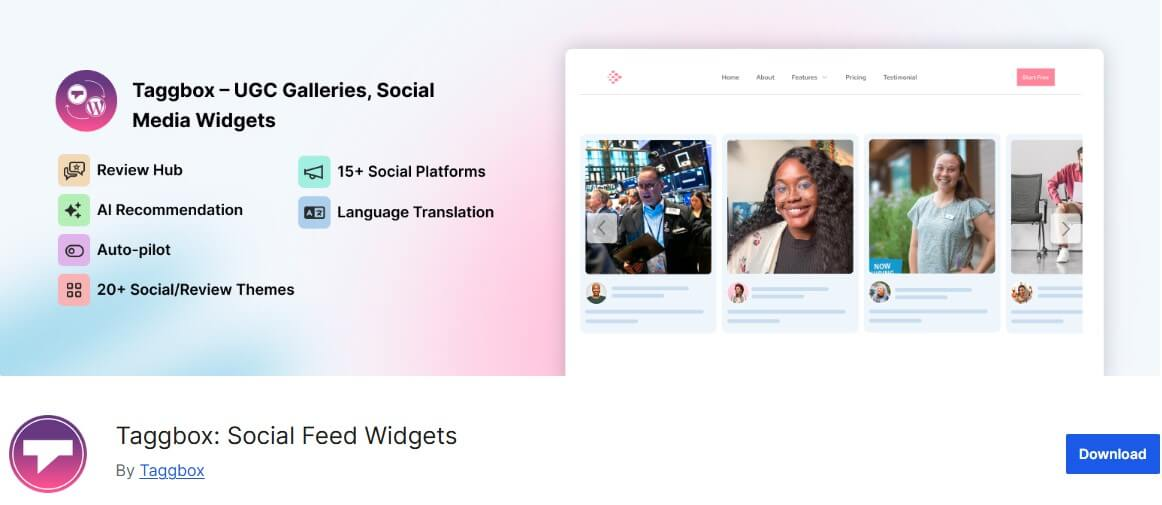
Taggbox is one of the best LinkedIn widget WordPress plugins that helps users to collect, curate, and embed LinkedIn content on a website. It is widely used by marketing teams and agencies that need a powerful, multi-source content aggregation solution.
Key features :
- Aggregates content from LinkedIn profiles, company pages, and hashtags
- Beautiful customizable themes and layouts, including carousel and grids
- Built-in content moderation and profanity filter
- LinkedIn analytic tools to track engagement and performance
- Responsive LinkedIn widget that works with any WordPress theme
Best For: Marketing teams, agencies, and managing multiple social feeds
2. Tagembed

Tagembed is one of the most beginner-friendly LinkedIn feed WordPress plugin available today. It is designed to help small businesses and embed the LinkedIn feed on their WordPress site within minutes with no coding required.
Key features :
- Simple setup: connect your LinkedIn and embed within 5 minutes.
- Supports LinkedIn profile page, posts, and LinkedIn hashtags feeds.
- Multiple display formats: grid, list, slider, and masonry.
- Customizable card styles, fonts, and colors to match your branding.
- Content moderation tools to hide irrelevant content from the LinkedIn widget.
- Instant content update available in the paid plan.
Best for: Beginner, small to medium businesses, and anyone who wants a hassle-free way to embed the LinkedIn widget on WordPress website.
3. EmbedPress
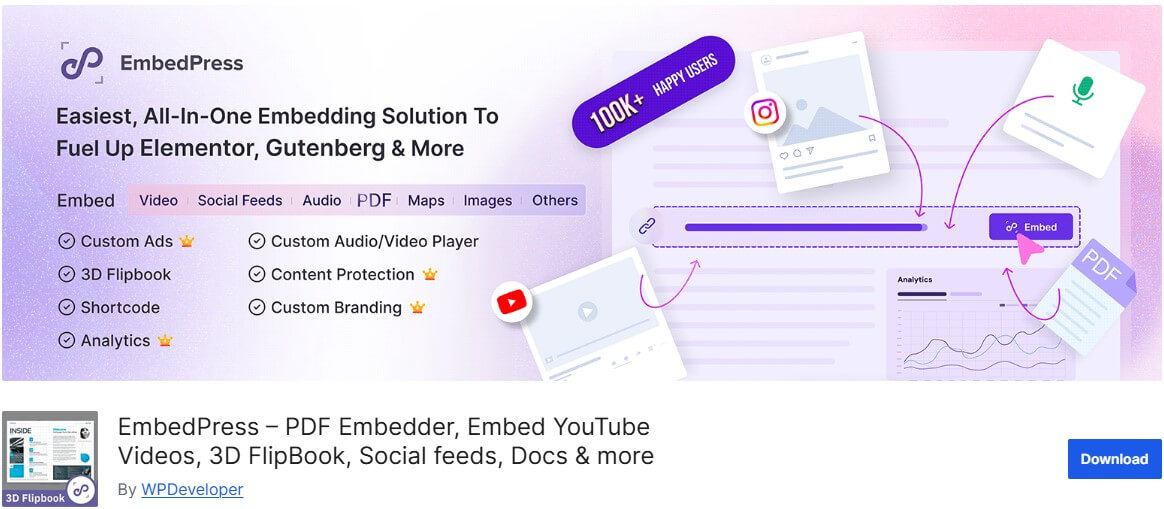
EmbedPress is a LinkedIn feed WordPress plugin that supports LinkedIn, among dozens of other platforms. This plugin integrates with Gutenberg and Elementor, which makes it a solid choice for anyone already using these page builders.
Key features :
- Embed LinkedIn posts, pages, and profiles directly in the block editor.
- Work natively with Gutenberg and Elementor
- Supports 150+ content sources beyond LinkedIn
- Clean, minimal embed style that blends with any layout
Best for: WordPress users who rely on Gutenberg.
4. WP Social Ninja
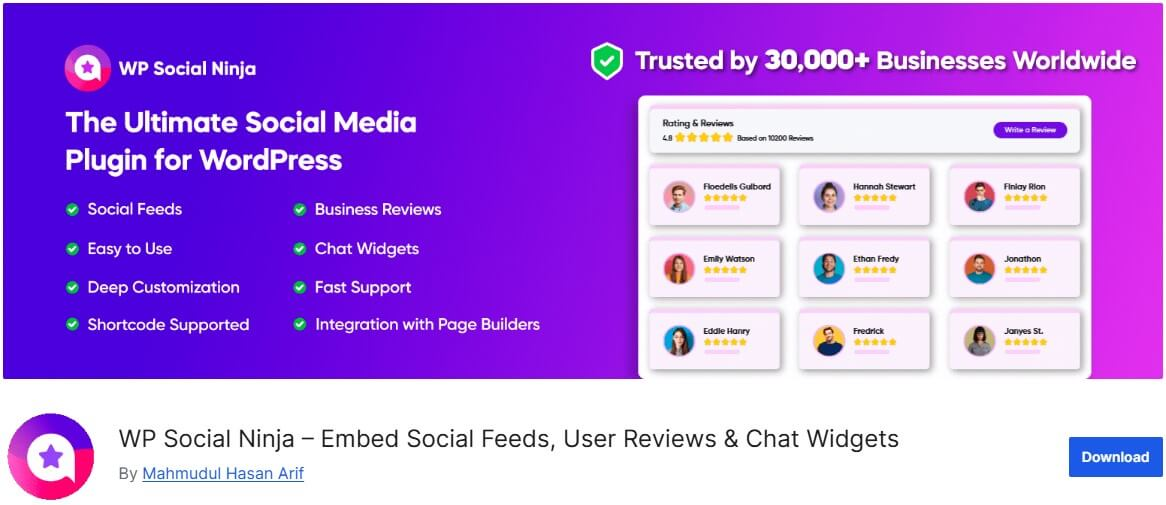
WP Social Ninja is a comprehensive LinkedIn feed WordPress plugin that handles reviews, feeds, and chat widgets from multiple platforms, including LinkedIn. It is an all-in-one solution for businesses that want to manage all their social proof from one dashboard.
Key Features :
- Embed LinkedIn feed alongside feeds from Facebook, Instagram, Twitter, and more.
- Social Review aggregation from Google, Yelp, and others.
- Highly customizable templates and filter options
Best for: Businesses that want to manage multiple social platforms from a single plugin.
5. Smash Balloon
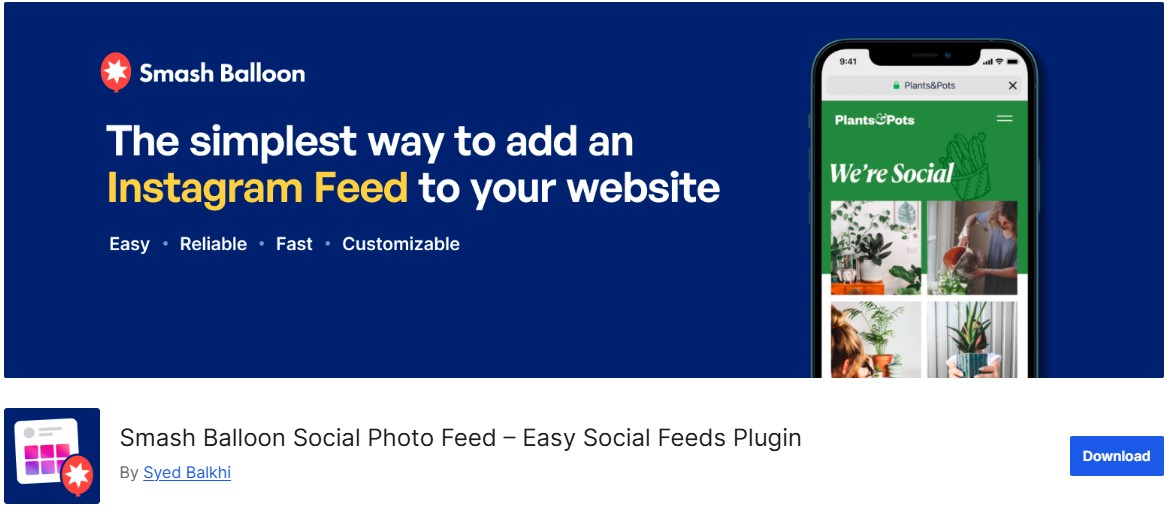
Smash Balloon is one of the best LinkedIn feed WordPress plugins. Known for its Instagram and Facebook feed plugins, their LinkedIn feed plugin follows the same philosophy: a powerful feature with an easy and clean design.
Key feature :
- Display LinkedIn company page posts in a customizable feed.
- Drag and drop feed customizer for easy design adjustments
- Built-in caching for optimal performance
- Regular updates and strong customer support
Best For: Users who already use Smash Balloon on other platforms or networks.
6. Feed them social
Feed Them Social is a straightforward and reliable WordPress plugin for displaying social media feeds, including LinkedIn. It is popular for its simplicity and for offering a functional free version for basic use cases.
Key features:
- Display LinkedIn company page posts with a simple embed code
- Free version available with essential functionality
- Lightweight and does not bloat your WordPress site
- Works with most WordPress themes without conflicts
Best For: Small websites and blogs that need a simple, low-maintenance LinkedIn feed.
7. Juicer.io
Juicer.io is a cloud-based LinkedIn aggregator with a WordPress plugin that makes embedding a LinkedIn feed as simple as a line of code. It is ideal for non-technical users who want results fast.
Key features :
- Cloud-hosted feed means no server load on your WordPress site
- Aggregate LinkedIn with other social channels in one feed
- Clean, minimalist design that adapts to your site
- Free plan with Juicer.io branding, paid plans remove branding
Best for: Non-technical users and start-ups wanting a quick, code-free setup.
Read more to know about the LinkedIn aggregator.
8. Sociablekit
SociableKit is a lightweight, affordable LinkedIn feed plugin focused on simplicity. It supports LinkedIn company page and personal profile feeds and is a great option for budget-conscious users who still want reliable functionality.
Key features :
- Embed LinkedIn company pages and personal profile posts.
- Simple shortcode and widget integration
- Affordable pricing with a function-free tier
- Responsive and mobile-friendly layouts
Best for: Budget-conscious users and freelancers building client sites.
9. Curator.io
Curator.io is an enterprise-grade social media aggregator that supports LinkedIn feeds with advanced curation and moderation capabilities. It is built for teams and agencies that need fine-grained control over the content that appears on their sites.
Key Features :
- Advanced content curation and approval workflows
- Aggregates LinkedIn, Twitter, Instagram, and more
- Highly customizable CSS and layout options
- White-label options and multi-site support for agencies.
Best For: Agencies and enterprises that require moderation and multi-source content aggregation.
10. Flockler

Flockler is a powerhouse social media aggregator that has become a top choice in 2026 for businesses needing reliable, multi-source feeds. Unlike more basic plugins, Flockler is built to handle high traffic and complex moderation without slowing down your site.
Key Features:
- Seamlessly mix LinkedIn Company Page updates with Instagram, TikTok, and X (Twitter) in a single unified wall.
- Set up “auto-moderation” rules to filter content by keywords or hashtags before it ever goes live on your site.
- Create as many social walls, carousels, or grids as you need with no extra cost per layout.
- One of the few plugins that prioritizes data privacy and is fully compliant with modern international standards.
Best For: Medium to large enterprises and marketing teams who need a “set and forget” solution with high-end moderation.
Comparison Table
Here is a quick side-by-side comparison to help you decide at a glance:
The LinkedIn widget is one of the best ways to market your business. LinkedIn feed WordPress plugins are such LinkedIn marketing tools that can help you in this way.
How to Add a LinkedIn Feed to a WordPress Website?
Here is a step-by-step guide on how to add a LinkedIn feed to a WordPress Website
1: Install and Activate Tagembed Plugin
You have two easy options :
Option 1: From WordPress Directory,
- Go to WordPress Dashboard – Plugins – Add New,
- Search for Tagembed,
- Click on Install Now- then Activate.
Option 2: Upload ZIP file
- Go to Plugins → Add New → Upload Plugin
- Upload the file → Click Install Now
- Hit Activate
- Once activated, you’re ready to aggregate feeds.
2: Create Your LinkedIn Widget
- Open the Tagembed Plugin
- Log in or create a new account.
- Choose LinkedIn as your source
- Now choose how you want to collect your LinkedIn content
- LinkedIn Company Page URL
- Log in and authorize access
- Your feeds will start appearing automatically in the widget editor.
3: Customize Your LinkedIn Widget
- Before publishing, make it look professional and on brand.
- Choose layouts (grids, slider list, etc.)
- Apply themes and Styling
- Use moderation to hide irrelevant or low-quality LinkedIn content.
4: Embed LinkedIn on Your WordPress Website
Now let’s make them visible.
Method 1: Using Shortcode
- Click Refresh in your widget dashboard
- Copy the shortcode
- Go to the page/post where you want reviews
- Paste the shortcode into the editor
Method 2: Using WordPress Block
- Open the page/post
- Click the “+” Add Block button
- Select Taggbox Widget
- Paste your shortcode
You can:
- Preview the widget
- Adjust width & height
Click on Publish
You’re Done.
Your LinkedIn is now live on your website, building trust the moment someone lands.
The Final Words
Adding a LinkedIn feed to your WordPress website is one of the smartest ways to keep your content fresh, build trust with visitors, and strengthen your brand’s professional image. Whether you are a solopreneur looking for a simple, free solution or a growing agency that needs advanced aggregation and moderation, there is a LinkedIn feed WordPress plugin on this list that fits your needs.
Frequently Asked Questions
Yes, absolutely. Using a LinkedIn feed plugin such as Tagembed, Taggbox, or Smash Balloon, you can embed LinkedIn posts, including individual posts, company page updates, and hashtag feeds, directly onto your WordPress website.
One of the best plugins for beginners is Taggbox. The setting process is easier and walks you through the entire process from start to finish.
A well-built LinkedIn feed should have minimal impact on your website performance. Most reputable plugins, including Tagembed, Smash Balloon, and Taggbox, use built-in caching so the content does not require a fresh API request on load.
Embed social feed from Facebook, YouTube, Instagram, Twitter on your website, like a PRO
Invalid Email Address Multiple Themes
